Photoshop's Generative Fill Will Remove Objects So Fast It Feels Like Cheating

Photoshop's Generative Fill Will Remove Objects So Fast It Feels Like Cheating

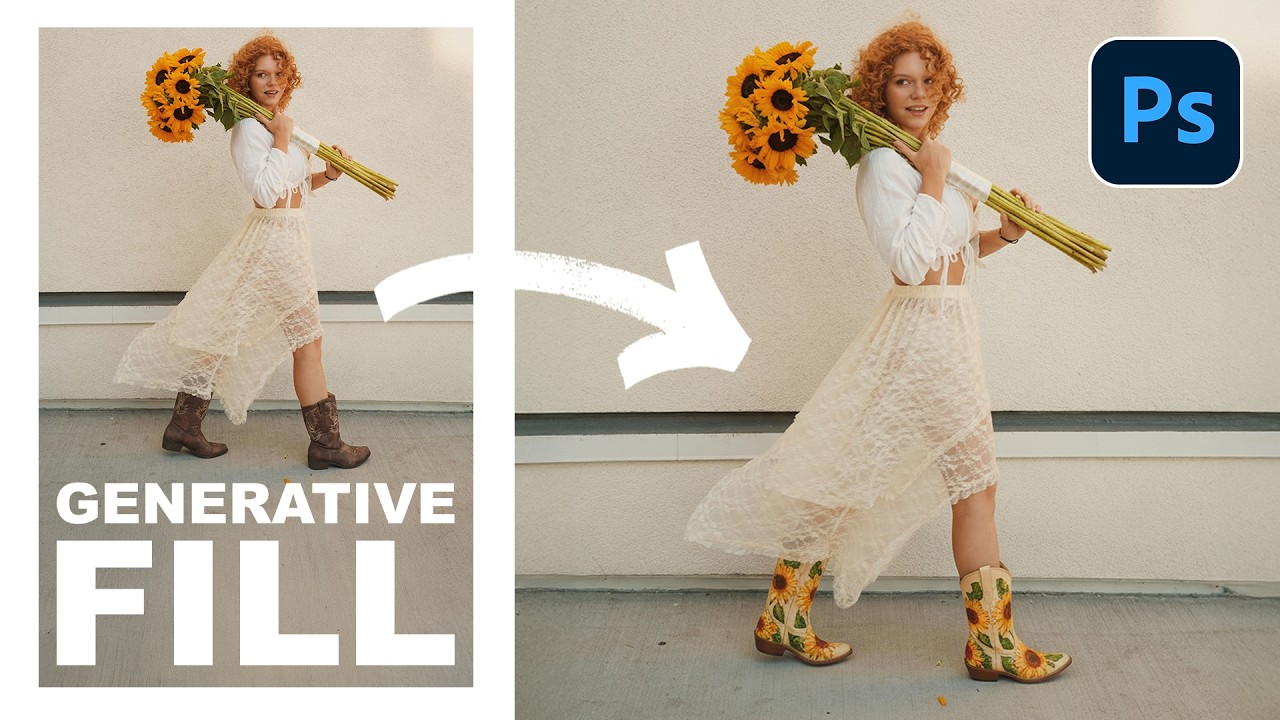
There’s a specific kind of frustration that comes from spending forty-five minutes carefully cloning out graffiti, power lines, or some random stranger’s elbow from a photo, only to realize the result looks like a smeared fever dream. I’ve been there more times than I’d like to admit. It’s the kind of thing that makes you question your life choices while you’re hunched over a laptop at a coffee shop, desperately trying to make a background look like it was never disturbed.

The Photoshop 2026 August Update Just Changed My Workflow (And Probably Yours Too)

The Photoshop 2026 August Update Just Changed My Workflow (And Probably Yours Too)

The Photoshop 2026 August Update Just Changed My Workflow (And Probably Yours Too) Adobe just rolled out the August 2026 update for Photoshop, and I’m not gonna lie—there are some genuinely game-changing additions buried in here. Not everything is revolutionary, but a few of these features are legitimately solving problems I’ve been wrestling with for years. The Feature That Actually Made Me Say “Oh, Hell Yeah” Let’s get straight to it: Adobe finally nailed something I do on literally every single image—recovering detail in the highlights and shadows while keeping the overall dynamic range intact.

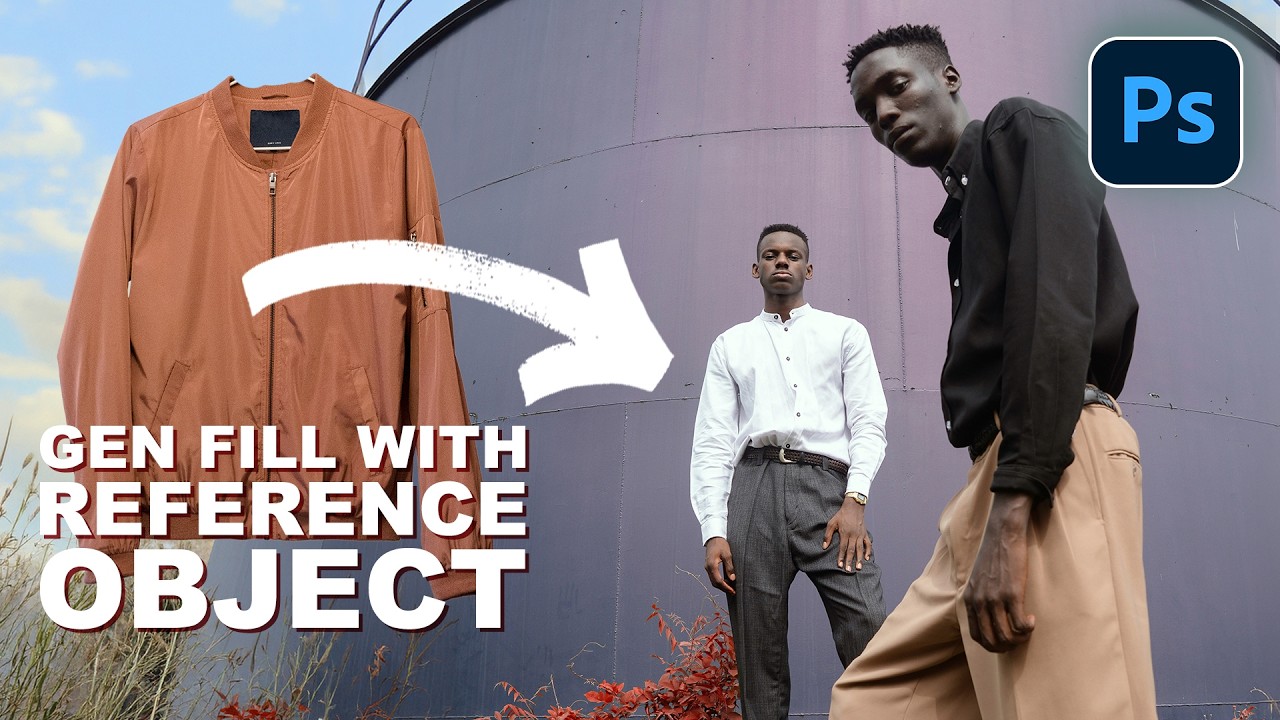
Photoshop 2026's Reference Image Feature Is the Wardrobe Swap Tool I Didn't Know I Needed

Photoshop 2026's Reference Image Feature Is the Wardrobe Swap Tool I Didn't Know I Needed

I do a decent amount of editorial and product-adjacent work, and one of the most tedious parts of that job has always been wardrobe. A client wants to see how a jacket looks on a model, or they need three versions of the same shot with different shirt colors, and suddenly what should be a quick edit turns into a multi-layer compositing nightmare. You’re cutting, masking, warping fabric, and praying the lighting doesn’t blow the whole illusion.

Stop Sleeping on Photoshop 2026's Game-Changing Features

Stop Sleeping on Photoshop 2026's Game-Changing Features

Look, I’ve been writing about Photoshop since before most of you were worried about your Instagram feed. Fifteen years of monthly tips columns will teach you what matters and what’s just Adobe adding buttons for the sake of it. But lately? The updates have been genuinely interesting, and I’m here to separate the wheat from the chaff. The Object Selection Tool is Criminally Underrated Here’s the thing nobody talks about: the Object Selection tool is a total workhorse, and most of you are probably ignoring it in favor of the flashier AI-powered features.

Stop Fighting Perspective in Photoshop — The 2026 Composite Workflow That Actually Works

Stop Fighting Perspective in Photoshop — The 2026 Composite Workflow That Actually Works

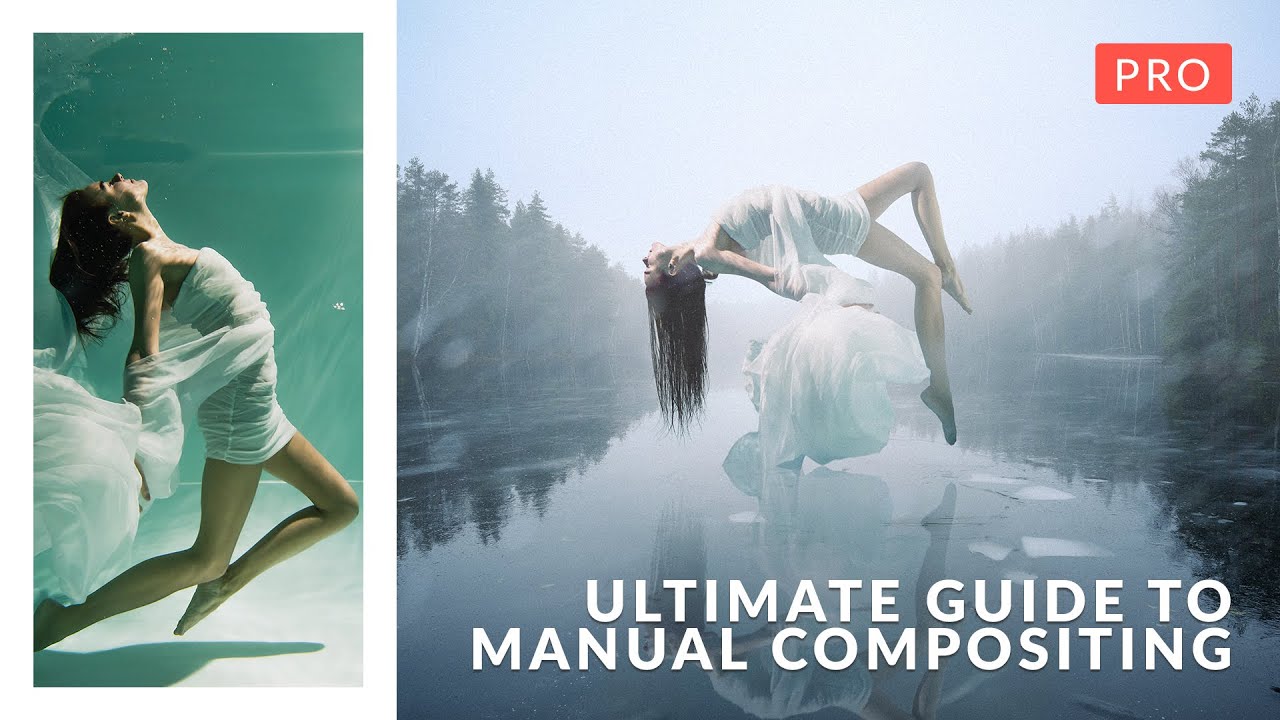
I spent three days on a composite once. Three full days, four cold coffees at the same coffee shop table, and more manual warp adjustments than I care to admit, trying to get a product shot to sit convincingly on a surface that was shot from a completely different angle. My client thought it looked great. I knew it looked like a PNG dropped on a photo because, well, it was.

Four Compositing Projects That Will Actually Teach You Photoshop (Not Just AI Crutches)

Four Compositing Projects That Will Actually Teach You Photoshop (Not Just AI Crutches)

There’s a specific kind of frustration that hits when you spend three days on a composite only to realize the light on your subject is pointing the wrong direction, the colors are from two different planets, and the whole thing looks like a bad movie poster from 2003. I’ve been there. More than once. And the honest problem isn’t talent or effort, it’s not having a repeatable process for blending subjects and backgrounds so they actually look like they belong together.

How to Remove Background in Photoshop 2026: The Complete Guide to Every Method

How to Remove Background in Photoshop 2026: The Complete Guide to Every Method

How to Remove Background in Photoshop 2026: The Complete Guide to Every Method Look, I’ve been removing backgrounds in Photoshop for longer than I care to admit, and I’m here to tell you that Adobe has finally made it actually fun. The 2026 version brought some seriously impressive updates that make the old “painstaking selection tools” feel like we were editing with stone tablets. If you’re wondering how to remove background in Photoshop 2026, you’re in luck—because this year’s features are genuinely game-changing.

Double Exposure in Photoshop 2026: The Easy Way to Blend Two Images Like a Pro

Double Exposure in Photoshop 2026: The Easy Way to Blend Two Images Like a Pro

There’s a specific kind of shame that comes from overcomplicating something that turns out to be embarrassingly simple. I spent an entire afternoon once trying to mask out a silhouette for a composite, painstakingly painting around hair strands, when the whole thing could have been handled in about three minutes with the right technique. Double exposure effects had the same reputation in my head: cinematic, editorial, definitely complicated. Turns out I was wrong by a significant margin.