Photoshop Selections Explained: The One Skill That Makes Everything Else Click

Photoshop Selections Explained: The One Skill That Makes Everything Else Click

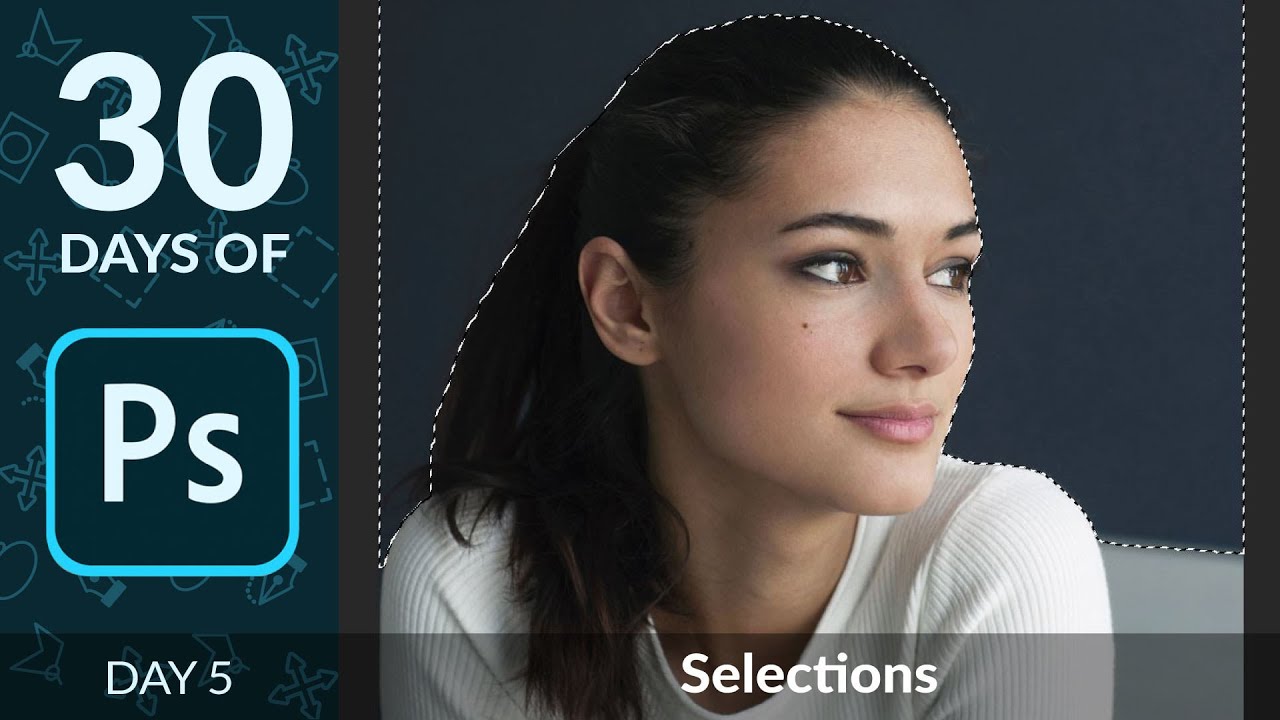
Here’s a confession: for an embarrassingly long time, I was just painting over things I didn’t want in my images. Like, literally using a brush and hoping for the best. My early freelance work looked fine on screen and absolutely fell apart the second a client zoomed in. The problem wasn’t my eye for design. It was that I had no real grip on selections, which meant every edit I made was either global (affecting the whole image) or a crime scene.

Stop Trying to Fix Bad Windows in Photoshop — Just Replace Them

Stop Trying to Fix Bad Windows in Photoshop — Just Replace Them

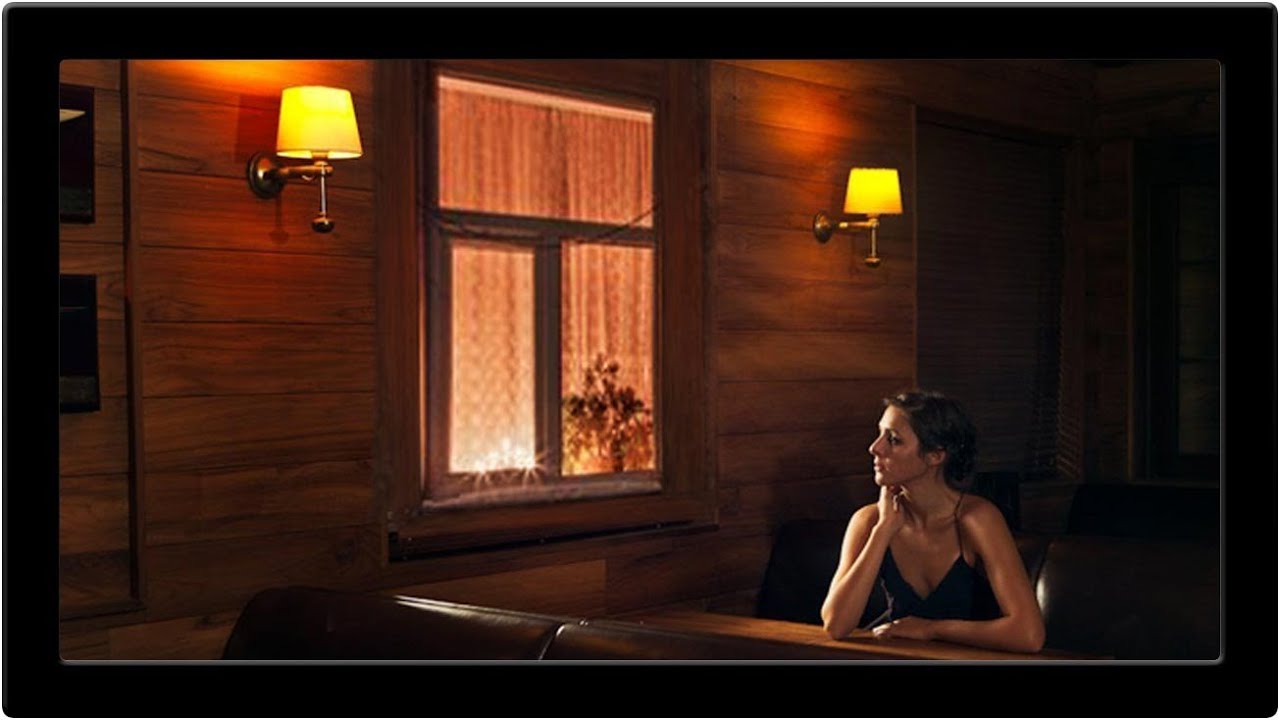
There’s a certain kind of Photoshop problem that looks simple from the outside and turns into a two-hour nightmare once you’re actually inside it. Venetian blinds are exactly that problem. Uneven slats, inconsistent shadows, awkward gaps. You think “I’ll just clone stamp this out” and then forty-five minutes later you’re still at it, questioning your life choices, while the coffee you grabbed at the start of the session goes cold on the table beside your laptop.

The Pixel Stretch Effect Nobody Taught Me (But Aaron Nace Did)

The Pixel Stretch Effect Nobody Taught Me (But Aaron Nace Did)

I’ve been making graphics professionally long enough that I should be embarrassed by how many Photoshop tools I’ve flat-out ignored. The single-column marquee tool was one of them. I knew it existed the way I know my gym membership exists – technically present, never used. Then I watched Aaron Nace’s pixel stretch tutorial over at PHLEARN and felt that specific flavor of frustration where a technique is so simple and so good that you’re annoyed you didn’t already know it.

Stop Butchering Sky Replacements: Master Photoshop's Basic Selection Tools First

Stop Butchering Sky Replacements: Master Photoshop's Basic Selection Tools First

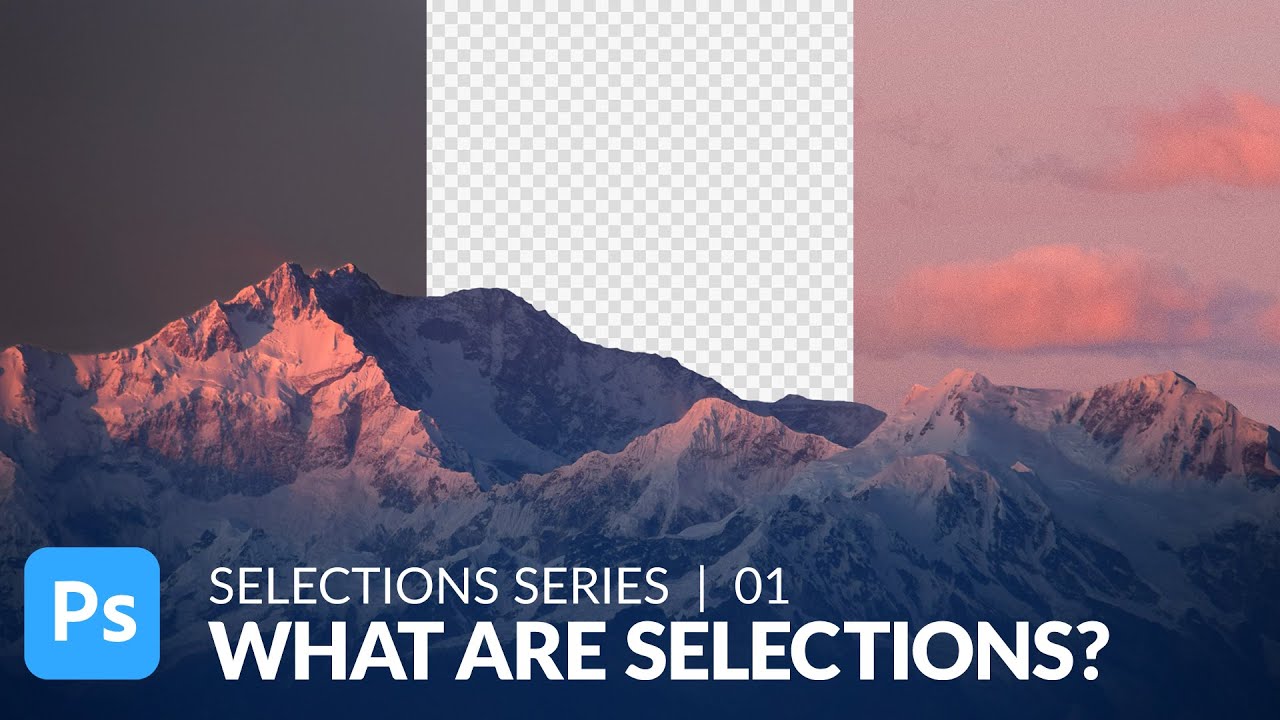
There’s a specific kind of embarrassment that comes from spending three days on a composite that looks like garbage, only to have someone show you a simpler technique you completely overlooked. I’ve been there. Sky replacements were one of those things I kept overcomplicating, reaching for complex masking workflows before I’d even thought about whether a cleaner, faster approach existed. Turns out, sometimes the humble selection tools you skipped past in week one of learning Photoshop are doing more heavy lifting than you gave them credit for.