Bye-Bye Blemishes: A Practical Photoshop Guide to Removing Acne Without Destroying Skin

Bye-Bye Blemishes: A Practical Photoshop Guide to Removing Acne Without Destroying Skin

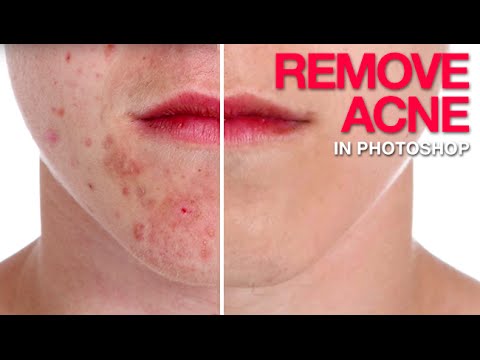
I do a lot of freelance portrait work. Not high-fashion editorial stuff, just real people who want to look their best in headshots, event photos, and the occasional engagement shoot. And one request comes up constantly: “Can you clean up my skin a little?” That’s polite for “I had a breakout and I hate this photo of myself.” For years, my go-to was just hammering the Spot Healing Brush until something resembling a face appeared.
How to Remove Tan Lines in Photoshop (Without Making It Obvious You Did)

How to Remove Tan Lines in Photoshop (Without Making It Obvious You Did)

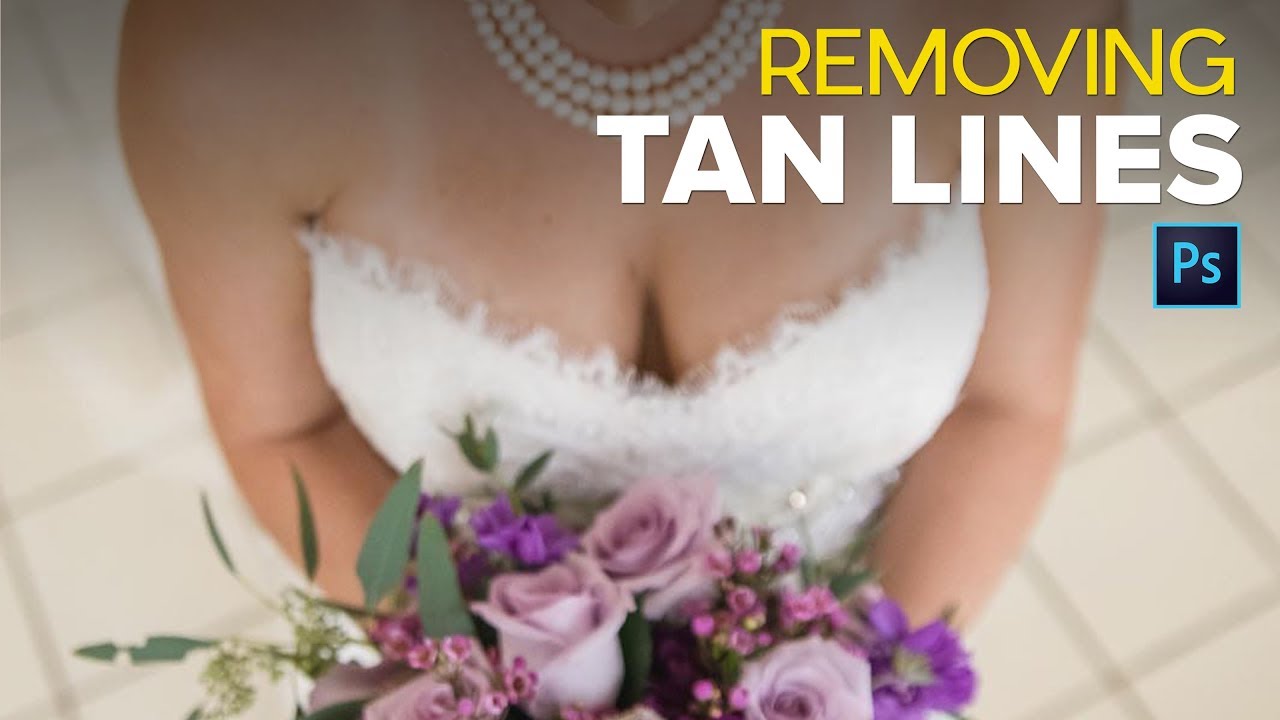
Tan lines are one of those problems nobody thinks about until the photos come back and suddenly there’s a perfectly geometric stripe across someone’s shoulder that screams “I wore a tank top to the beach three days before my wedding.” I’ve had clients hand me images from bachelorette weekends, beach vacations, and outdoor engagement shoots where the tanning situation was, let’s say, enthusiastically visible. It’s a more common retouch request than most people realize, and if you don’t have a reliable method, you end up spending way too long pushing pixels around hoping nobody notices the patchy mess you left behind.

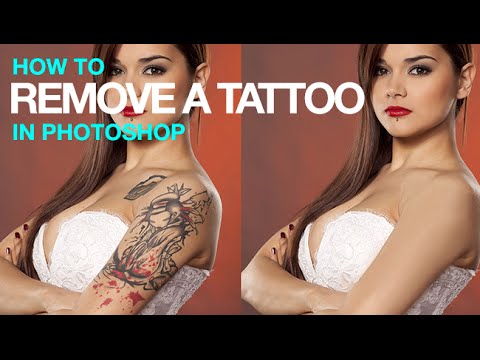
Tattoo Be Gone: A Three-Step Photoshop Removal Workflow That Actually Holds Up

Tattoo Be Gone: A Three-Step Photoshop Removal Workflow That Actually Holds Up

I do a fair amount of portrait retouching for clients — headshots, lifestyle stuff, the occasional album cover for a band that takes itself way too seriously. And every so often someone slides into my inbox asking if I can “just remove” a tattoo from a photo. Sometimes it’s for a corporate headshot. Sometimes it’s for a family portrait where grandma is going to lose her mind if she sees it.

Painting Away Beards in Photoshop: The Manual Method That Actually Works

Painting Away Beards in Photoshop: The Manual Method That Actually Works

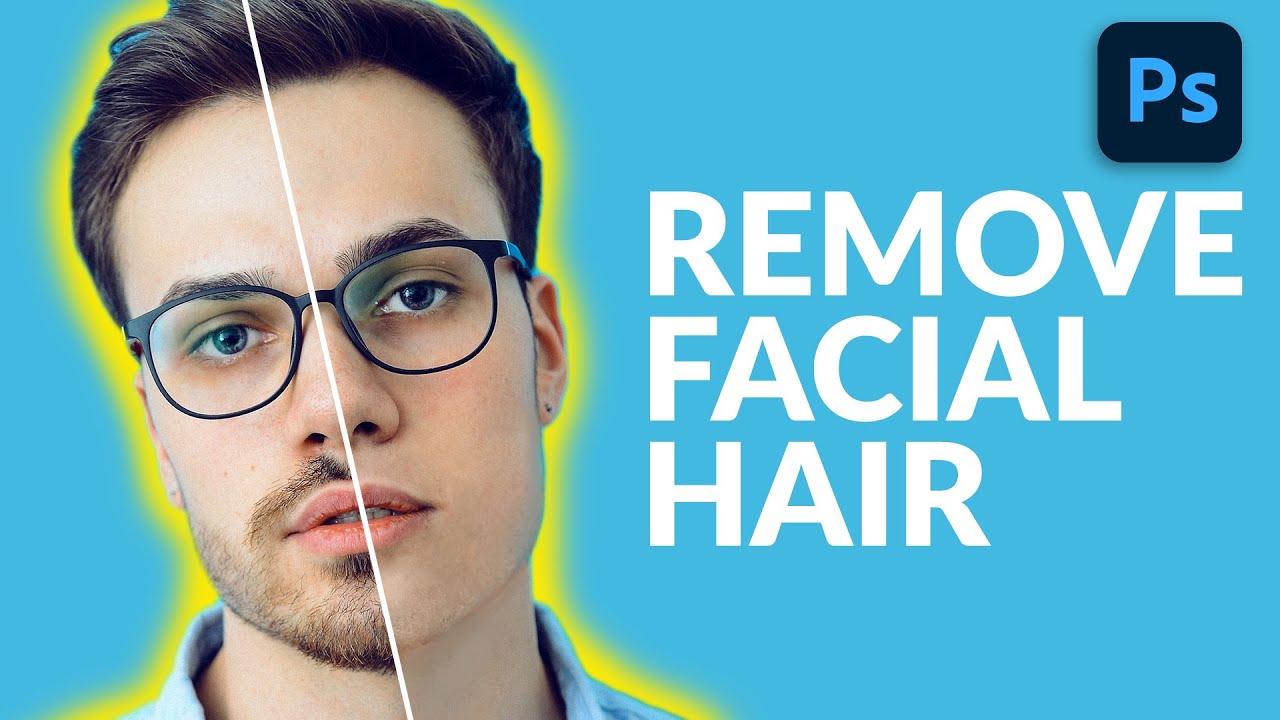
Retouching facial hair is one of those jobs that sounds simple until you’re forty-five minutes deep and your subject looks like they lost a fight with a rubber eraser. I’ve had clients send me portraits where the brief is something like “can you just clean him up a bit” - and that phrase, “clean him up,” almost always means removing a beard, a patch of stubble, or some combination of both.

Frequency Separation Filters: Stop Blurring Everything and Start Working Smarter

Frequency Separation Filters: Stop Blurring Everything and Start Working Smarter

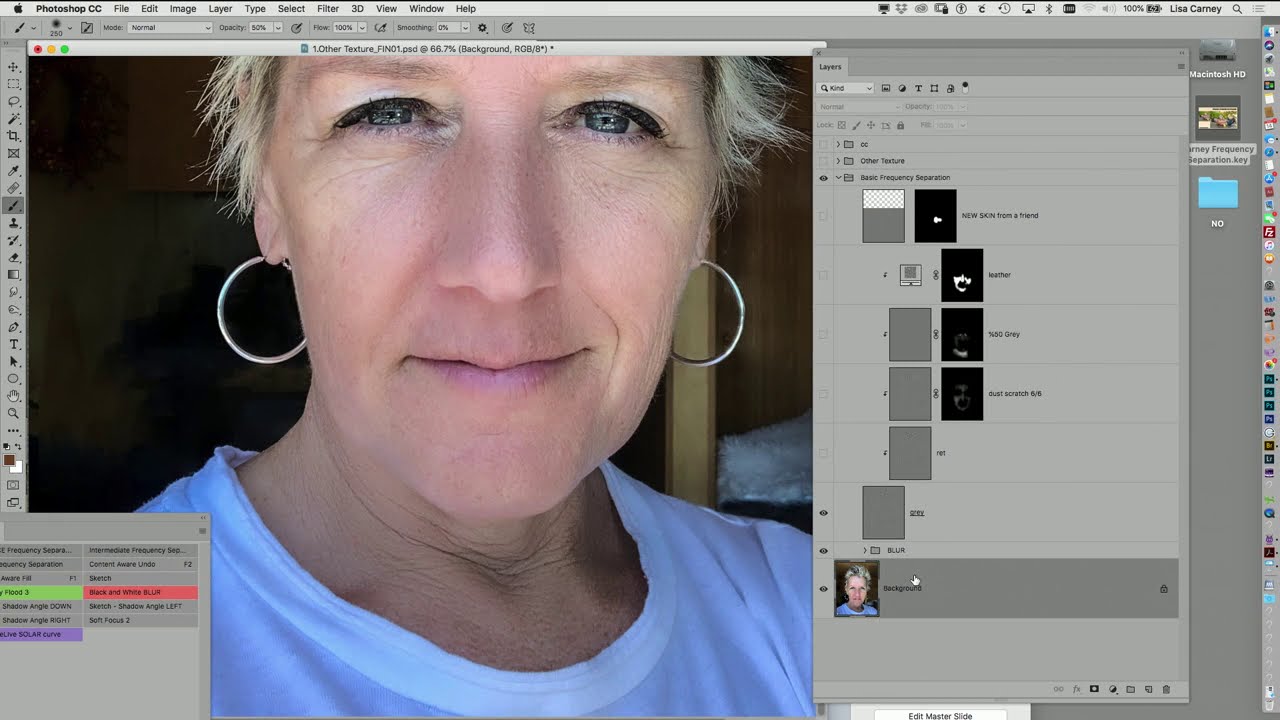
Frequency separation is one of those techniques that every retoucher learns, uses constantly, and then slowly starts doing wrong out of habit. The classic setup is fine. You’ve got your high-frequency texture layer, your low-frequency color layer, and you’re ready to go. But then you grab the Gaussian blur and just… nuke the whole low-frequency layer. Every dark blends into every light. You get that weird mushy modeling effect that looks fine at 50% zoom and terrible everywhere else.