Stop Guessing Which Selection Tool to Use — Here's the Cheat Sheet You Actually Need

Stop Guessing Which Selection Tool to Use — Here's the Cheat Sheet You Actually Need

If selections aren’t clicking for you in Photoshop, I promise it’s not because you’re bad at software. It’s because there are about a dozen different ways to make a selection and nobody ever explains when to use which one. I spent the better part of my early freelance years defaulting to whatever tool I’d used last, regardless of whether it was the right call. Spoiler: it usually wasn’t. Getting a better grip on selection tools is genuinely one of those skill-ups that changes how fast you work, not just how well.
Content Aware Move: The Photoshop Tool I Kept Ignoring (And Shouldn't Have)

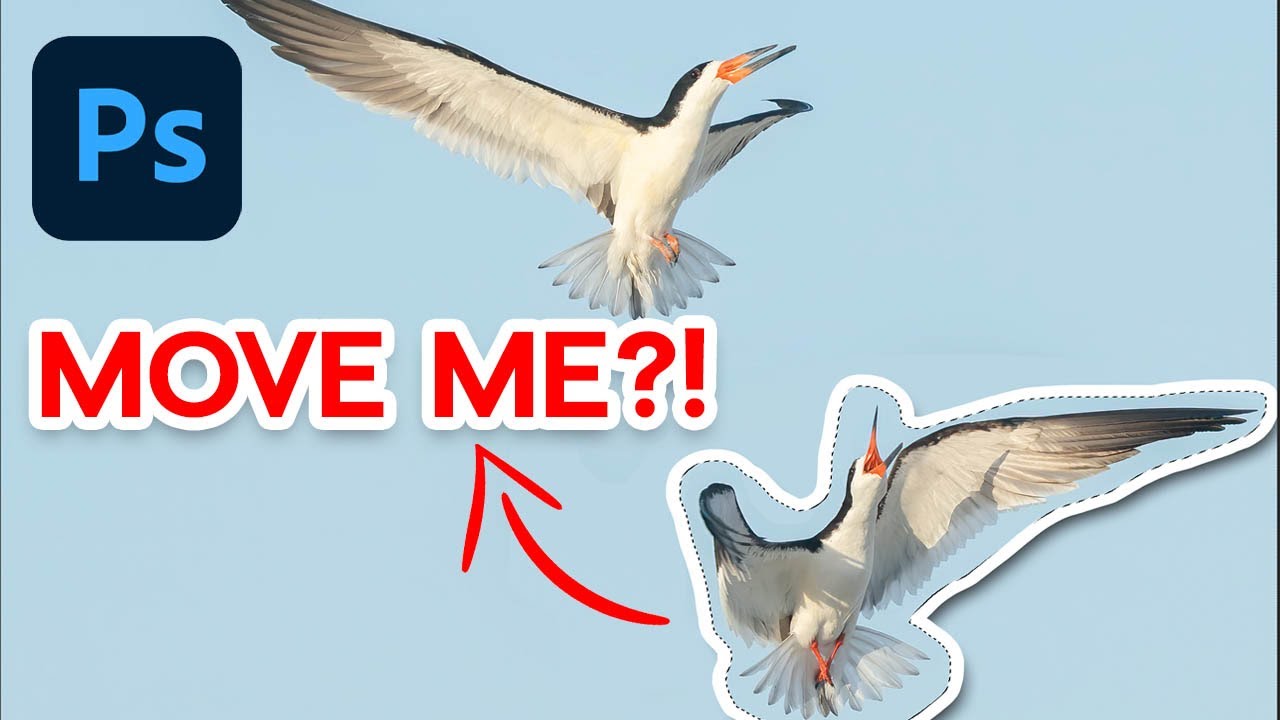
Content Aware Move: The Photoshop Tool I Kept Ignoring (And Shouldn't Have)

Here’s a confession: for years I treated Content Aware Move like that gym membership I kept paying for but never used. I knew it existed. I’d seen it in the flyout menu tucked under the Spot Healing Brush. I just assumed it was one of those tools that sounds magical in a demo and falls apart the second you try it on a real photo. So I kept defaulting to my trusty Rectangular Marquee and Move Tool combo, patching up the seams afterward with varying degrees of success.

Make Your Mountains Look Massive: The Landscape Resize Trick I Wish I'd Known Years Ago

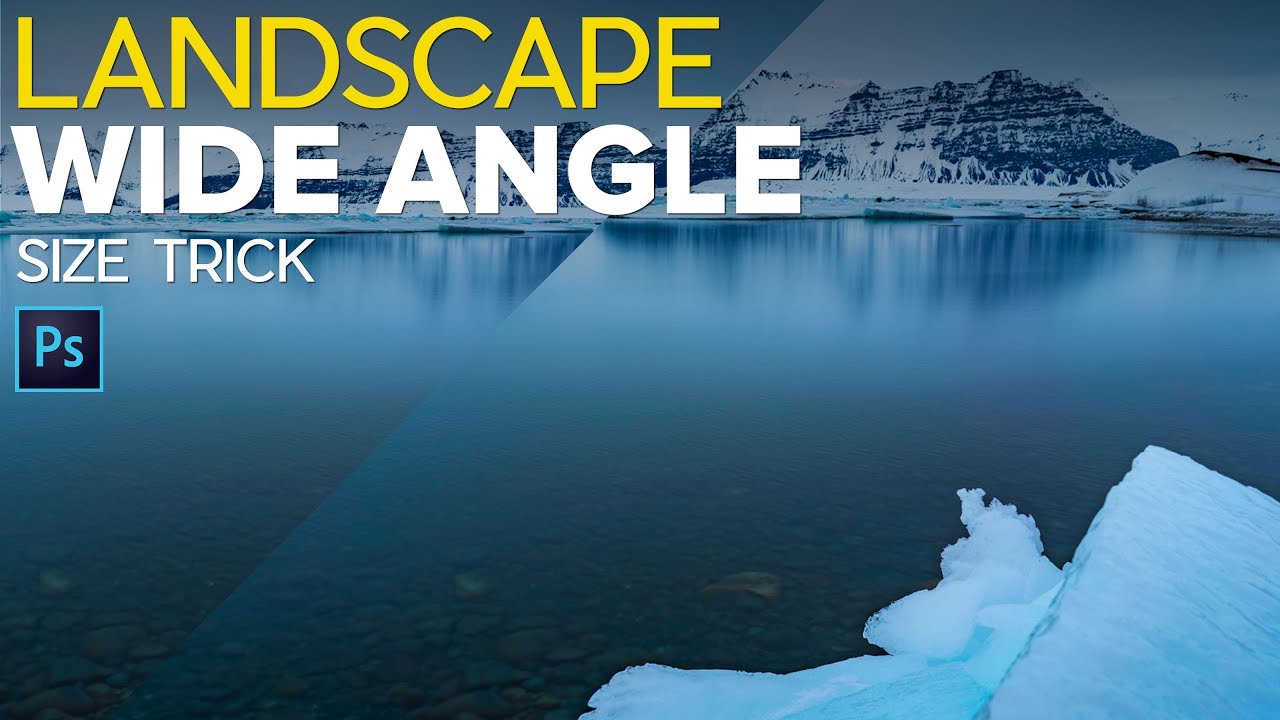
Make Your Mountains Look Massive: The Landscape Resize Trick I Wish I'd Known Years Ago

There’s a specific kind of disappointment that hits when you get home from a hike, pull up your photos, and realize that incredible mountain you were staring at all day looks like a small grey smudge in the background. You were right there. It was massive. And yet your wide-angle lens decided to shove it into the corner of the frame and make the dirt in the foreground the star of the show.

Stop Clicking Around: How to Actually Choose the Right Selection Tool in Photoshop

Stop Clicking Around: How to Actually Choose the Right Selection Tool in Photoshop

I had a client ask me to cut out a model from a white studio background last year. Simple job. Twenty seconds, maybe. I watched the file come through, opened it, and instinctively reached for the Quick Selection tool out of habit. Four minutes later I was still cleaning up jagged edges around flyaway hair and quietly hating myself. The Object Selection tool with a quick mask refinement would have had it done in under a minute.

Stop Sleeping on Photoshop 2026's Game-Changing Features

Stop Sleeping on Photoshop 2026's Game-Changing Features

Look, I’ve been writing about Photoshop since before most of you were worried about your Instagram feed. Fifteen years of monthly tips columns will teach you what matters and what’s just Adobe adding buttons for the sake of it. But lately? The updates have been genuinely interesting, and I’m here to separate the wheat from the chaff. The Object Selection Tool is Criminally Underrated Here’s the thing nobody talks about: the Object Selection tool is a total workhorse, and most of you are probably ignoring it in favor of the flashier AI-powered features.

Photoshop's New Selection Brush Tool Is the One I Didn't Know I Was Missing

Photoshop's New Selection Brush Tool Is the One I Didn't Know I Was Missing

I have a complicated relationship with Photoshop selections. Quick Mask, the Pen Tool, Select and Mask, Subject Selection – I’ve used them all, argued with them all, and occasionally rage-quit because of them all. Most of the time I’m in a coffee shop trying to hit a deadline, and the last thing I need is to spend 20 minutes coaxing a lasso selection into behaving like a reasonable piece of software.

Stop Clicking Around: The Photoshop Selection Tools That Actually Matter (And When to Use Them)

Stop Clicking Around: The Photoshop Selection Tools That Actually Matter (And When to Use Them)

Last month I was at my usual corner table at a coffee shop on South Congress, working on a product composite for a skincare client. The subject had been shot against a white background, so naturally I watched the person across from me (clearly also a designer, based on their setup) reach for the Magic Wand like it was a reflex. I felt that. I’ve been there. And I also know exactly how that story ends: jagged edges, blown-out halos, and 45 minutes of manual cleanup that could have been avoided entirely.

Stop Using the Wrong Selection Tool (Yes, You)

Stop Using the Wrong Selection Tool (Yes, You)

Stop Using the Wrong Selection Tool (Yes, You) I’m going to say something controversial: most people use the Rectangular Select tool for everything, and it’s ruining their life. Look, I get it. It’s right there at the top of the toolbox, it’s simple, and it does something. But Photoshop has an entire arsenal of selection tools, and using the wrong one is like trying to cut steak with a spoon. Technically possible.

Master Photoshop's Selection Tools: Stop Wasting Time and Start Selecting Like a Pro

Master Photoshop's Selection Tools: Stop Wasting Time and Start Selecting Like a Pro

Master Photoshop’s Selection Tools: Stop Wasting Time and Start Selecting Like a Pro Look, I get it. Selection tools seem boring. You’d rather jump straight to filters and effects. But here’s the thing—mastering selections is the difference between looking like you know Photoshop and actually knowing Photoshop. Plus, I’m going to show you which tools matter and which ones you can safely ignore. The Rectangle and Ellipse Tools: Your Daily Drivers Let’s start with the obvious stuff, because honestly, the Rectangle Select Tool handles about 60% of real work.

Master Photoshop's Selection Tools: Stop Making Selections Like It's 2005

Master Photoshop's Selection Tools: Stop Making Selections Like It's 2005

Master Photoshop’s Selection Tools: Stop Making Selections Like It’s 2005 I’m going to let you in on a secret: most people use about 20% of Photoshop’s selection tools and wonder why their workflow feels clunky. I was that person once. Then I realized I was dragging the rectangular selection tool around like a caveman when I could’ve been done in half the time. Let’s fix that. The Rectangle and Ellipse Tools Are Your Gateway Drugs Yeah, they’re basic, but they’re the foundation.