Photoshop's June 2025 Update Just Made Background Removal Actually Good

Photoshop's June 2025 Update Just Made Background Removal Actually Good

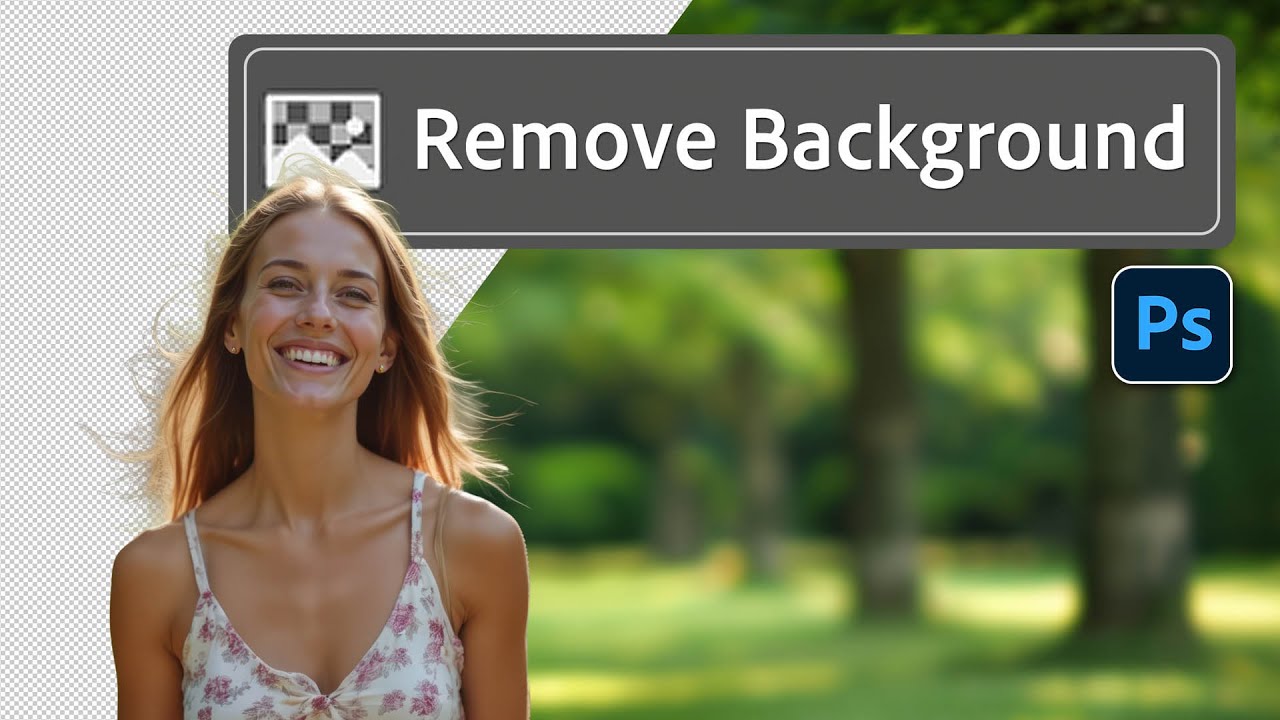
There’s a specific flavor of client nightmare I’ve lived through more times than I’d like to admit. Someone sends over a photo with a person they love, shot in front of a background they hate, and they want that person dropped onto something completely different. Fine. Except the subject has flyaway hair, or wispy strands catching the light, or some other detail that makes a clean cutout feel like defusing a bomb.

Select Subject vs. Object Selection vs. Remove Background: I Ran the Tests So You Don't Have To

Select Subject vs. Object Selection vs. Remove Background: I Ran the Tests So You Don't Have To

Client wants a cutout. You’ve got five minutes. You open Photoshop, stare at the toolbar, and suddenly realize you’re not totally sure which of the three automatic selection tools you should be using or whether it even matters. That used to be me, and honestly it got embarrassing fast. When you’re freelancing and someone’s paying by the hour, “let me just try all three” is not a workflow. Watch the full tutorial on YouTube

Photoshop's Cloud-Powered Select Subject Is Embarrassingly Good (And I Mean That as a Compliment)

Photoshop's Cloud-Powered Select Subject Is Embarrassingly Good (And I Mean That as a Compliment)

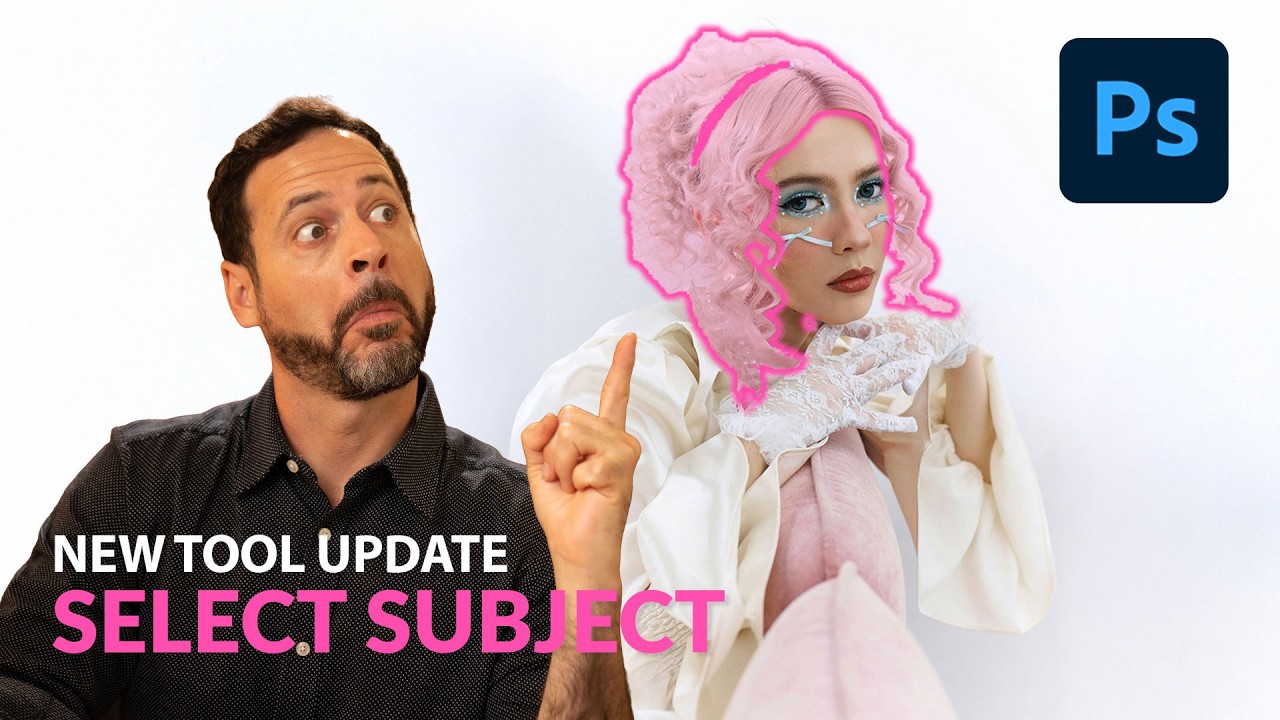
There’s a specific kind of pain that every Photoshop user knows. You’ve got a photo with a subject, a complicated background, maybe some wispy hair or thin strands poking out in every direction, and you need a clean selection. You run Select Subject, it does its best, and then you spend the next 45 minutes playing whack-a-mole with the background trying to clean up the edges. I’ve billed clients for that time.