Photoshop 2025's Remove Tool Just Got a Serious Upgrade — Here's What Actually Changed

Photoshop 2025's Remove Tool Just Got a Serious Upgrade — Here's What Actually Changed

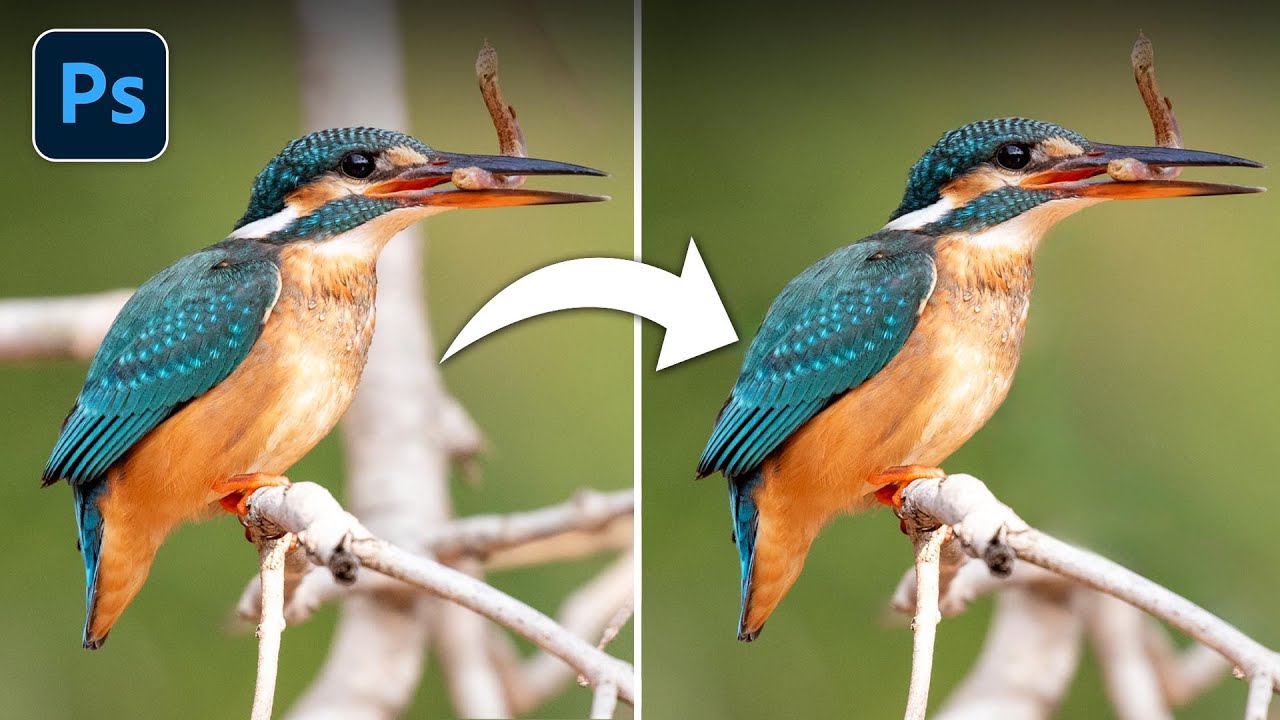
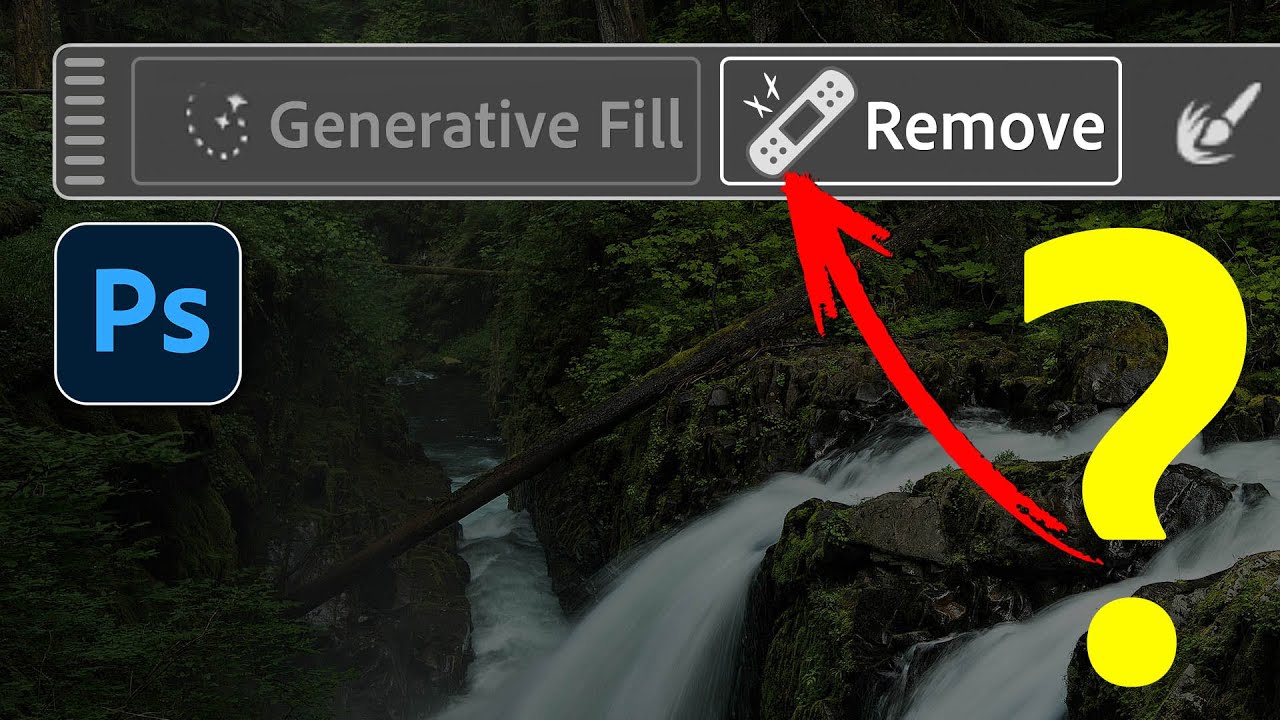
There’s a particular kind of freelance pain that comes from spending fifteen minutes cleaning up a busy background with the Clone Stamp tool, only to realize the result looks like a crime scene painted by someone who’s never seen grass before. The Remove Tool changed that for me when it first showed up, but it always had a ceiling. Big objects, complex backgrounds, anything that required more than a light touch — it would choke.

Remove the Junk, Fix the Frame, Save the Shot: A Practical Photoshop Cleanup Workflow

Remove the Junk, Fix the Frame, Save the Shot: A Practical Photoshop Cleanup Workflow

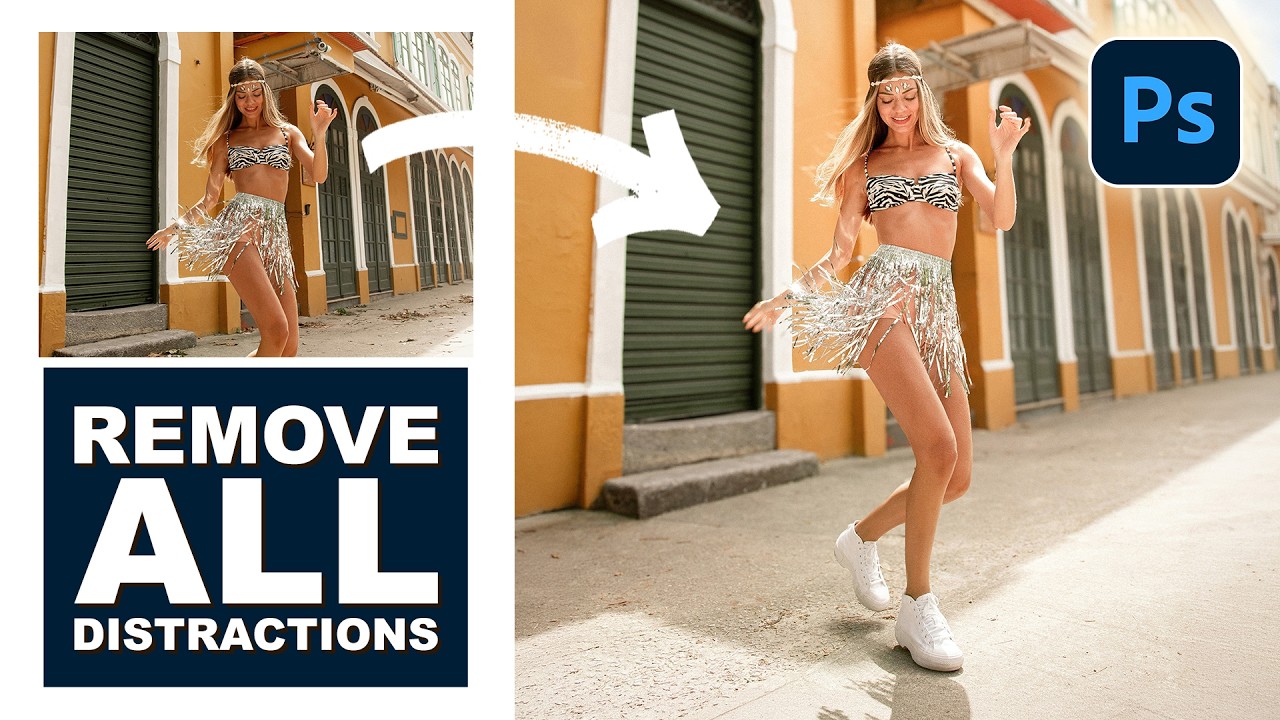
There’s a specific kind of frustration that comes from spending two hours cloning out power lines and random visual garbage from a photo, only to realize you missed three of them. I’ve been there more times than I’d like to admit. It’s the kind of tedious work that makes you question your life choices somewhere around the 45-minute mark at your corner coffee shop table. So when I watched PHLEARN’s tutorial on cleaning up, reframing, and polishing photos in Photoshop, I immediately stopped what I was doing and paid close attention.

Photoshop's New General Distractions Tool: Your Secret Weapon for Cleaner Photos

Photoshop's New General Distractions Tool: Your Secret Weapon for Cleaner Photos

Photoshop’s New General Distractions Tool: Your Secret Weapon for Cleaner Photos Remember when removing unwanted objects from photos meant hours of cloning and healing brush work? Yeah, those days are increasingly behind us. Adobe just dropped a feature that’s about to save you serious time: General Distractions, the latest evolution of Photoshop’s remove tool. What’s New in the Remove Tool Arsenal Let’s be real—Photoshop’s remove tools have been getting increasingly smart.