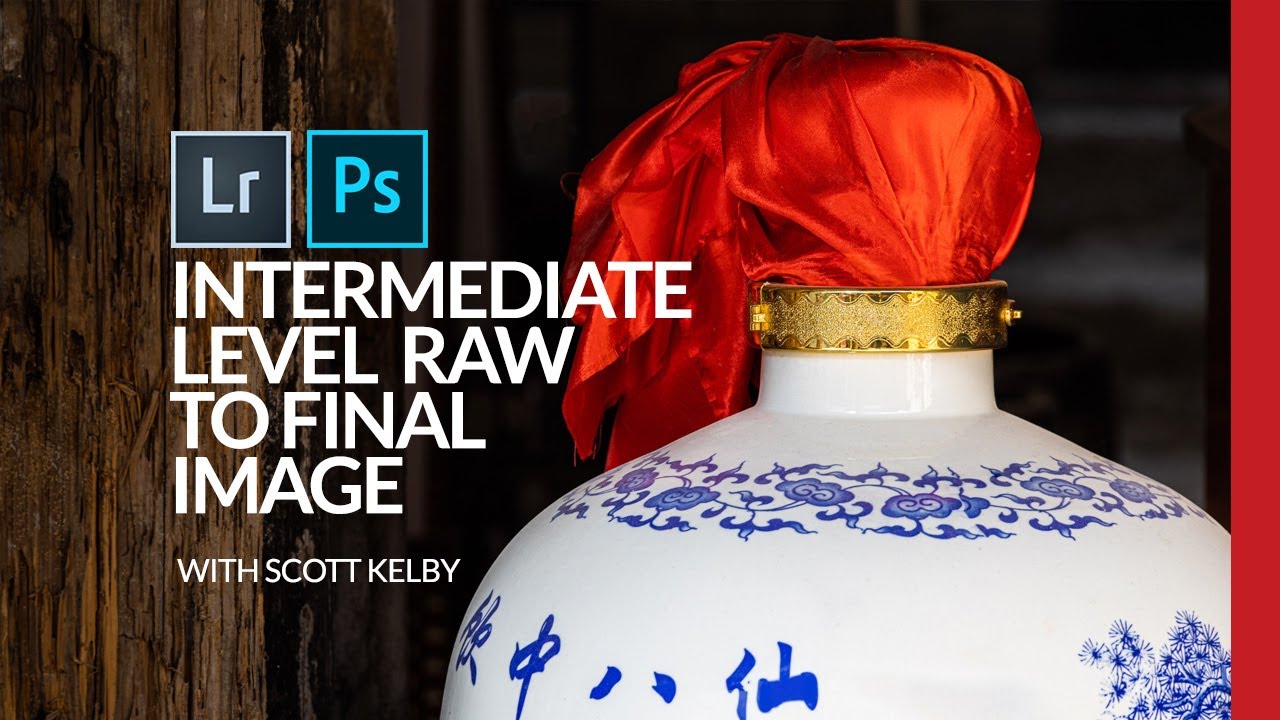
From Flat to Finished: Scott Kelby's Intermediate Lightroom Workflow (With a Photoshop Assist)

From Flat to Finished: Scott Kelby's Intermediate Lightroom Workflow (With a Photoshop Assist)

There’s a specific kind of photo that lives on every photographer’s hard drive. Not the hero shot. Not the portfolio piece. The “I was walking by and this looked interesting” shot. The one you almost delete but don’t, because something about it nags at you. I have a folder full of those, and for a long time I treated them as lost causes, spending all my energy on the obvious winners and ignoring everything else.

RAW Brushes in Photoshop Are Doing Work I Didn't Know I Was Missing

RAW Brushes in Photoshop Are Doing Work I Didn't Know I Was Missing

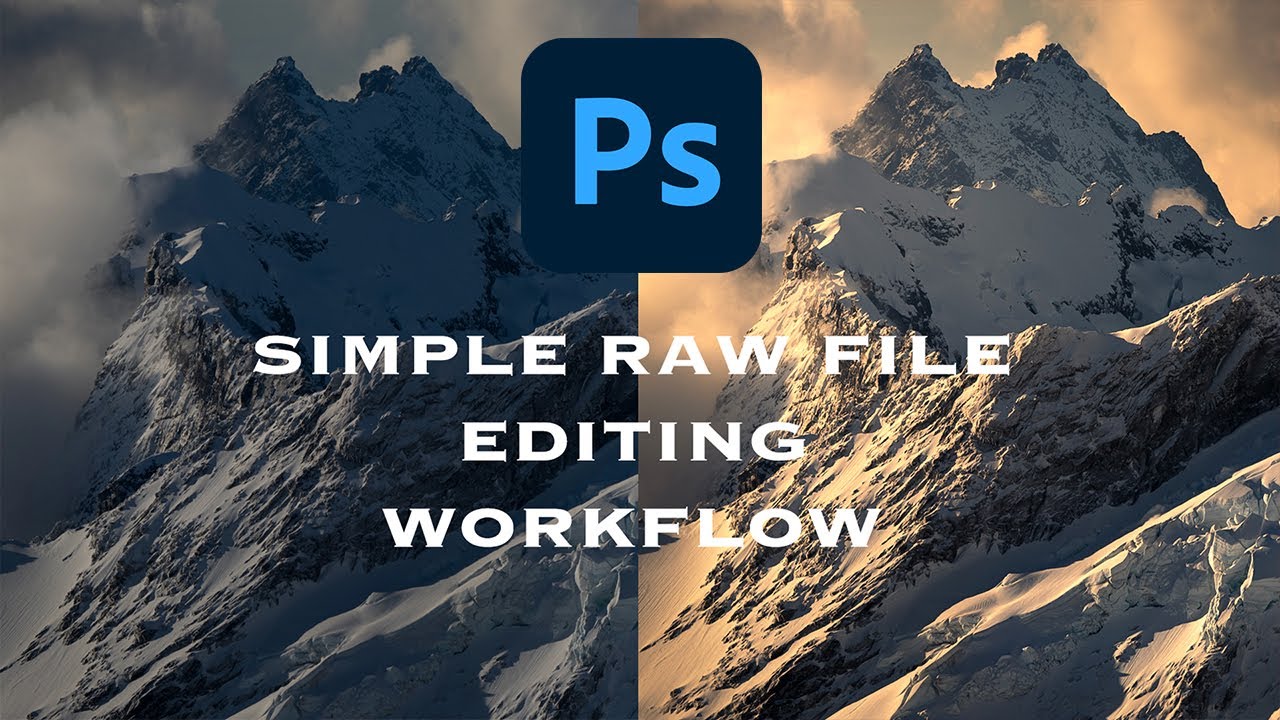
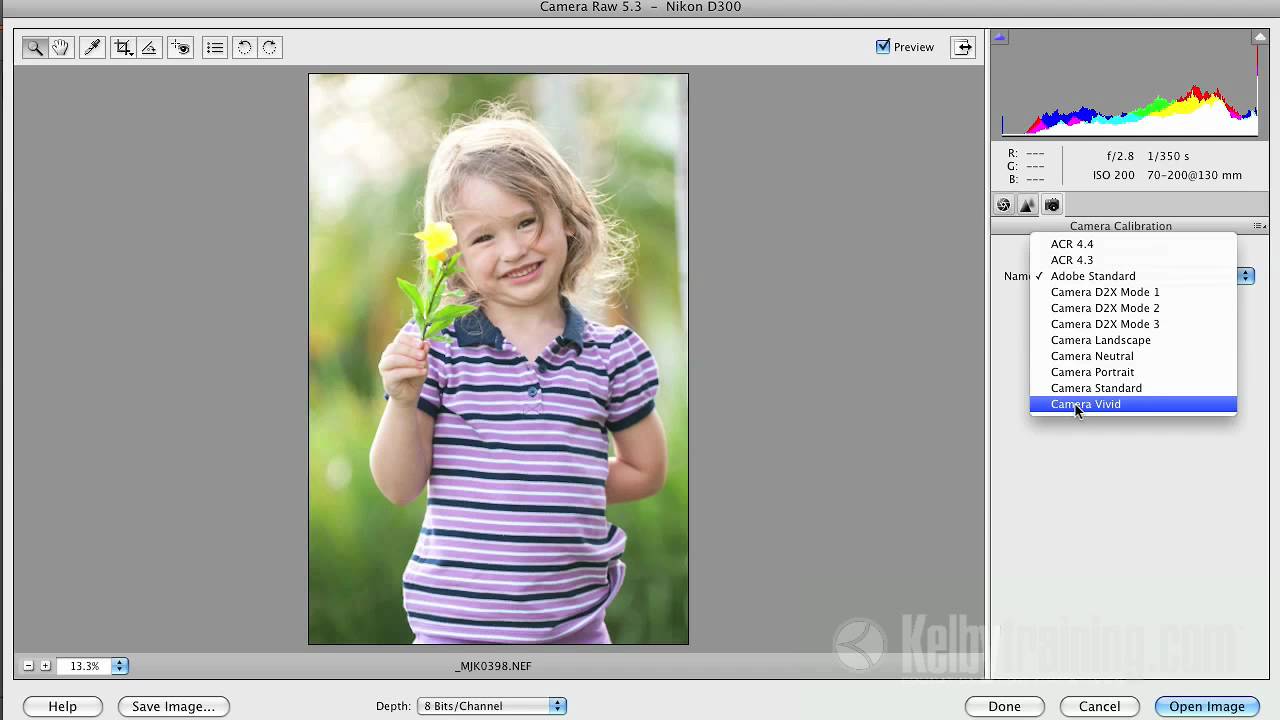
I’ll be honest: for a long time I treated Adobe Camera Raw like a waiting room. You know, the place you sit in before you get to the “real” work in Photoshop. Open file, nudge exposure, click “Open Image,” never look back. It wasn’t until I watched a friend turn around a badly lit portrait in about eight minutes, entirely inside Camera Raw, that I started paying closer attention to what that workspace could actually do.

DxO PhotoLab 9: The RAW Editor That's Giving Adobe a Run for Its Money

DxO PhotoLab 9: The RAW Editor That's Giving Adobe a Run for Its Money

When Subscriptions Became Everyone’s Problem Let me take you back a few years. Adobe made a decision that felt like a gut punch to the photography community: kill perpetual licenses for Lightroom and go all-in on subscriptions. You know what happened next? The creative floodgates opened. Photographers, tired of monthly payments that never end, started looking elsewhere. And boy, did alternatives show up. One of those alternatives—DxO PhotoLab—just hit version 9, and honestly?