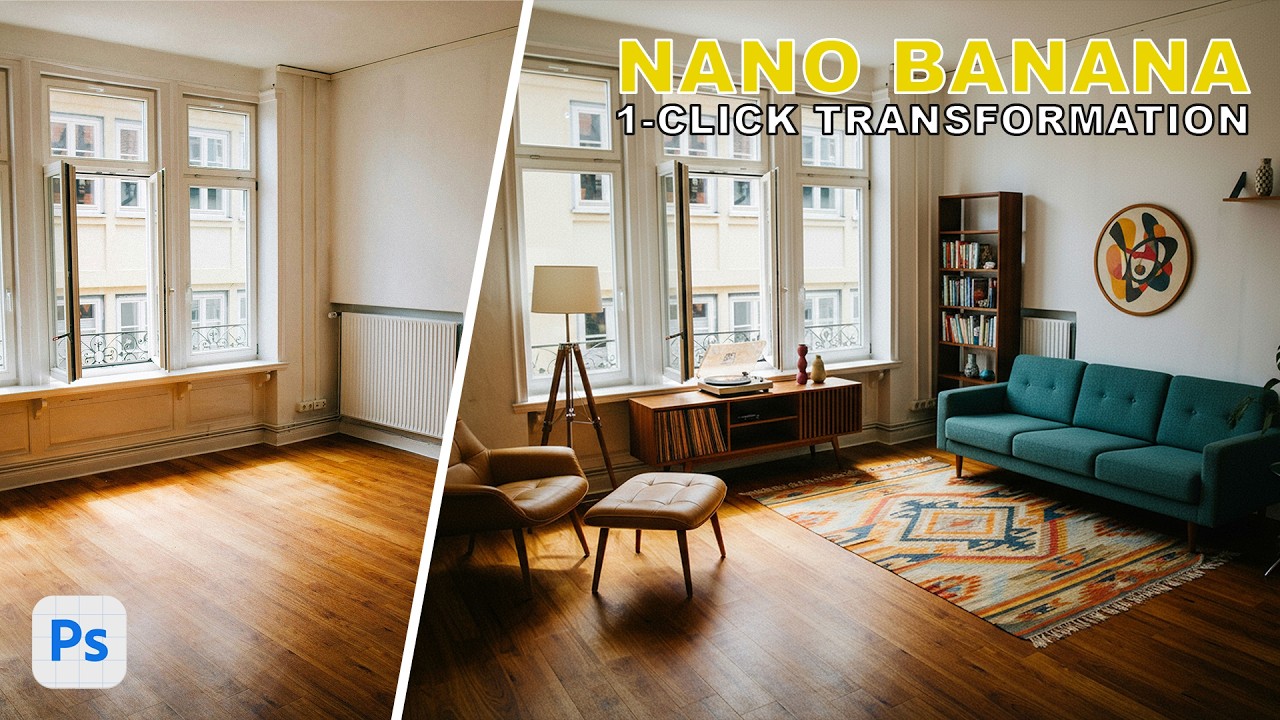
Photoshop's Generative Fill Just Made Half My Skillset Obsolete (And I'm Weirdly OK With It)

Photoshop's Generative Fill Just Made Half My Skillset Obsolete (And I'm Weirdly OK With It)

I spent three days on a composite once. Three days. Masking hair, blending skies, matching light, cursing at luminosity masks at 1am in a coffee shop on South Congress while the baristas gave me increasingly concerned looks. A friend saw the final result, nodded politely, and then showed me a technique that would have cut my work down to about 20 minutes. That memory lives rent-free in my head every time I see a new Photoshop feature that makes hard things easy.
Photoshop's New Hue/Saturation Interface Is Actually Good Now (Here's How to Use It)

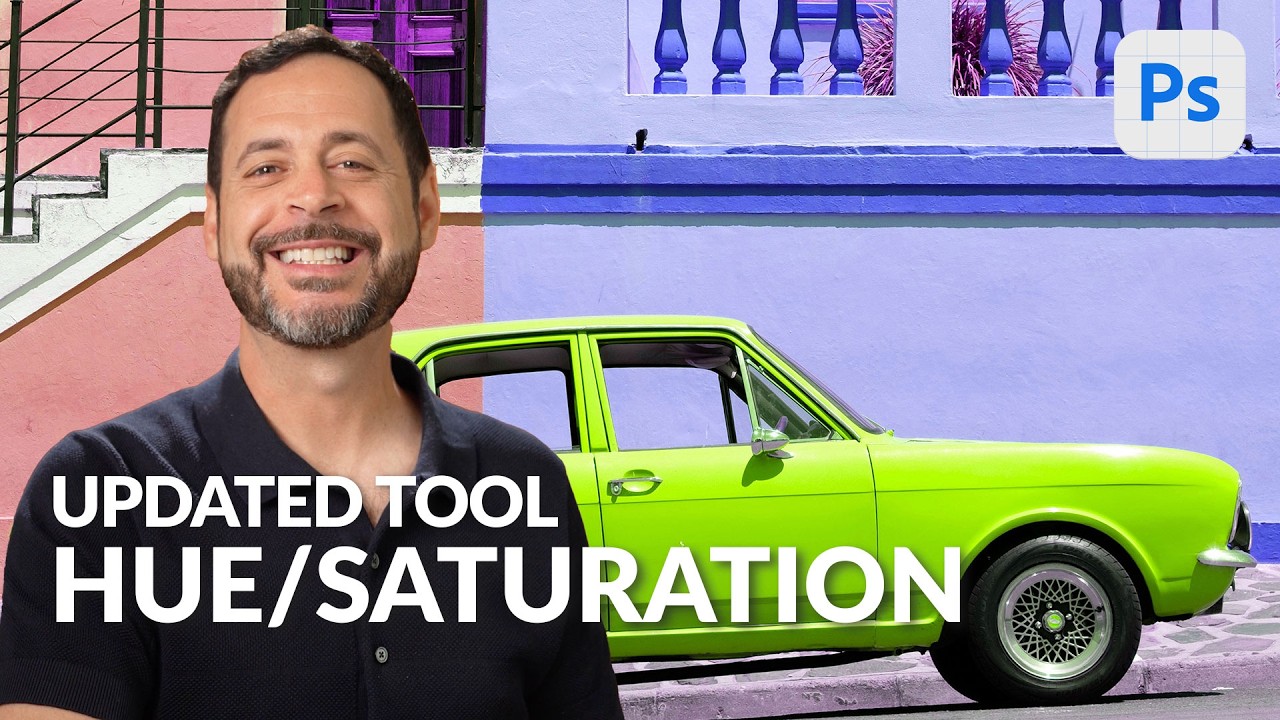
Photoshop's New Hue/Saturation Interface Is Actually Good Now (Here's How to Use It)

Color correction used to be the part of my workflow where I’d lose twenty minutes clicking through dropdown menus, second-guessing which color range I was actually editing, and ultimately just cranking global saturation like an amateur. Not my finest professional chapter. So when I caught Aaron Nace’s PHLEARN tutorial on the updated Hue/Saturation interface in Photoshop Beta, I was genuinely relieved. Not because it reinvents the wheel, but because it fixes the exact friction points that made the old version annoying to use quickly.

Photoshop's Generative Upscale Tool Might Save Your Old Photos (And Your Print Jobs)

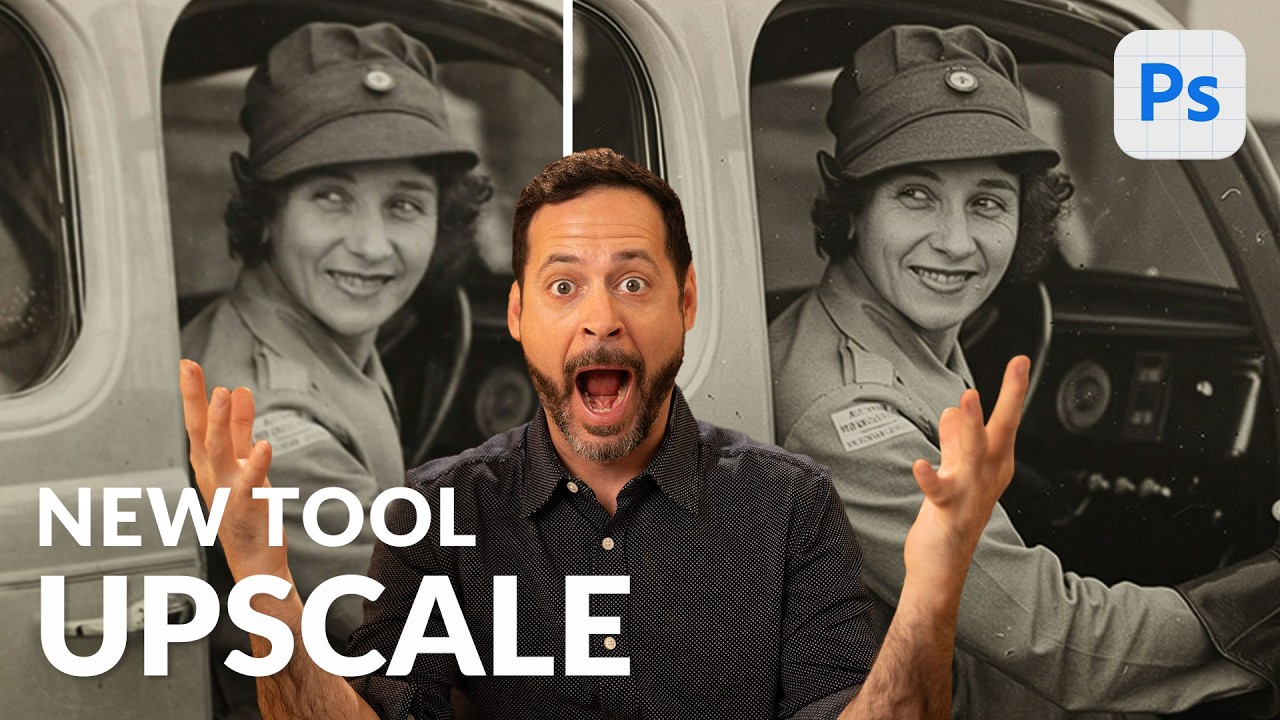
Photoshop's Generative Upscale Tool Might Save Your Old Photos (And Your Print Jobs)

I have a folder on my hard drive called “Client Assets - HANDLE WITH CARE” and it is, genuinely, a disaster. Blurry product shots. Ancient family photos scanned at the wrong resolution. Images that looked fine on a phone screen but would print like a watercolor painting left in the rain. For years, my workaround was a combination of third-party upscaling apps, crossed fingers, and gently managing client expectations. Then Adobe quietly dropped a tool in Photoshop Beta that makes most of that song and dance completely unnecessary.

Photoshop Just Got Multiple AI Brains — Here's How to Actually Use Them

Photoshop Just Got Multiple AI Brains — Here's How to Actually Use Them

There’s a specific kind of freelance misery that comes from a client sending you a product photo at 11pm with “can you just clean up the logo on the shirt and make the sky look less depressing?” Like, sure, no problem. I’ll just fire up my selection tools, wrestle with Generative Fill, make a sky that looks vaguely cinematic, and call it a Tuesday. That workflow has been fine. Fine. But fine is not a word I use to describe my coffee, my shortcuts, or ideally my tools.