Photoshop's Depth-Aware Haze Is the Background Blur You've Been Doing the Hard Way

Photoshop's Depth-Aware Haze Is the Background Blur You've Been Doing the Hard Way

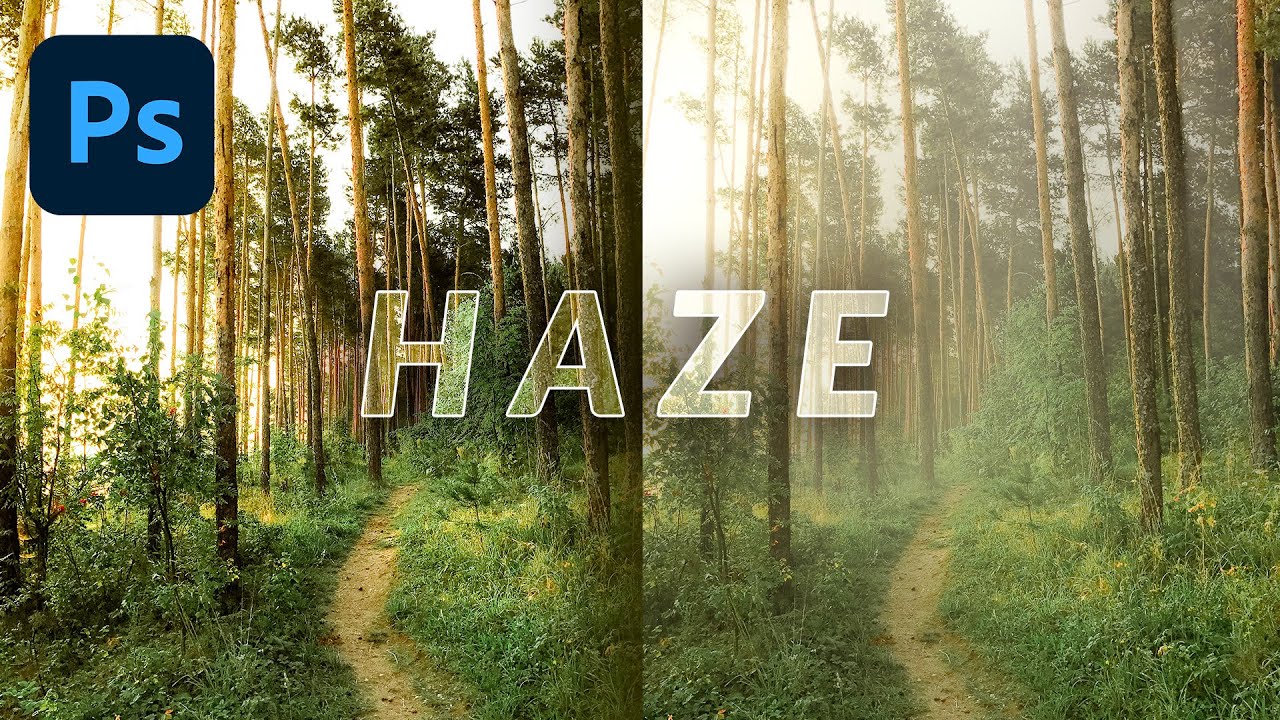
There’s a specific kind of frustration that hits when you’ve spent forty-five minutes masking hair, painting depth-of-field blur onto a background, and color-grading everything to sit right, and then a client asks if you can “make it look a little more dreamy.” I’ve been there more times than I care to admit, usually at a coffee shop with a lukewarm oat milk latte and a deadline that isn’t moving. The old workflow for faking shallow depth of field on a flat image involved layers, blur galleries, luminosity masks, and a whole lot of squinting.

I Let Photoshop's AI Colorize a Black-and-White Photo So You Don't Have To Guess How It Works

I Let Photoshop's AI Colorize a Black-and-White Photo So You Don't Have To Guess How It Works

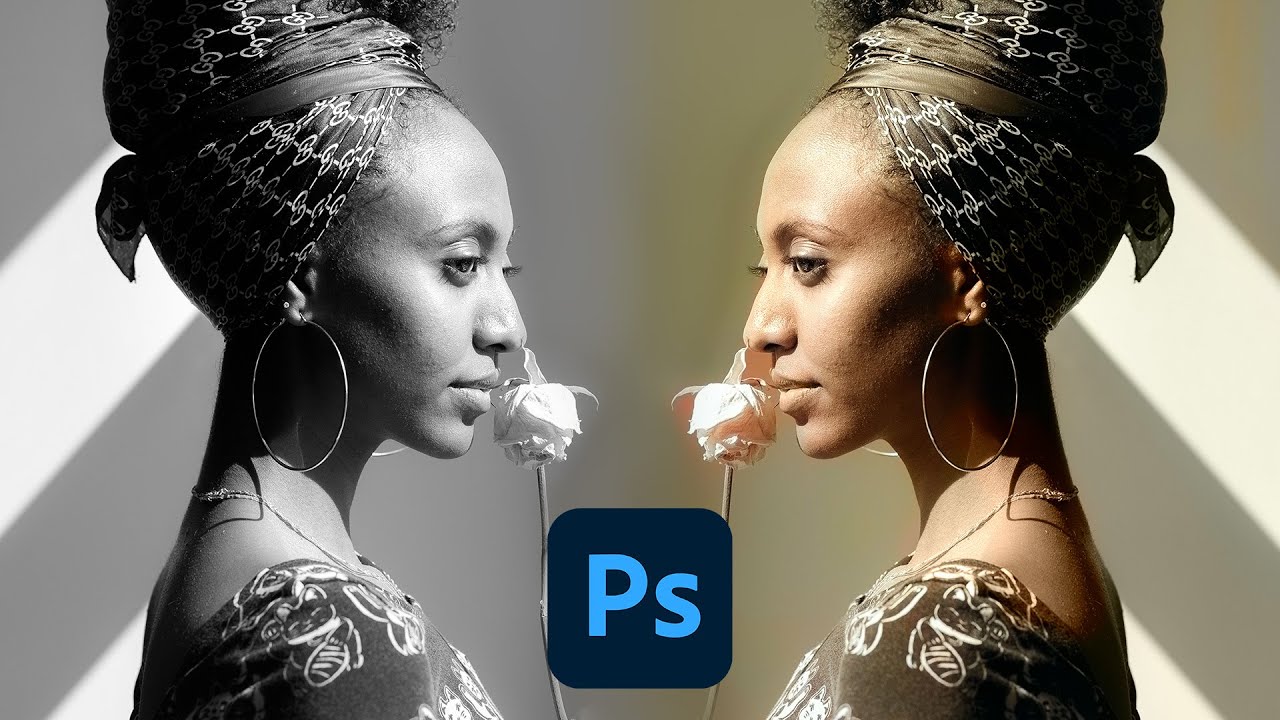
There’s a specific kind of photo that lands in my inbox more often than I’d like: someone’s grandparent at 25, shot on black-and-white film, slightly underexposed, and the client wants it to “look normal.” Colorizing by hand is doable, but it’s one of those jobs where the time investment versus the result is a brutal negotiation. So when Adobe quietly dropped a one-click colorization tool inside Photoshop’s Neural Filters, I paid attention.

Photoshop AI Fails So You Don't Have To: What Generative Fill Can't Do (Yet)

Photoshop AI Fails So You Don't Have To: What Generative Fill Can't Do (Yet)

I spend a lot of time in coffee shops convincing clients that yes, Photoshop’s AI tools are worth learning. And for the most part, I mean it. Generative Fill has genuinely saved me on deadline more than once. But I’ve also quietly regenerated the same selection twelve times, watched it hallucinate something completely unhinged, and pretended that was all part of the plan. So when I came across Watch the full tutorial on YouTube where Matt Kloskowski deliberately pushes Photoshop’s AI into the wall, I felt deeply, personally seen.

10 AI Tricks in Photoshop That Actually Hold Up in Real Work

10 AI Tricks in Photoshop That Actually Hold Up in Real Work

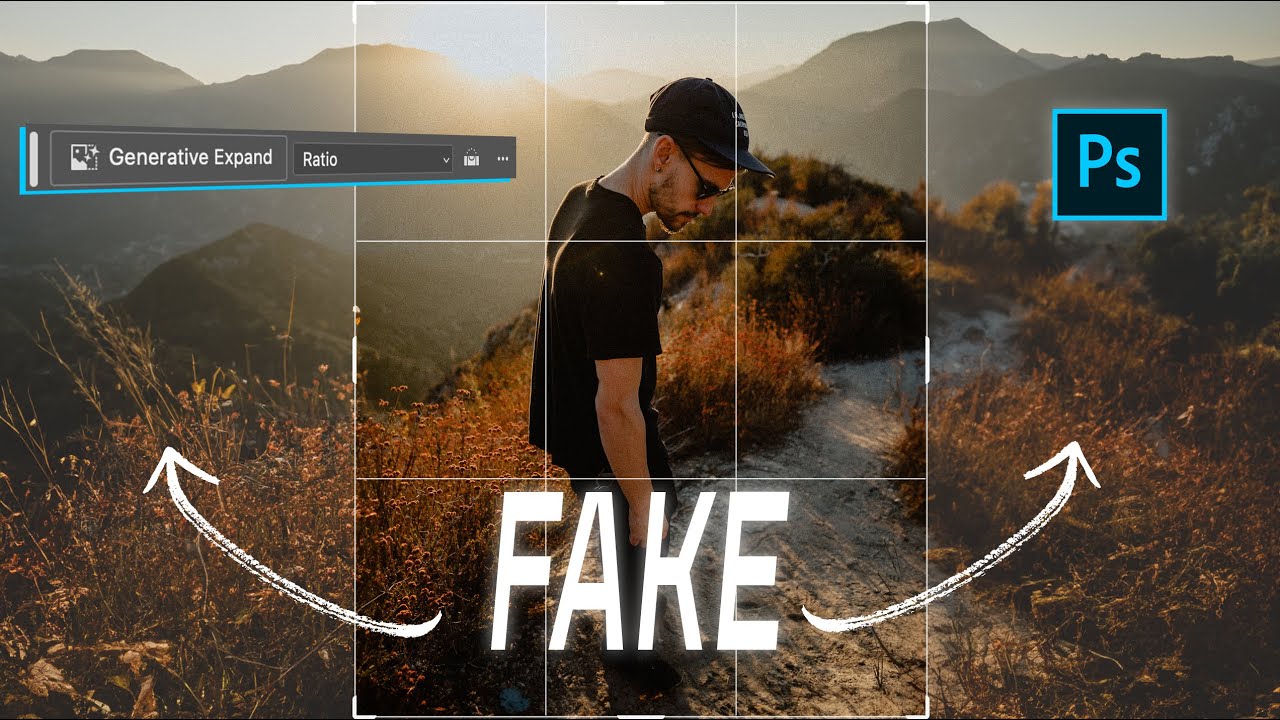
There’s a specific kind of frustration that hits when a client asks you to repurpose a photo for a completely different format than it was shot for. Portrait crop needs to become a YouTube thumbnail. Instagram 4x5 needs to become a LinkedIn banner. You either go back to the photographer, do an awkward zoom-and-pray crop, or spend an hour cloning background that should have been there in the first place. For a long time, that last option was the least-bad answer.