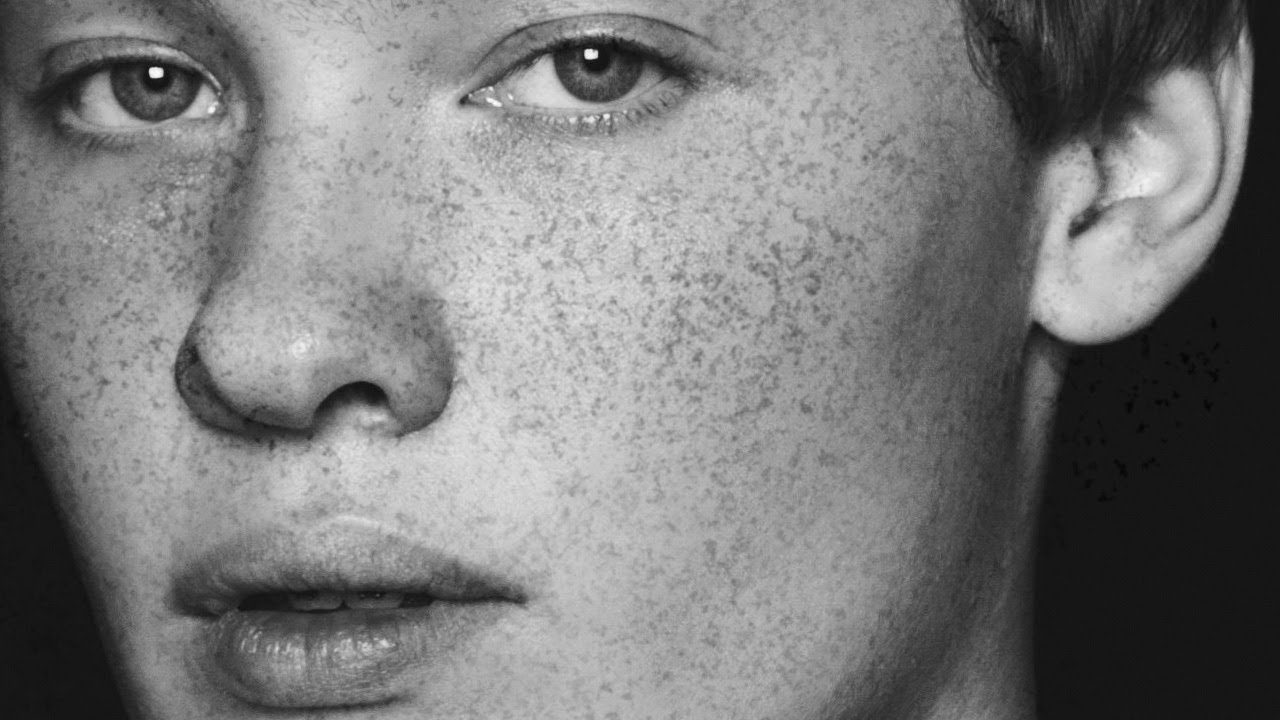
Forget Fake Filters: How to Paint Realistic Freckles in Photoshop Using a Granite Brush

Forget Fake Filters: How to Paint Realistic Freckles in Photoshop Using a Granite Brush

Retouching skin is one of those things that separates the Photoshop hobbyists from the people who actually get paid to do it. And one of the fastest ways to blow your cover as someone who knows what they’re doing is to add skin details that look painted on. Freckles are one of those details. Done badly, they look like someone sneezed brown dots across a face in MS Paint. Done well, they make a portrait feel alive, warm, and real.
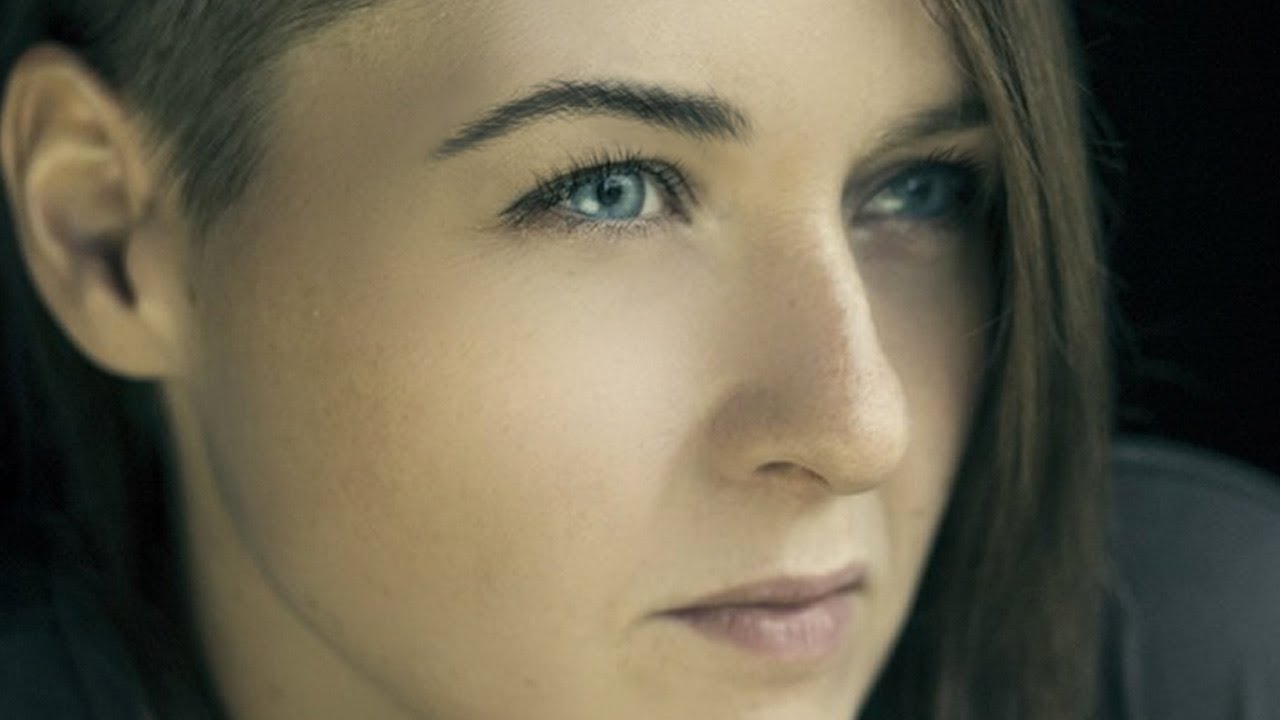
How to Paint Realistic Eyebrows in Photoshop Using a Custom Hair Brush

How to Paint Realistic Eyebrows in Photoshop Using a Custom Hair Brush

I shoot a lot of portrait work, and if there’s one thing that’ll quietly tank an otherwise great retouch, it’s eyebrows. Not the dramatic stuff, either. I’m talking about the subtle cases: sparse patches, uneven arches, one brow that’s noticeably thinner than the other. You can spend an hour perfecting skin texture and then have the whole thing fall apart because the brows look like they were drawn on with a crayon.

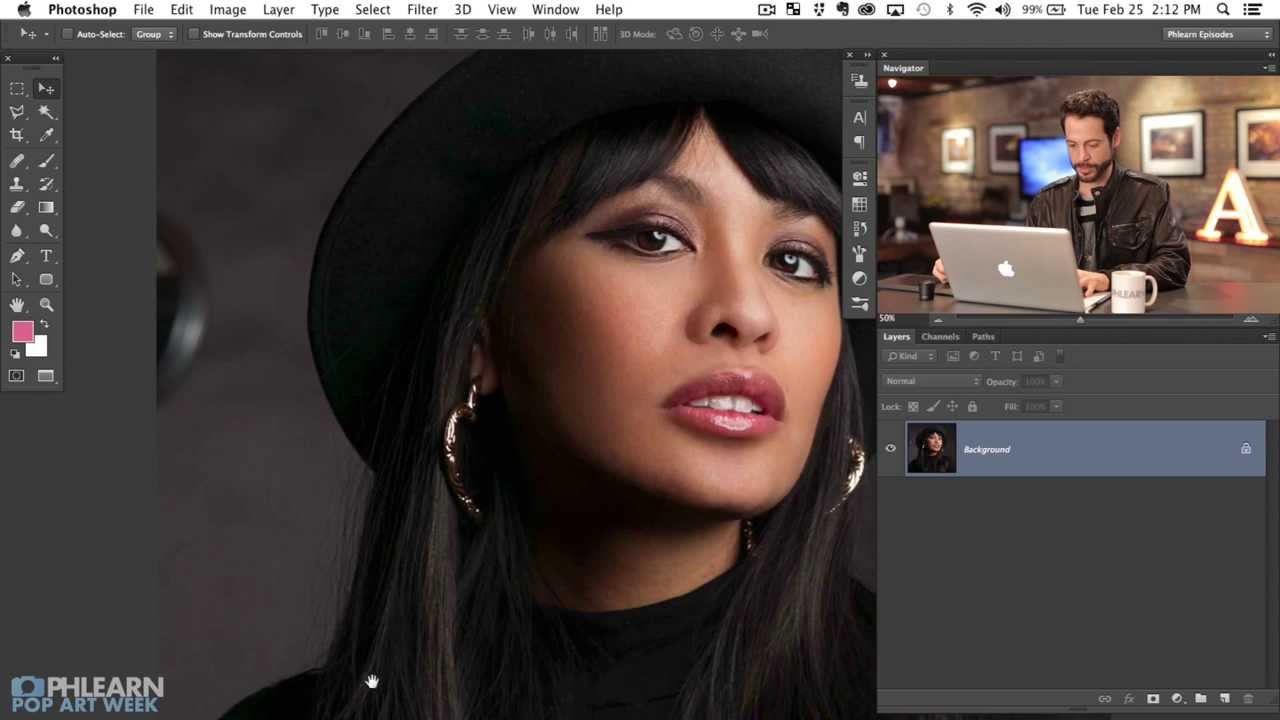
Pop Art Splatter Portraits in Photoshop: Start With a Solid Cut (Part 1 Breakdown)

Pop Art Splatter Portraits in Photoshop: Start With a Solid Cut (Part 1 Breakdown)

There’s a specific kind of project that lives in my head rent-free until I figure out how to pull it off. Pop art splatter portraits are one of them. You know the ones: bold colors, ink-splash edges, comic-book energy. I kept seeing them in branding work and concert posters and telling myself I’d reverse-engineer one eventually. “Eventually” kept getting pushed back because, honestly, I wasn’t sure where to even start.

How to Paint Falling Snow in Photoshop Using a Custom Brush (That You'll Actually Reuse)

How to Paint Falling Snow in Photoshop Using a Custom Brush (That You'll Actually Reuse)

There’s a specific kind of frustration that comes from shooting outdoors in winter, getting a genuinely great shot, and then realizing the scene looks flat because the snow isn’t falling. The ground is white, the subject is bundled up, the mood is there. But the sky is just… sky. I’ve been in that situation more times than I’d like to admit, and my usual fix was to either accept it or spend an embarrassing amount of time smearing a Gaussian blur over a noise layer and hoping for the best.

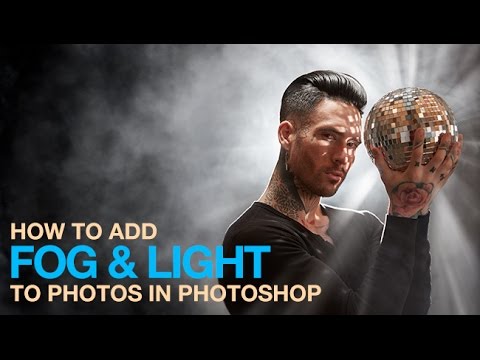
Fog, Light Beams, and a Free Brush: Aaron Nace's Photoshop Atmosphere Trick Is Actually Brilliant

Fog, Light Beams, and a Free Brush: Aaron Nace's Photoshop Atmosphere Trick Is Actually Brilliant

There’s a specific kind of photo that drives me crazy. You know the one. Great composition, solid exposure, interesting subject, and then – a flat, dead bottom half that looks like the photographer just forgot that gravity exists. I’ve had this problem more times than I want to admit, especially with moody indoor shots where the lighting drama is happening up top but the floor is just… there. Embarrassing and beige.