How to Add a Picture-in-Picture Video Inset in Photoshop (Without It Looking Terrible)

How to Add a Picture-in-Picture Video Inset in Photoshop (Without It Looking Terrible)

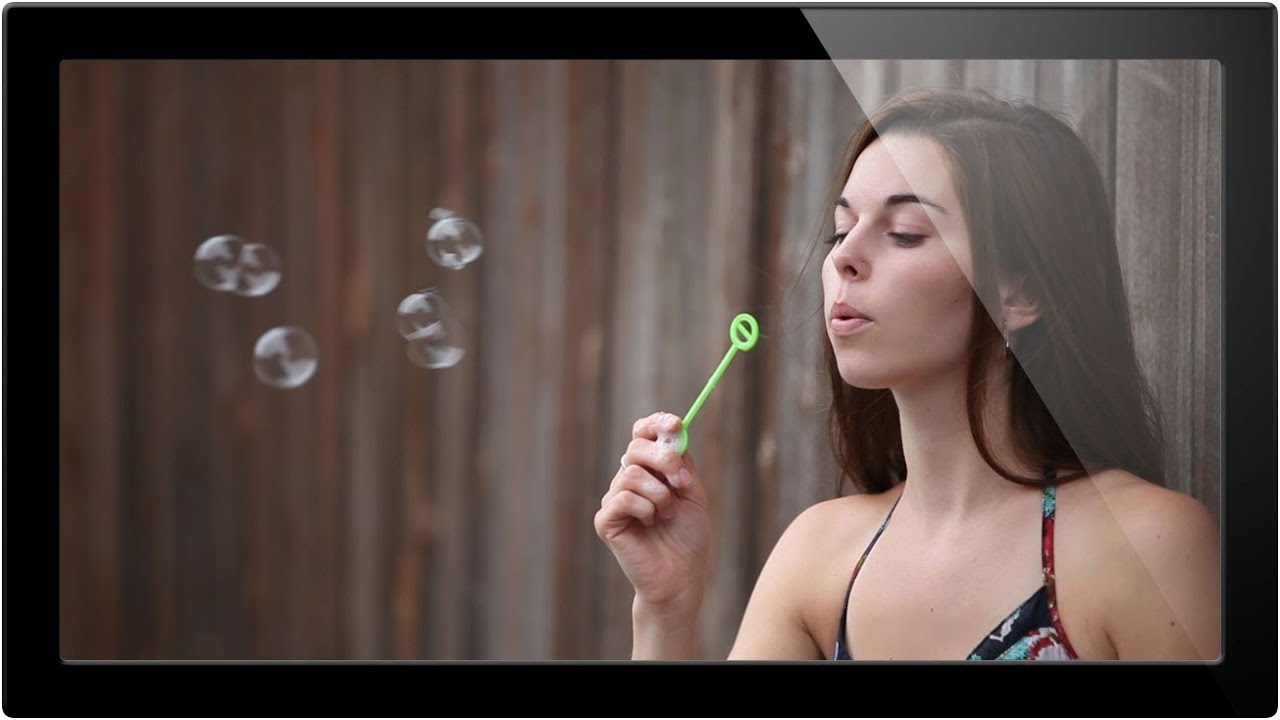
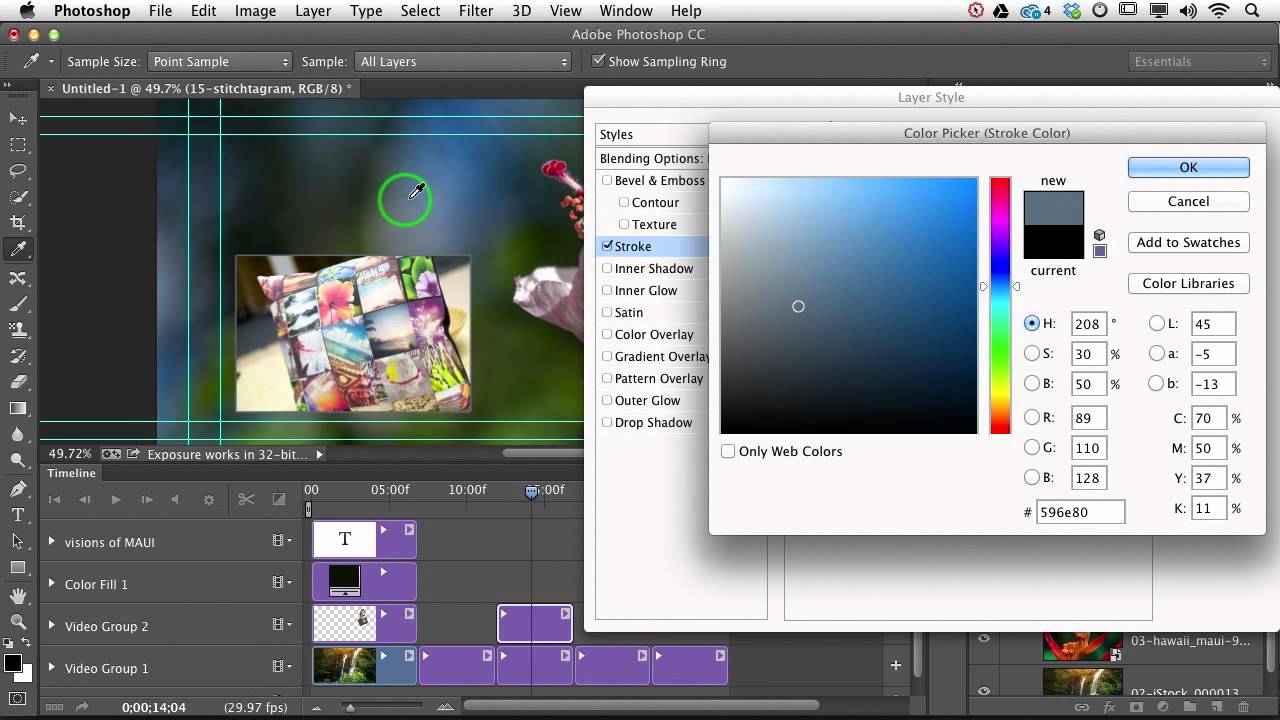
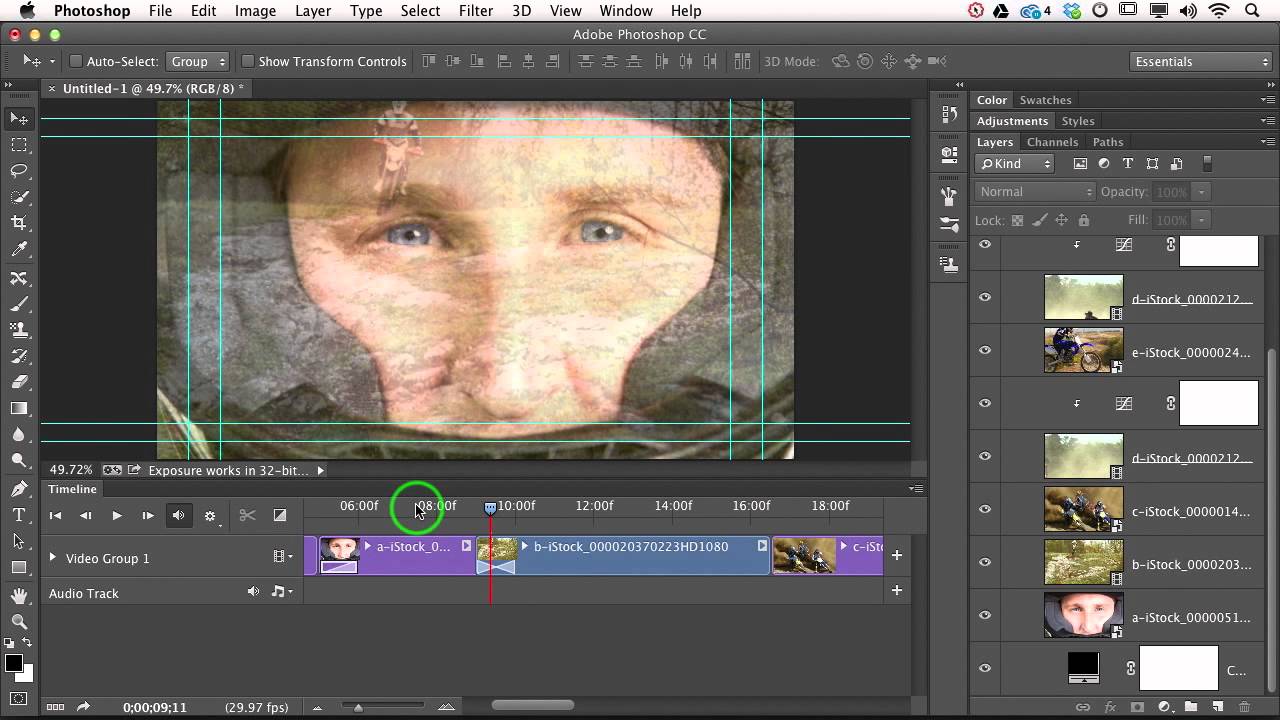
Client work has a way of humbling you fast. I can’t count the number of times someone has asked me for a “simple” video overlay and I’ve spent way too long fussing with positioning, scaling, and trying to make two video clips sit together without looking like a mid-2000s sports broadcast. The picture-in-picture format is one of those things that looks deceptively easy until you’re actually doing it and the inset clip is either the wrong size, sitting in a weird spot, or has that raw, unfinished edge that screams “I just dragged this here and hoped for the best.

Color Grading Video in Photoshop: Local vs. Global Adjustments (And Why It Actually Works)

Color Grading Video in Photoshop: Local vs. Global Adjustments (And Why It Actually Works)

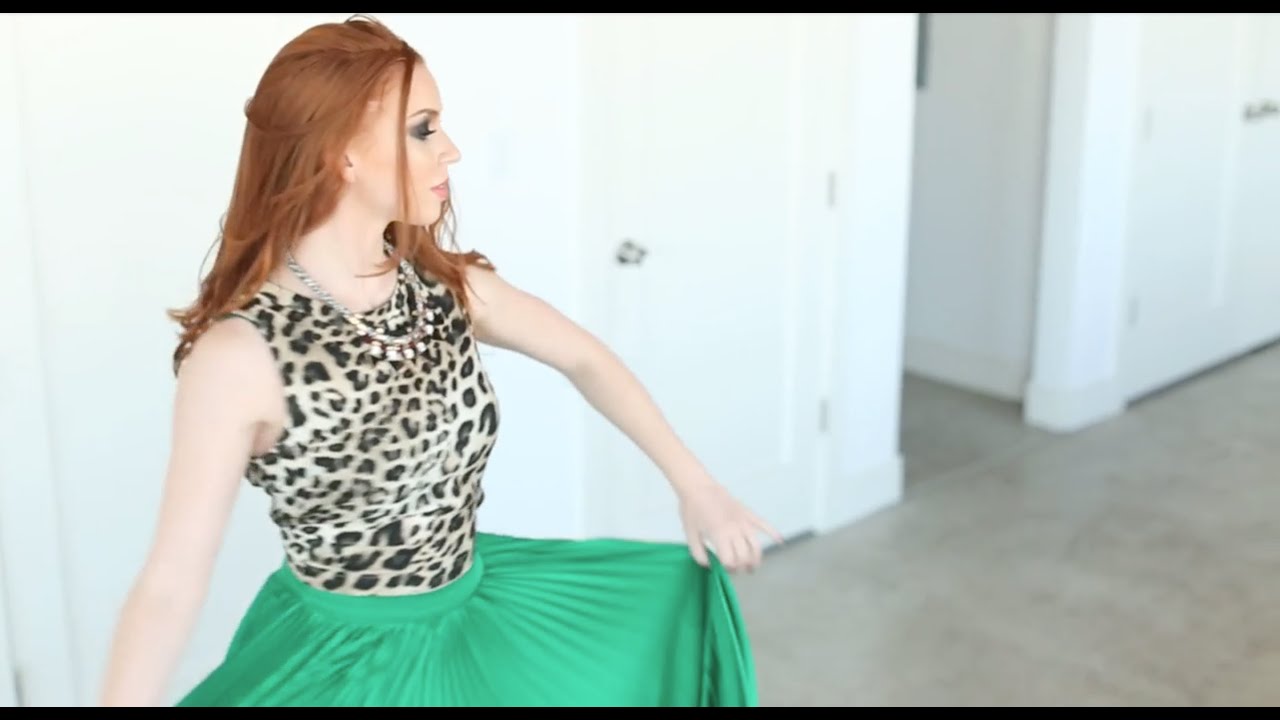
Most of my work lives in still images. Composites, retouching, the occasional logo a client describes as “clean but also edgy.” Video always felt like someone else’s problem. Then a client handed me raw footage and asked me to “make it look cinematic,” and suddenly it was very much my problem. I didn’t want to learn Premiere for one project, and After Effects felt like jumping into the deep end wearing a backpack full of bricks.

How to Edit a Live Concert Like a Film (And Why Your Current Approach Probably Looks Like a Broadcast Feed)

How to Edit a Live Concert Like a Film (And Why Your Current Approach Probably Looks Like a Broadcast Feed)

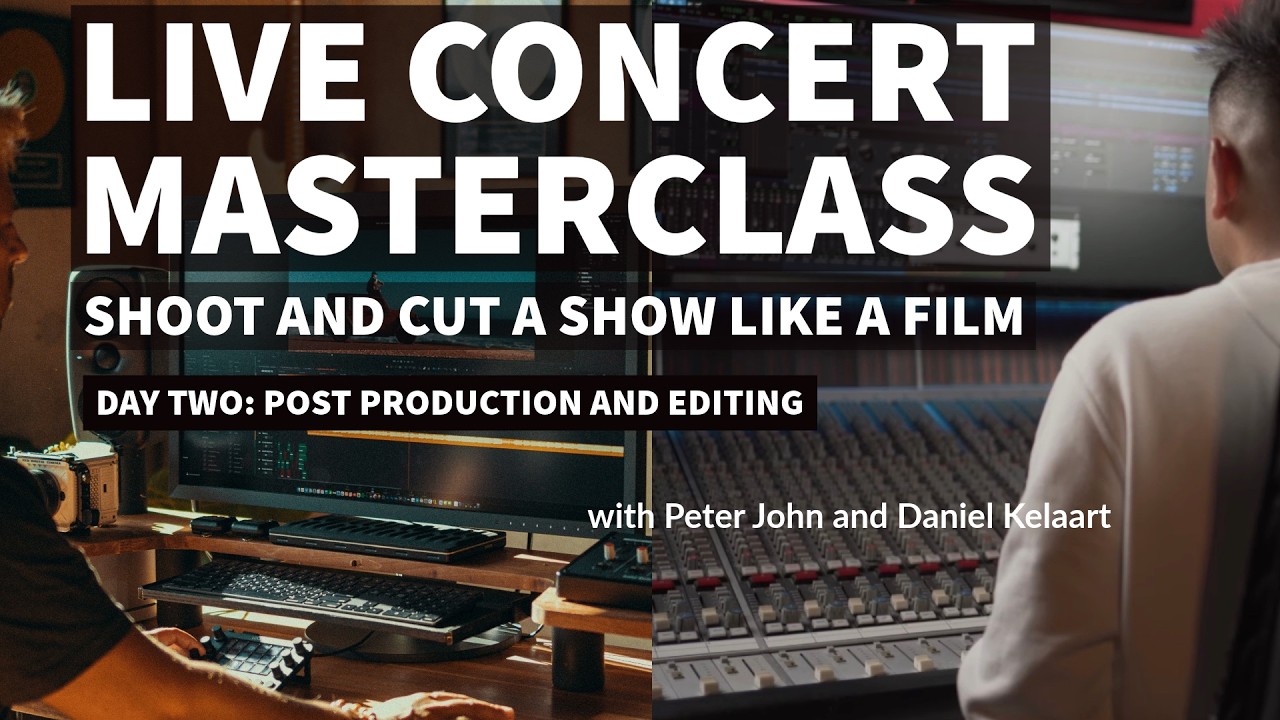
I spend most of my professional life in Photoshop, but every so often a project lands in my lap that pulls me outside that comfort zone. Last month it was a short promo film for a local Austin venue — three camera angles, live audio recorded on a Zoom H6, and the expectation that I’d stitch it into something that looked intentional. What I delivered was… fine. Functional. It looked exactly like what it was: a guy who edits graphics for a living pretending he knows how to cut video.

XPPen's Pilot Pro: Game-Changing Hardware for Serious Photo Editors

XPPen's Pilot Pro: Game-Changing Hardware for Serious Photo Editors

XPPen’s Pilot Pro: Game-Changing Hardware for Serious Photo Editors Look, I’ve seen a lot of editing peripherals come and go over the years. Some are genuinely useful. Others are expensive paperweights masquerading as “professional tools.” But XPPen’s new Pilot Pro creative editing console? I think they might’ve actually nailed something here. What Makes It Different The Pilot Pro isn’t just another keyboard with fancy buttons slapped onto it. XPPen has designed this thing specifically for the way modern creatives actually work—which means it’s built for Photoshop, Lightroom, and video editing software.