I spend most of my professional life in Photoshop, but every so often a project lands in my lap that pulls me outside that comfort zone. Last month it was a short promo film for a local Austin venue — three camera angles, live audio recorded on a Zoom H6, and the expectation that I’d stitch it into something that looked intentional. What I delivered was… fine. Functional. It looked exactly like what it was: a guy who edits graphics for a living pretending he knows how to cut video.
So when I came across this CreativeLive masterclass with Peter John and Daniel Kelaart, I watched it with the specific pain of someone who just turned in mediocre work and knew it.
Watch the full tutorial on YouTube
If that doesn’t load: Watch the full tutorial on YouTube
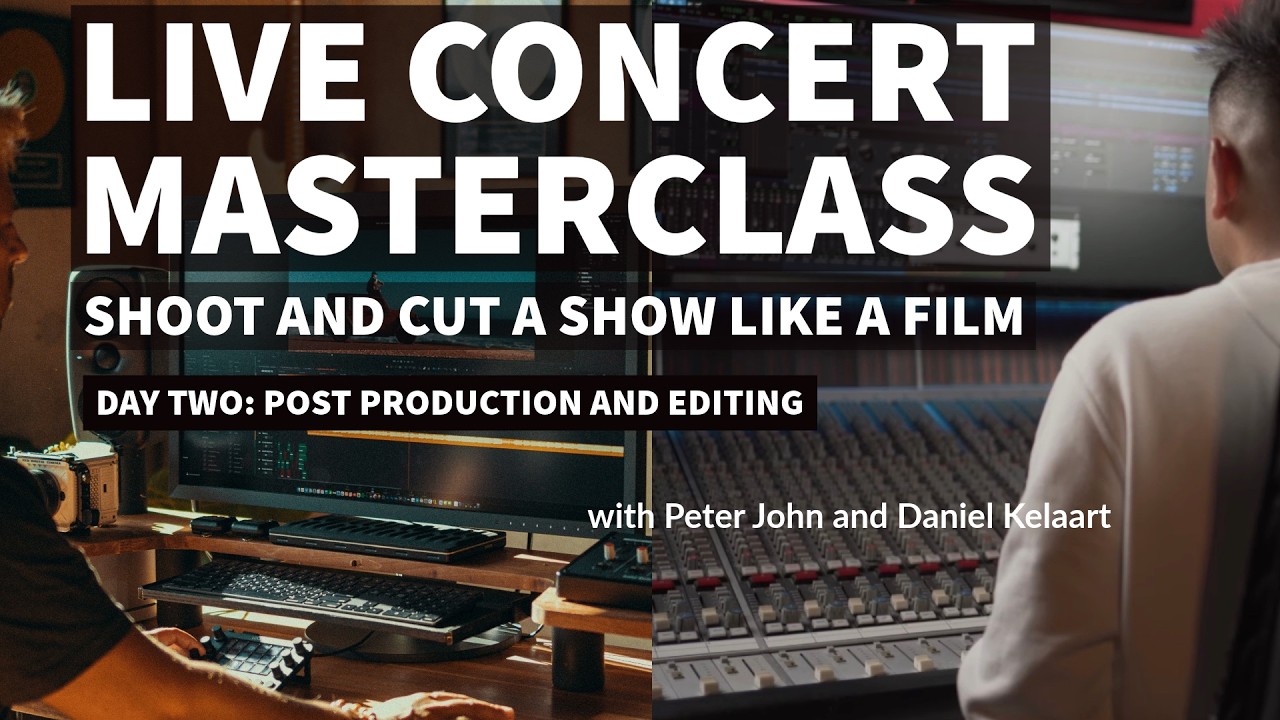
Peter John has 25-plus years filming live shows for major touring acts. This is Day 2 of the masterclass, which means the cameras are already packed away. Now comes the part most people underestimate: building the film in post.
Audio First, Always – and Here’s Why That’s Not Optional
The morning session focuses entirely on audio post, and Peter is pretty direct about why. You cannot cut picture to broken audio. The energy of the edit depends on the music feeling locked and right. If the soundbed is muddy or mistimed, every cut you make is fighting against it.
The workflow starts with multitrack sync in Pro Tools. The live show was recorded with a full multitrack rig, meaning every instrument and vocal channel is isolated. That’s your raw material. From there, the process is mix, then master, in that order – no shortcuts.
The mixing phase is about balance and feel. Peter talks about listening to the room’s energy in the recording and making the mix serve that, not fight it. A concert mix is not the same as a studio mix. You want some of the crowd bleed. You want it to feel like a room, not a record.
Mastering is the final polish – bringing levels up to a broadcast-ready standard without squashing the dynamics that make a live performance feel alive. The goal is a soundbed you can cut picture to with confidence, where every drop, every build, and every silence is where it should be.
Stacking Every Camera Angle Before You Touch the Timeline
The afternoon moves into DaVinci Resolve for the video edit, and this is where the methodology gets genuinely interesting. The first step is stacking. Every angle from every camera gets laid into the timeline, synced to the audio. All of it. The weak stuff, the great stuff, the accidental wide shot that’s slightly out of focus.
You stack before you judge. This matters because it forces you to see the full picture of what you actually have before your instincts start making choices. Most amateur edits fail because the editor starts cutting before they’ve really lived with the material.
Once everything is stacked, the cut-down process begins. Peter describes it as removing weakness before selecting strength. First pass: pull out anything that’s technically broken. Out of focus, wrong exposure, camera movement that doesn’t serve the moment. These go. No sentimentality.
Second pass: this is where style and energy take over. You’re looking for the frames and cuts that match the emotional arc of the performance. A wide shot during a quiet verse. A tight close-up on a vocalist the moment they close their eyes and mean it. The cut isn’t just a transition – it’s a statement about where the audience’s attention should be.
Cutting for Feeling, Not for Coverage
This is the conceptual leap that separates a concert film from a broadcast feed. Broadcast coverage is about showing what happened. A concert film is about making you feel like you were there.
Peter talks about this in terms of rhythm. Your cuts should breathe with the music. A fast song with lots of energy gets faster cuts. A slow breakdown gets held shots that let the moment sit. This sounds obvious written down, but it’s genuinely easy to forget when you’re staring at a timeline for six hours.
The selection criteria he keeps returning to is: does this cut serve the show, or does it serve the footage? When you’re in love with a shot because it was technically difficult to get, that’s a red flag. The shot exists for the song, not the other way around.
Where I’d Push Back (Slightly)
The multitrack Pro Tools workflow is fantastic if you have multitrack recordings. For my Austin venue project, I had a stereo mix from a Zoom recorder sitting on a folding table near the stage. That’s a very different starting point.
What I’d add to this methodology for smaller productions: when you don’t have isolated tracks, your color grade and your edit pacing have to work even harder to create separation and energy. DaVinci Resolve’s Fairlight audio tools can do a reasonable job of cleanup on a live stereo mix. It’s not Pro Tools multitrack, but it’s not nothing. The principle of audio-first still holds – you just have less to work with.
Also, if you’re shooting on a DSLR at a small venue, you probably don’t have five camera angles to stack. Two angles changes the methodology but not the philosophy. Stack what you have. Remove weakness first. Then select for energy.
The One Thing That Changes Everything
The single most transferable idea from this entire masterclass is deceptively simple: cut away weakness before you select for strength. Most editors do it backwards. They find the shots they love and build around them, which means the weak material sets the floor for the whole edit.
Start by removing everything that doesn’t belong. What’s left will tell you what the film actually is.
Watch the full Day 2 masterclass on CreativeLive for the actual visual demonstration of the Pro Tools and DaVinci Resolve workflows – some of this only makes complete sense once you see Peter working inside the software in real time.
Comments
Leave a Comment