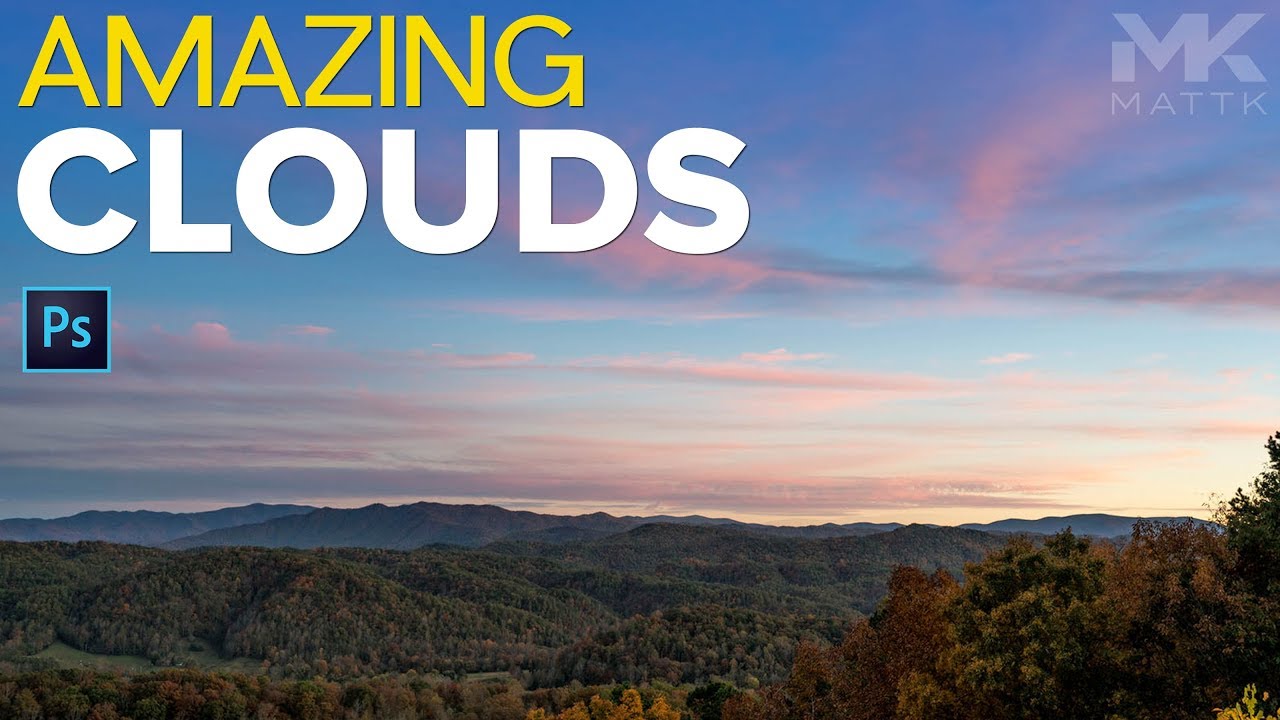
How to Fill Dead Sky in Photoshop Using Nothing But the Lasso Tool

How to Fill Dead Sky in Photoshop Using Nothing But the Lasso Tool

There’s a specific kind of outdoor photo that haunts me. Great composition, solid light, decent subject – and then a big, boring hole in the sky where the clouds just… gave up. You’ve seen it. Half the frame is moody and dramatic, and then there’s this bald patch on one side that looks like the atmosphere forgot to show up to work. For a long time my fix was either to swap the entire sky, which takes forever and has its own compositing nightmares, or to just accept the photo was what it was and move on.
The Bleach Bypass Filter is Still in ON1 Photo RAW MAX — You Just Have to Know Where to Look

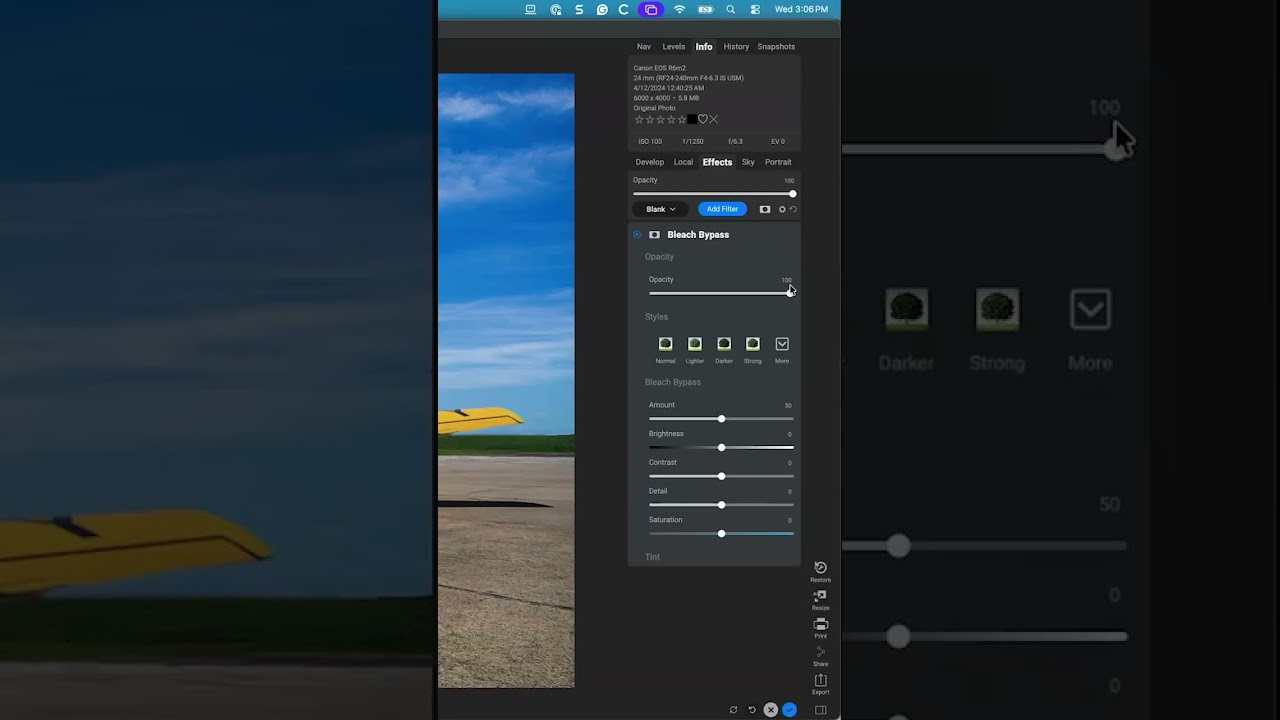
The Bleach Bypass Filter is Still in ON1 Photo RAW MAX — You Just Have to Know Where to Look

I have a complicated relationship with software updates. Half the time they add something genuinely useful. The other half, they quietly bury a tool I relied on and replace it with nothing, leaving me clicking around menus like I’m searching for my keys at 2am. That’s exactly what happened to me recently with ON1 Photo RAW MAX and the Bleach Bypass filter. I knew it existed. I’d used it before. And then one day it just… wasn’t in the filter list anymore.

How to Fake a Graduated Sky Filter in Photoshop (Without Touching a Single Slider)

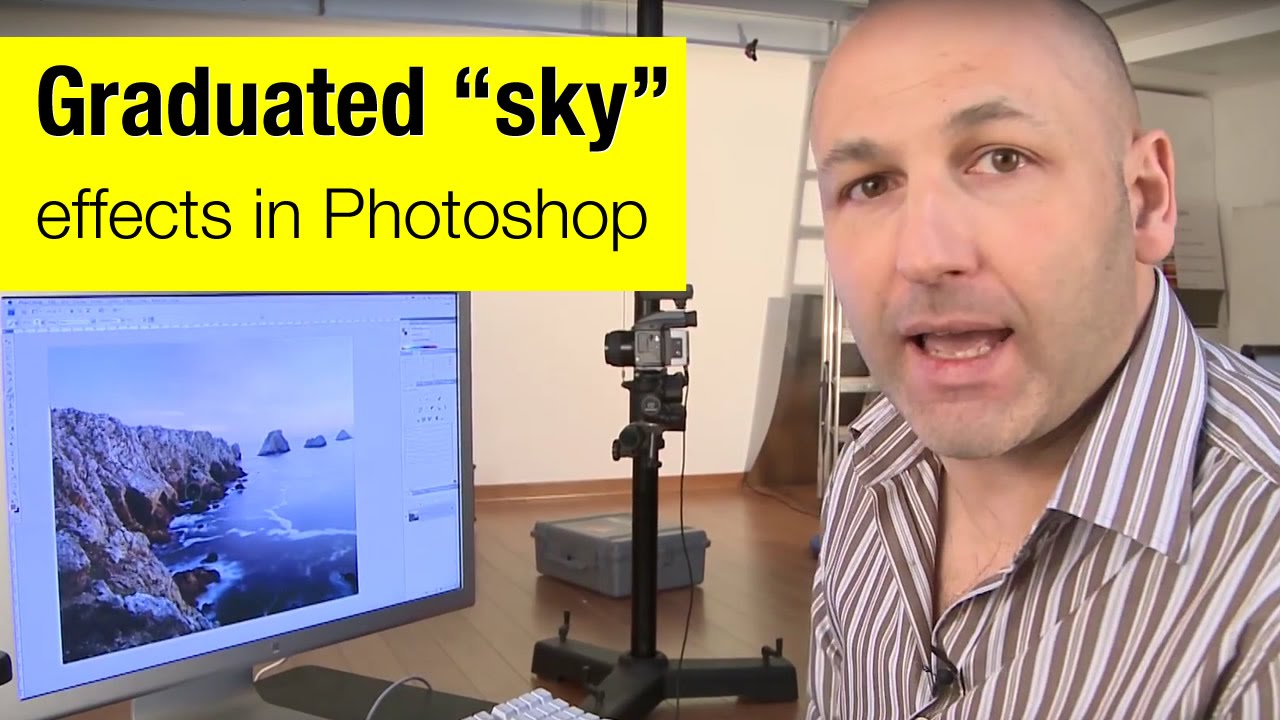
How to Fake a Graduated Sky Filter in Photoshop (Without Touching a Single Slider)

There’s a specific kind of frustration that hits when you’ve got a genuinely great shot — good composition, interesting foreground, strong light — and the sky is just… beige. Flat, washed-out, completely uninspiring. You know the image has something, but the sky is dragging it down. I’ve been there more times than I’d like to admit, and my usual instinct was to reach for Hue/Saturation or start messing with Curves until something looked vaguely better.