How to Add Cinematic Drama to a Portrait in Photoshop (Joel Grimes' 3-Trick Workflow)

How to Add Cinematic Drama to a Portrait in Photoshop (Joel Grimes' 3-Trick Workflow)

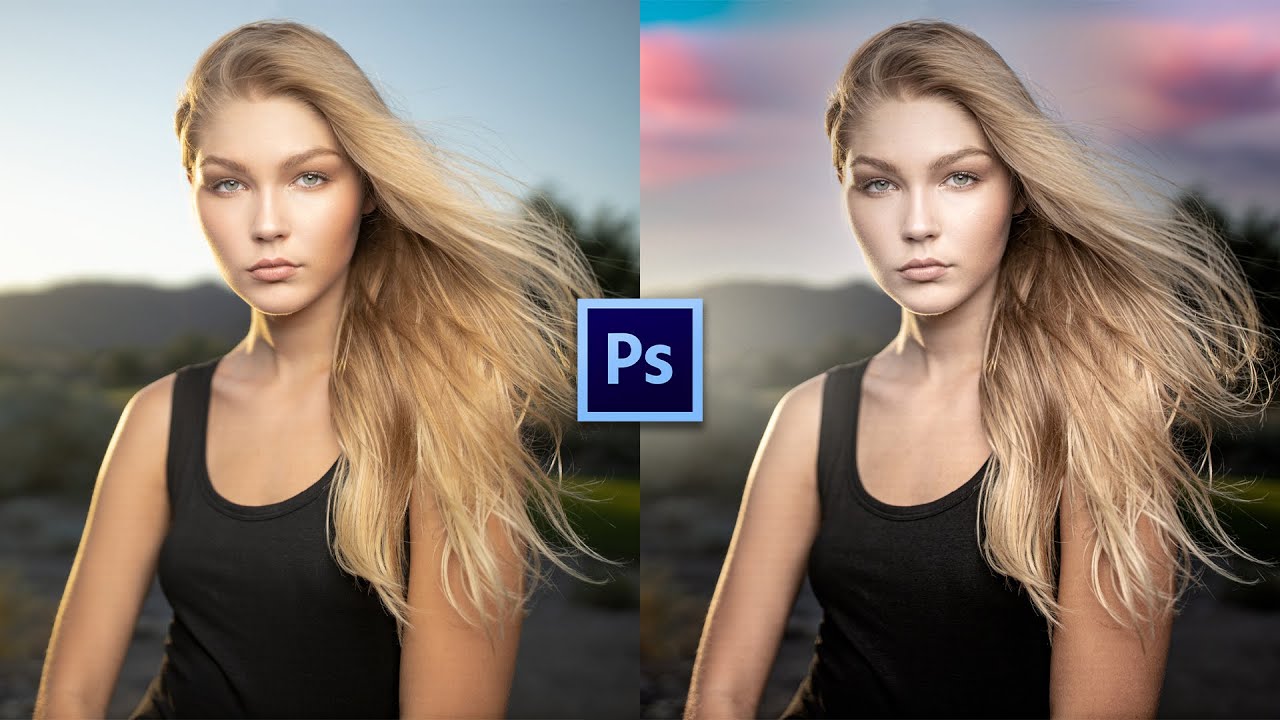
There’s a specific kind of disappointment that hits when you’ve got a technically solid portrait shot outdoors, good light on the subject, decent exposure, sharp eyes, and then you look at the background and it’s just… a flat blue nothing. The subject is doing all the heavy lifting and the rest of the image is coasting. I’ve sent images like that to clients and watched them nod politely. You know the nod.

Paint Over It: The Lazy-Smart Way to Recolor Hair in Photoshop

Paint Over It: The Lazy-Smart Way to Recolor Hair in Photoshop

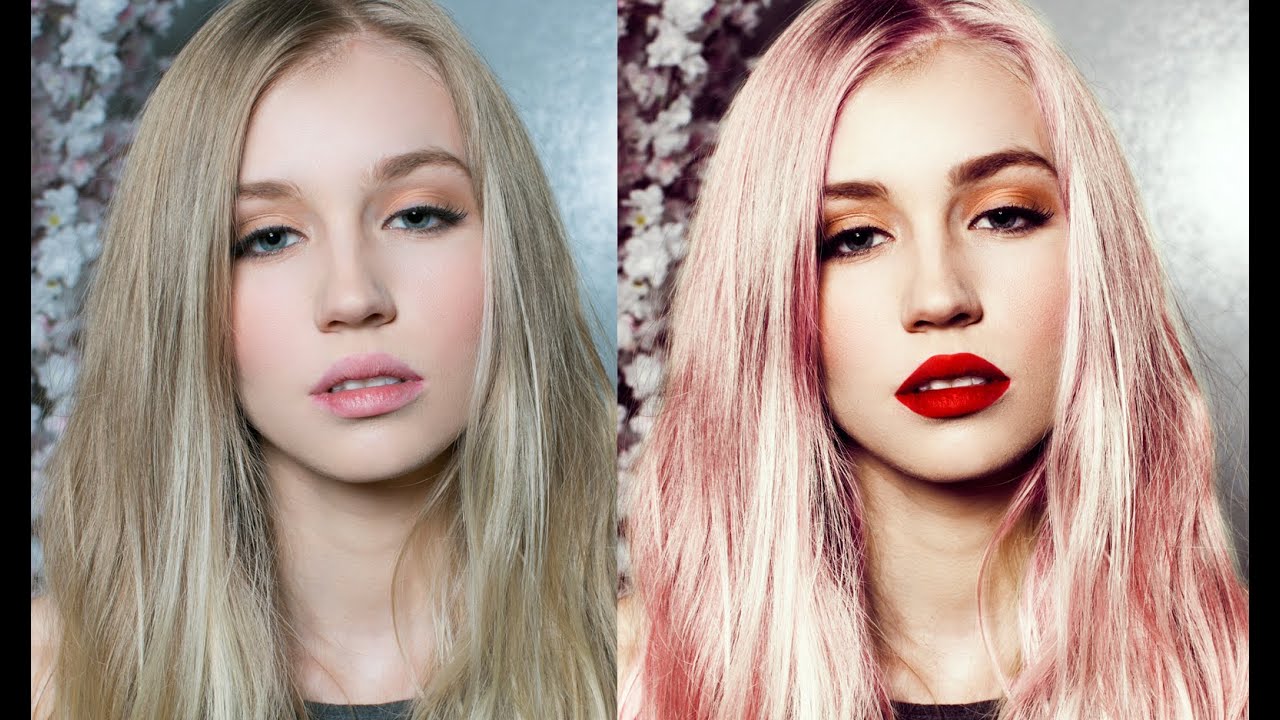
There’s a certain kind of client request that makes every retoucher pause before responding: “Can you make the hair a different color?” It sounds simple. It is not always simple. I’ve gone down the channel-masking rabbit hole, spent twenty minutes wrestling with Select and Mask, and once produced what I can only describe as a hair-shaped disaster. So when I came across this Jessica Kobeissi tutorial on transforming portrait photos, specifically recoloring dark hair to a vivid pink, I was relieved to see a method that actually respects the fact that most of us are working against a deadline.

Three Photoshop Moves That Make Hair Color Look Like It Was Lit by God

Three Photoshop Moves That Make Hair Color Look Like It Was Lit by God

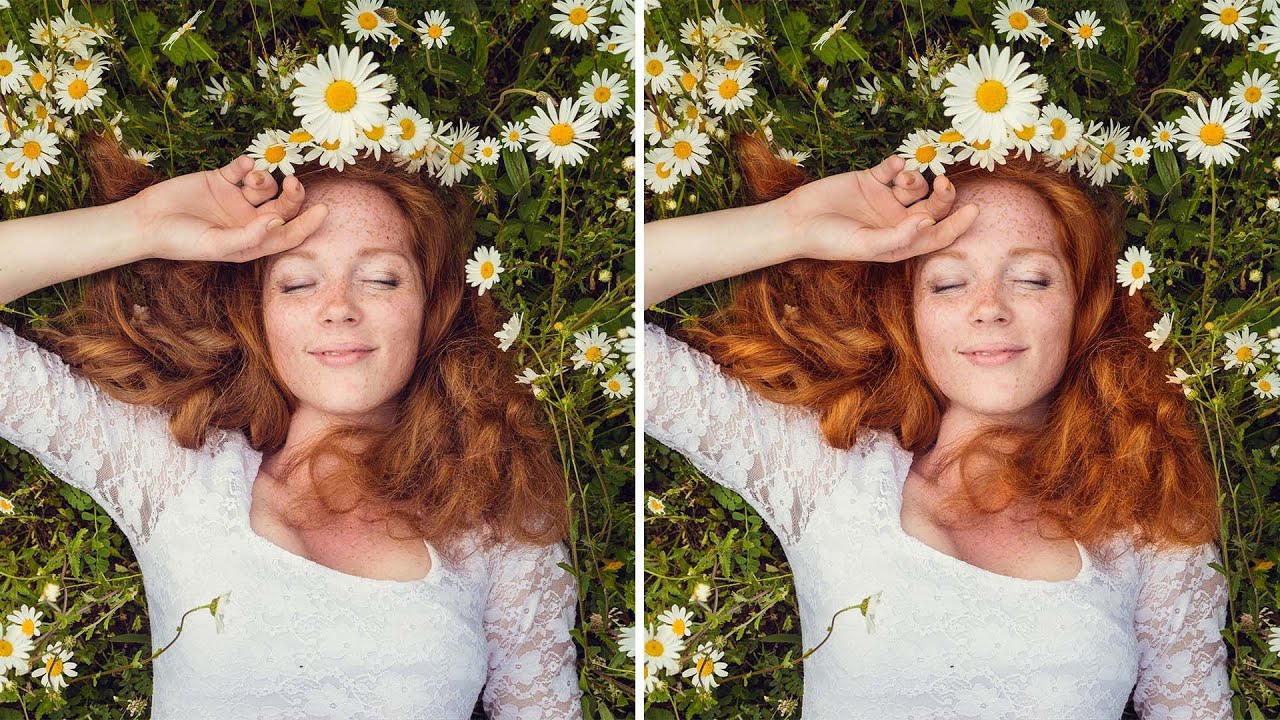
Portrait retouching has a way of exposing every gap in your workflow. I’ve handed off photos where everything looked great, the skin, the background, the lighting, and then a client comes back asking why the hair looks flat and kind of muddy. Turns out I’d been ignoring it entirely. Hair color is one of those things that reads as “fine” until you see it done right, and then you can’t unsee the difference.

The Art of Making People Look Better Than They Actually Are

The Art of Making People Look Better Than They Actually Are

The Art of Making People Look Better Than They Actually Are Listen, we’ve all been there. Your friend sends you a photo from their vacation and asks if you can “just fix it up a little bit.” What they really mean is: “Can you make me look like I haven’t been awake for 36 hours and surviving on airport snacks?” Photo manipulation gets a bad rap—mostly from people who’ve seen those aggressively filtered Instagram pics where someone’s skin looks like a porcelain doll that came to life in a horror movie.