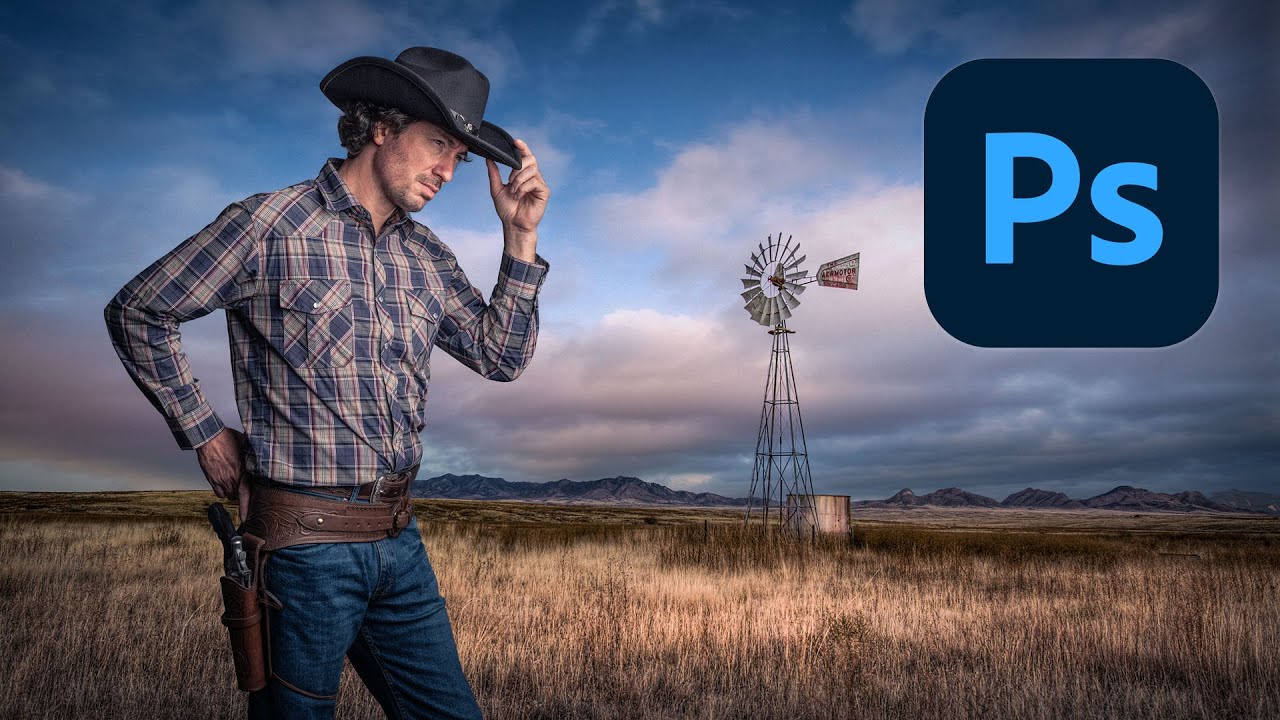
Cutting Out Cowboys and Making Composites Actually Look Real in Photoshop

Cutting Out Cowboys and Making Composites Actually Look Real in Photoshop

Compositing is one of those skills that separates the people who use Photoshop from the people who know Photoshop. I learned that the uncomfortable way a few years back when a friend sat down at my machine, looked at a composite I’d spent three days on, and rebuilt something better in about twenty minutes using techniques I’d never seen. That stung. A lot. Since then I’ve made it a point to watch how other working designers approach the problem, even when I think I’ve got it figured out.
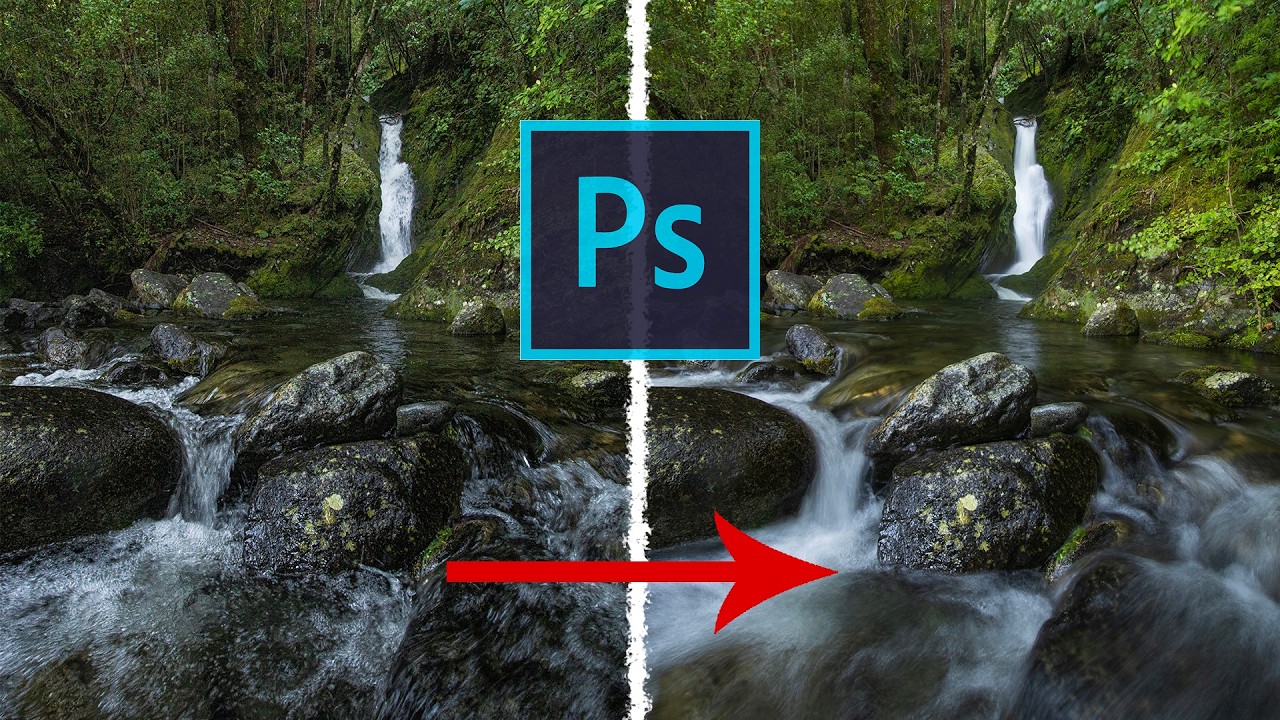
Stop Blowing Out Your Skies: How to Blend Exposures in Photoshop Like a Landscape Pro

Stop Blowing Out Your Skies: How to Blend Exposures in Photoshop Like a Landscape Pro

I shoot a lot of product and graphic work, but every once in a while a client wants “something editorial, something outdoorsy.” Which is how I ended up last spring with two decent landscape shots from the same scene and the same problem I always have: the sky is perfectly exposed, the foreground looks like it was photographed inside a cave, or I nail the foreground and the sky turns into a white, blown-out disaster.

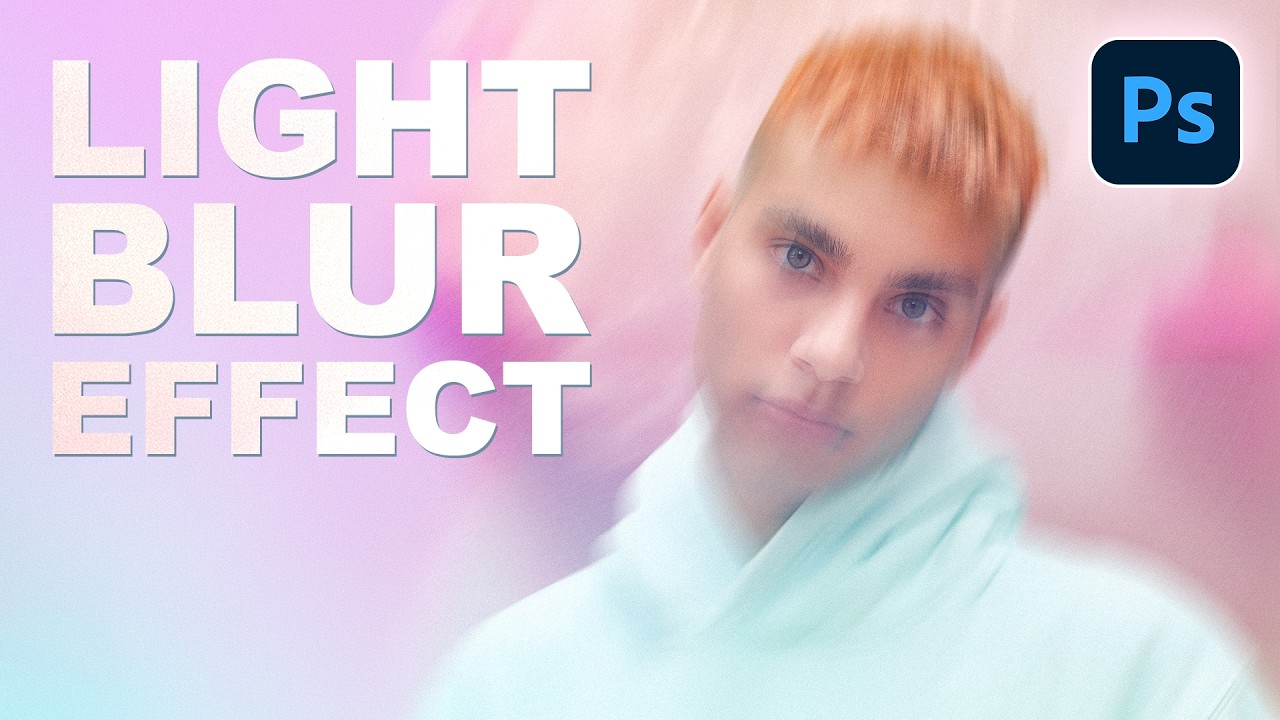
How to Add Cinematic Light Blur Effects to Portraits Without Destroying Your Original Image

How to Add Cinematic Light Blur Effects to Portraits Without Destroying Your Original Image

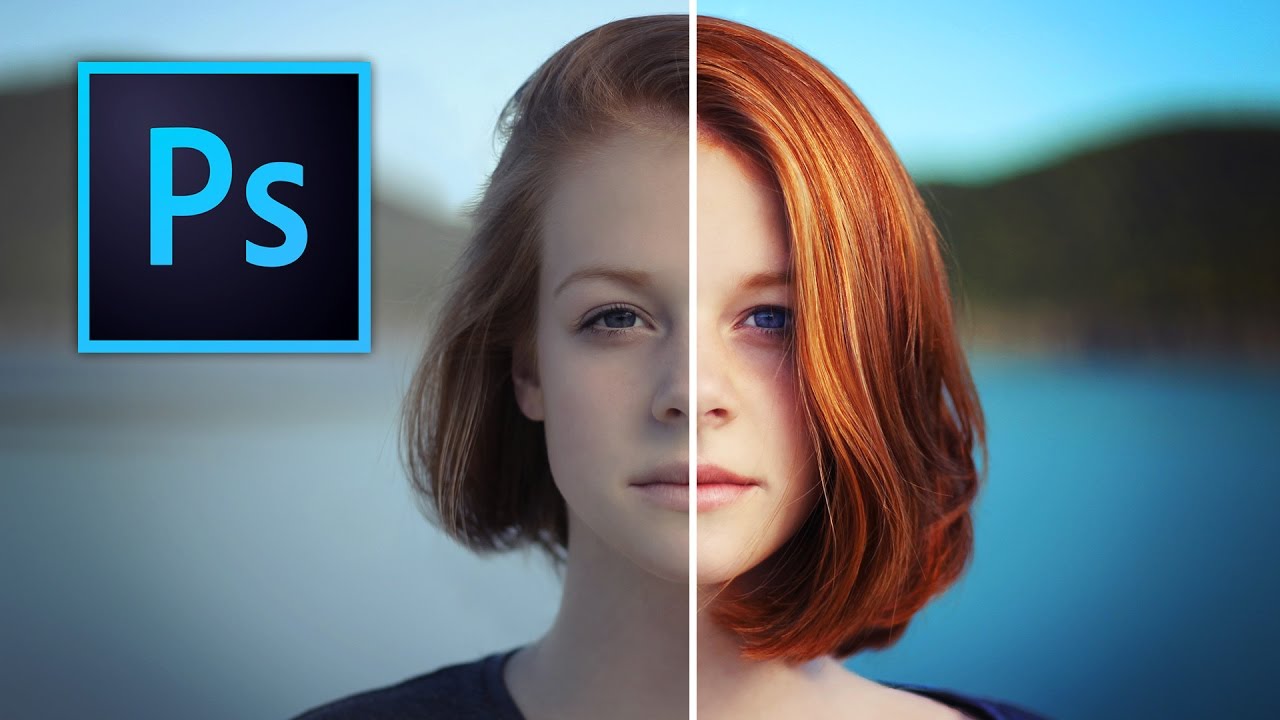
I’ve always been fascinated by those portraits that have this magical, almost glowing quality to them—like the photographer caught the perfect moment with perfect lighting, even if we both know they didn’t. In this excellent tutorial, Aaron Nace (PHLEARN) shows us how to create exactly that effect in Photoshop using a combination of Smart Objects and the Path Blur Gallery. The best part? You’ll maintain complete control over your original image while building this polished, “done-in-camera” look.

Stop Making Your Text Look Like a Bad 90s Website: A Practical Guide to Text Effects in Photoshop

Stop Making Your Text Look Like a Bad 90s Website: A Practical Guide to Text Effects in Photoshop

Stop Making Your Text Look Like a Bad 90s Website: A Practical Guide to Text Effects in Photoshop Look, I’m going to be honest with you. Most text effects in Photoshop are terrible. That glowing neon sign effect? Terrible. The rainbow gradient with drop shadow? Also terrible. But before you close this tab thinking I’m about to tell you to never use effects, hear me out—there are actually some legitimately useful text effects that can elevate your work instead of making it look like it belongs in a time capsule.

Text Effects in Photoshop That Don't Look Like a Geocities Website

Text Effects in Photoshop That Don't Look Like a Geocities Website

Text Effects in Photoshop That Don’t Look Like a Geocities Website Look, I get it. Text effects are fun. A little drop shadow here, some beveling there, maybe throw a lens flare on top because why not? Before you know it, your design looks like it should be accompanied by MIDI music and animated GIFs of dancing babies. But here’s the thing: text effects can actually be useful when you’re not treating Photoshop like a effect slot machine.

Stop Compromising on Sunrise Shots: My Go-To HDR Technique for Impossible Lighting

Stop Compromising on Sunrise Shots: My Go-To HDR Technique for Impossible Lighting

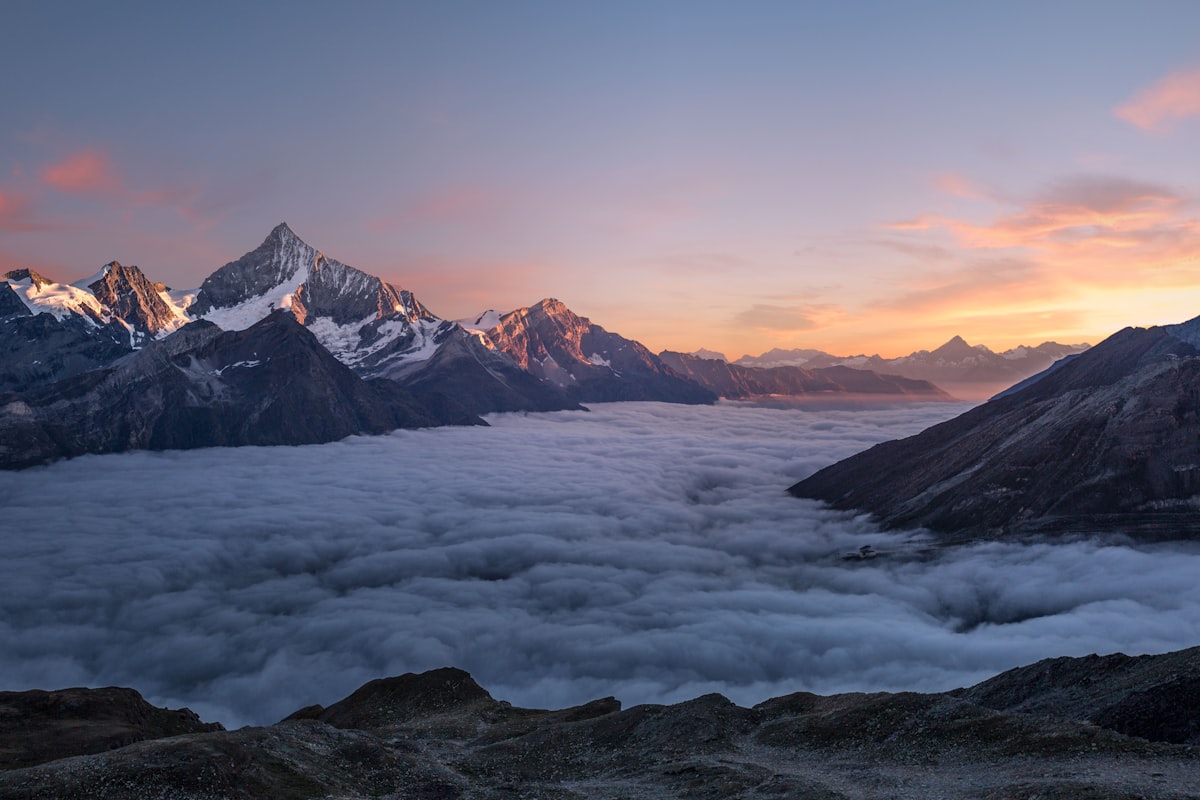
The Problem Nobody Talks About Here’s the dirty truth: your camera’s sensor, no matter how fancy or expensive, will choke on a dramatic sunrise over the ocean. That gorgeous golden light hitting the water while the sky transitions from deep purple to pink? Yeah, your camera sees that and essentially throws up its hands in defeat. You’ve got three lousy options: accept crushed black shadows that look like voids, blow out the sky into a blown-out white mess, or slap a graduated ND filter on your lens and hope for the best.

Stop Boring Photos: The Ultimate Guide to Making Colors Pop in Photoshop

Stop Boring Photos: The Ultimate Guide to Making Colors Pop in Photoshop

Stop Boring Photos: The Ultimate Guide to Making Colors Pop in Photoshop I’m gonna be honest with you—there’s nothing worse than spending time on a photo shoot only to open your files and find them looking about as exciting as beige paint. The good news? Photoshop has some seriously powerful tools to fix that problem, and in this excellent tutorial, Kelvin Designs shows us how to make colors absolutely sing using selective color and contrast adjustments.

Blend Modes Demystified: Stop Guessing and Start Blending Like a Pro

Blend Modes Demystified: Stop Guessing and Start Blending Like a Pro

Blend Modes Demystified: Stop Guessing and Start Blending Like a Pro Let me be honest: I spent three years clicking through blend modes like a slot machine, hoping something would look cool. Then I actually learned what they do, and my work improved dramatically. So here’s what I wish someone had told me straight up. Why You Should Care About Blend Modes Blend modes determine how a layer interacts with the layers below it.