How to Wrap Textures on 3D Objects in Photoshop (Without Losing Your Mind)

How to Wrap Textures on 3D Objects in Photoshop (Without Losing Your Mind)

I’ll be honest with you. The first time I tried to texture a 3D object in Photoshop, I spent about 45 minutes dragging things into places where they didn’t belong, watching textures stretch across geometry like a grocery bag over a basketball, and ultimately just giving up and going back to flat design. Nobody talks about how disorienting Photoshop’s 3D workflow can be when you first get into it. There are panels everywhere, nothing behaves the way your muscle memory expects, and the relationship between your texture file and your 3D object feels weirdly indirect.
Build a 3D Wireframe Globe in Photoshop (Without Destroying Your Computer)

Build a 3D Wireframe Globe in Photoshop (Without Destroying Your Computer)

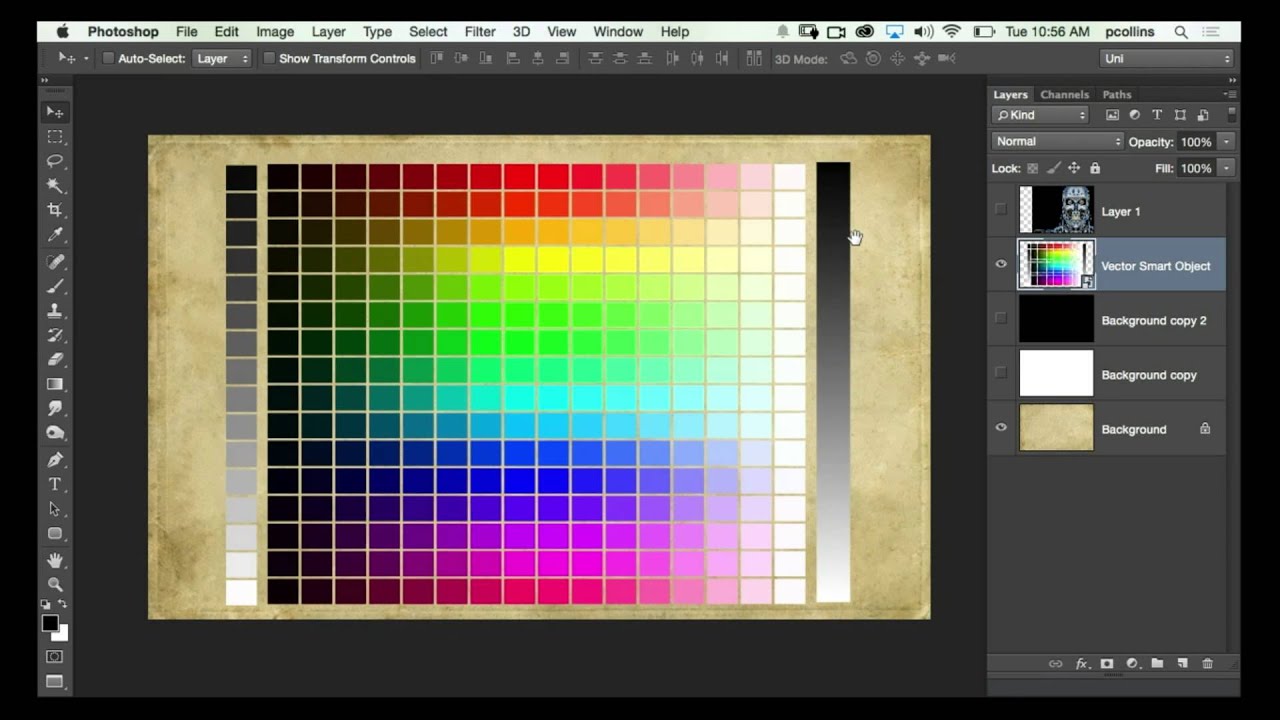
There’s a certain kind of Photoshop project that looks impossibly complicated from the outside but is actually built on two or three clever decisions made early on. A wireframe globe is exactly that kind of project. It looks like something you’d need a dedicated 3D application to pull off, but Photoshop handles it surprisingly well if you know which tools to reach for and, more importantly, which workflow traps to avoid.

How to Build a Lego Man Head in Photoshop 3D (Without Losing Your Mind)

How to Build a Lego Man Head in Photoshop 3D (Without Losing Your Mind)

I’ll be straight with you: I avoided Photoshop’s 3D tools for an embarrassingly long time. Every time I cracked open that menu it felt like I’d wandered into someone else’s software. Then I watched Cory Barker work through a Lego man build on Photoshop User TV and something finally clicked. Not because the technique is simple, exactly, but because he frames it around shapes you already understand. Cylinders. Rounded boxes. Half-profiles that get spun into full objects.

How to Turn Flat Website Screenshots into Slick 3D Mockups with Photoshop CS4 Extended

How to Turn Flat Website Screenshots into Slick 3D Mockups with Photoshop CS4 Extended

There’s a specific flavor of design panic that hits when a client asks for a “visually interesting” website presentation and all you’ve got is a flat screenshot and a deadline. I’ve been there more times than I’d like to admit, usually on my third coffee in whatever shop I’ve claimed as my office that morning. The fix, it turns out, doesn’t require you to be a 3D wizard or spend four hours rage-quitting Blender (speaking from vivid personal experience).