Photoshop 2025's Frame Tool Just Got a Serious Upgrade (Here's What's Actually New)

Photoshop 2025's Frame Tool Just Got a Serious Upgrade (Here's What's Actually New)

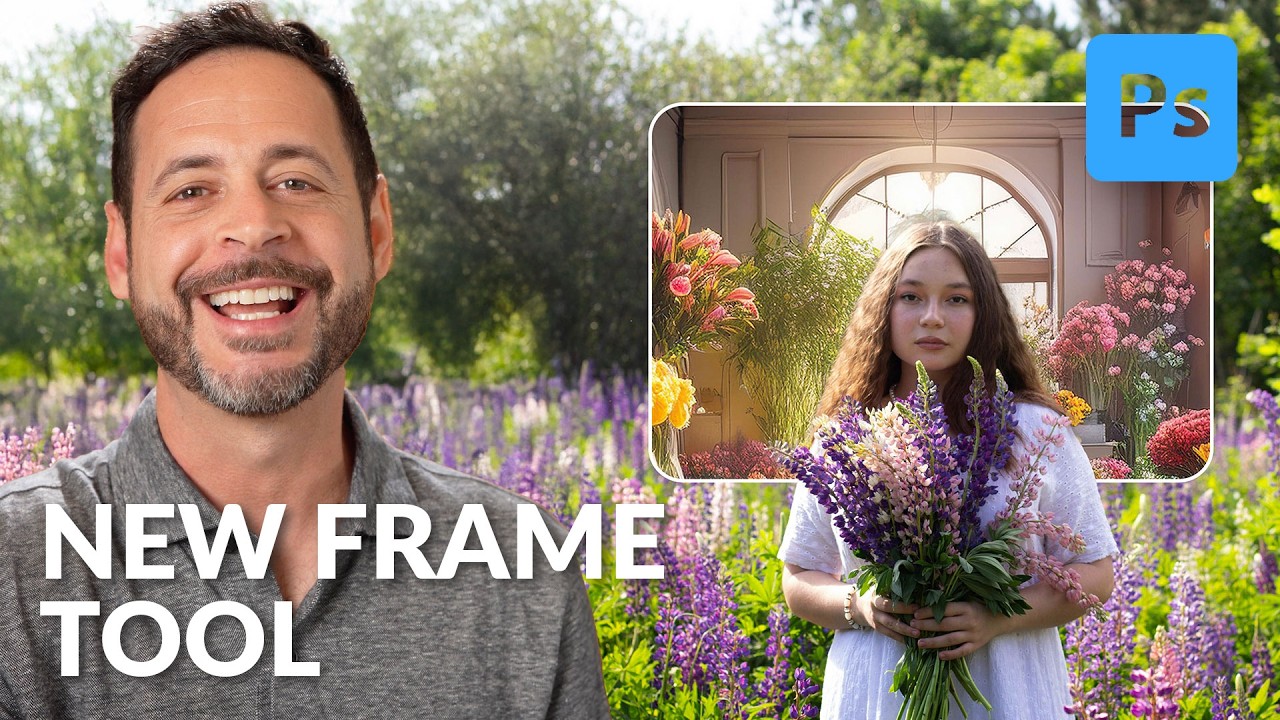
I’ll be honest with you. For most of my Photoshop life, the Frame Tool has lived in my toolbar the same way a treadmill lives in most apartments. I know it’s there. I appreciate the idea of it. I never really use it. That changed when I watched this Aaron Nace (PHLEARN) tutorial on the updated Frame Tool in Photoshop 2025. Watch the full tutorial on YouTube. The short version is this: the Frame Tool used to cap out at rectangles and ellipses, which made it useful for roughly two scenarios in a professional workflow.
30 Days of Photoshop 2025: What's New, What's Changed, and Why Now Is Actually a Great Time to Learn

30 Days of Photoshop 2025: What's New, What's Changed, and Why Now Is Actually a Great Time to Learn

I’ll be honest with you. Every few months I see someone in a design forum ask “is Photoshop still worth learning?” and every time I have to resist the urge to close my laptop and go stare at the wall for a while. Yes. It’s still worth learning. It has always been worth learning. But I do understand the hesitation, because Photoshop in 2025 is a genuinely different piece of software than it was even three years ago.

Photoshop's New Landscape Masking Is the Camera Raw Feature I Didn't Know I Needed

Photoshop's New Landscape Masking Is the Camera Raw Feature I Didn't Know I Needed

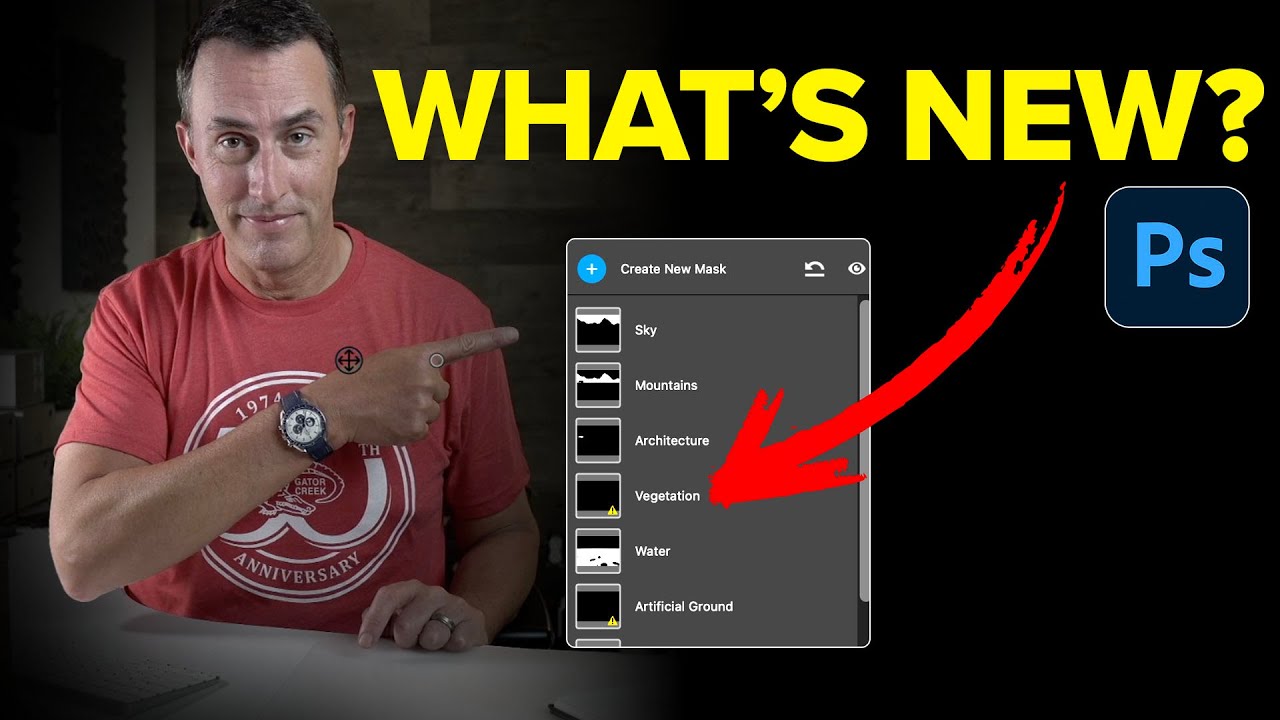
I’ll be honest with you. My relationship with Camera Raw masking has always been “good enough.” Select sky, paint in the foreground with a gradient, argue with a brush tool for fifteen minutes over some tree branches, call it done. It works. It’s not elegant, but it gets the job done between my third and fourth coffee of the morning. Then I watched this Matt Kloskowski tutorial on the April 2025 Photoshop update and realized I’d been doing the equivalent of cutting a steak with a butter knife.

Photoshop's June 2025 Update Just Made Background Removal Actually Good

Photoshop's June 2025 Update Just Made Background Removal Actually Good

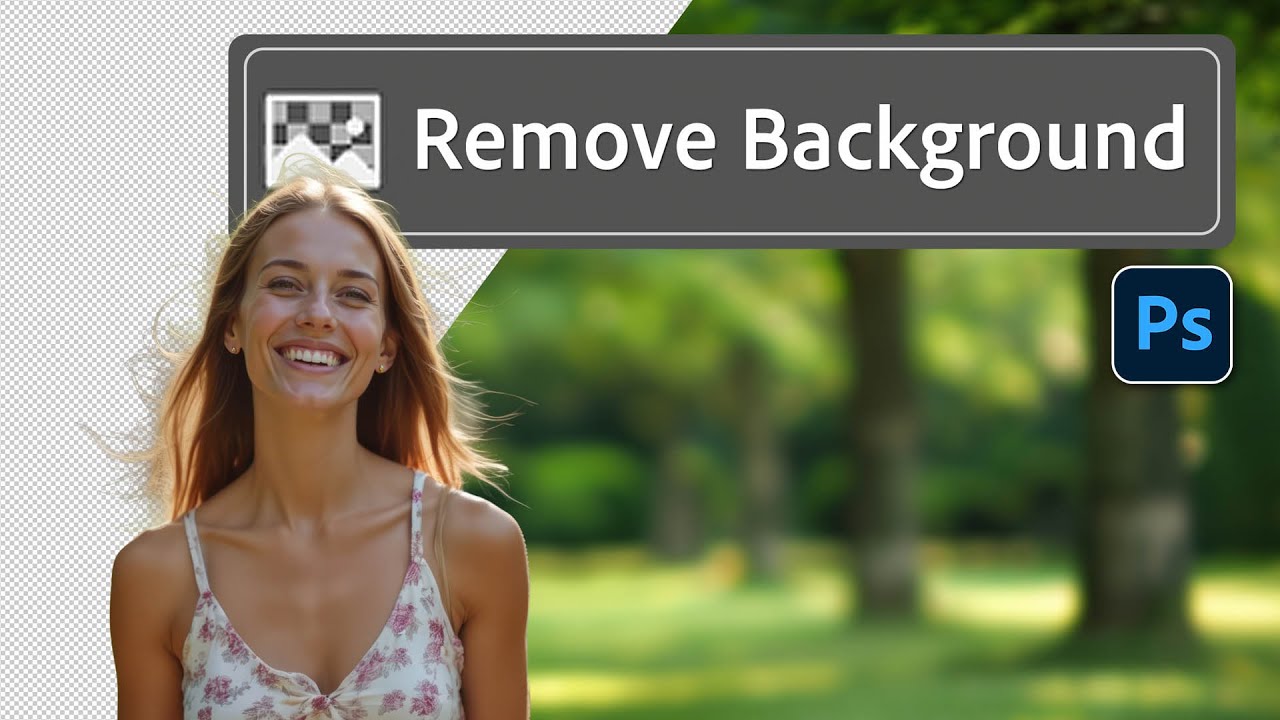
There’s a specific flavor of client nightmare I’ve lived through more times than I’d like to admit. Someone sends over a photo with a person they love, shot in front of a background they hate, and they want that person dropped onto something completely different. Fine. Except the subject has flyaway hair, or wispy strands catching the light, or some other detail that makes a clean cutout feel like defusing a bomb.

Photoshop 2025's Remove Tool Just Got a Serious Upgrade — Here's What Actually Changed

Photoshop 2025's Remove Tool Just Got a Serious Upgrade — Here's What Actually Changed

There’s a particular kind of freelance pain that comes from spending fifteen minutes cleaning up a busy background with the Clone Stamp tool, only to realize the result looks like a crime scene painted by someone who’s never seen grass before. The Remove Tool changed that for me when it first showed up, but it always had a ceiling. Big objects, complex backgrounds, anything that required more than a light touch — it would choke.

Photoshop's Cloud-Powered Select Subject Is Embarrassingly Good (And I Mean That as a Compliment)

Photoshop's Cloud-Powered Select Subject Is Embarrassingly Good (And I Mean That as a Compliment)

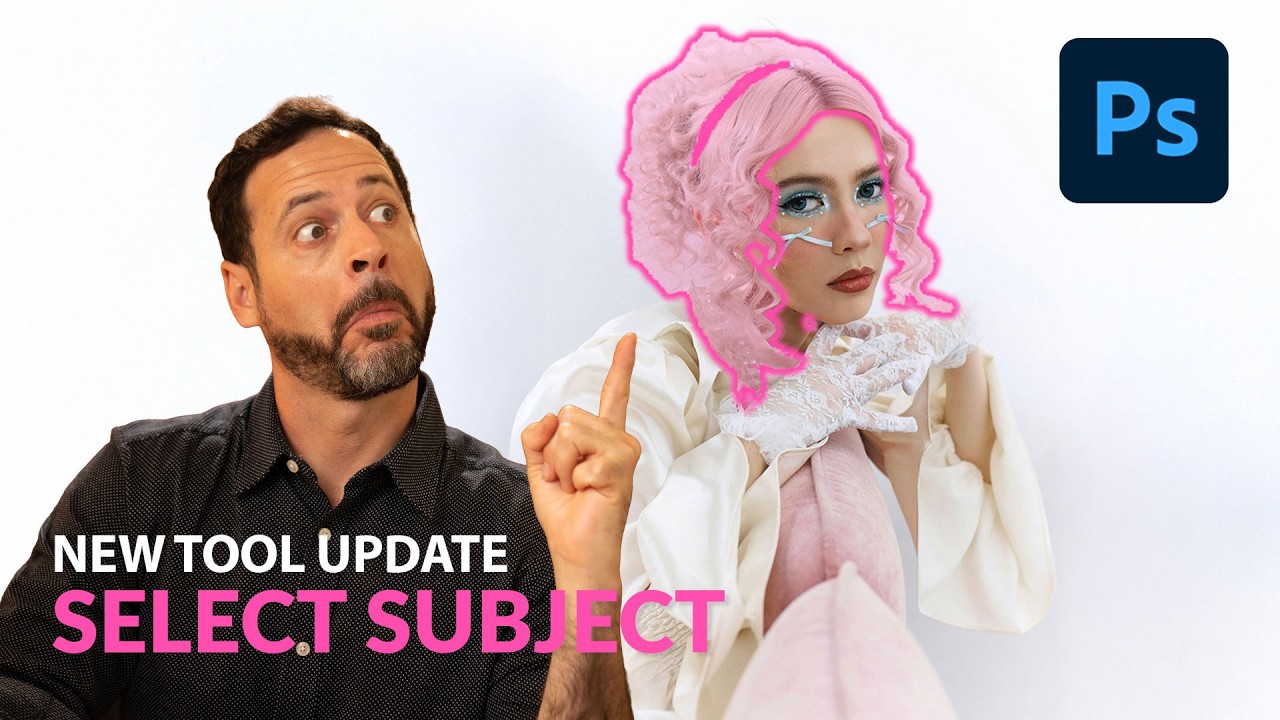
There’s a specific kind of pain that every Photoshop user knows. You’ve got a photo with a subject, a complicated background, maybe some wispy hair or thin strands poking out in every direction, and you need a clean selection. You run Select Subject, it does its best, and then you spend the next 45 minutes playing whack-a-mole with the background trying to clean up the edges. I’ve billed clients for that time.