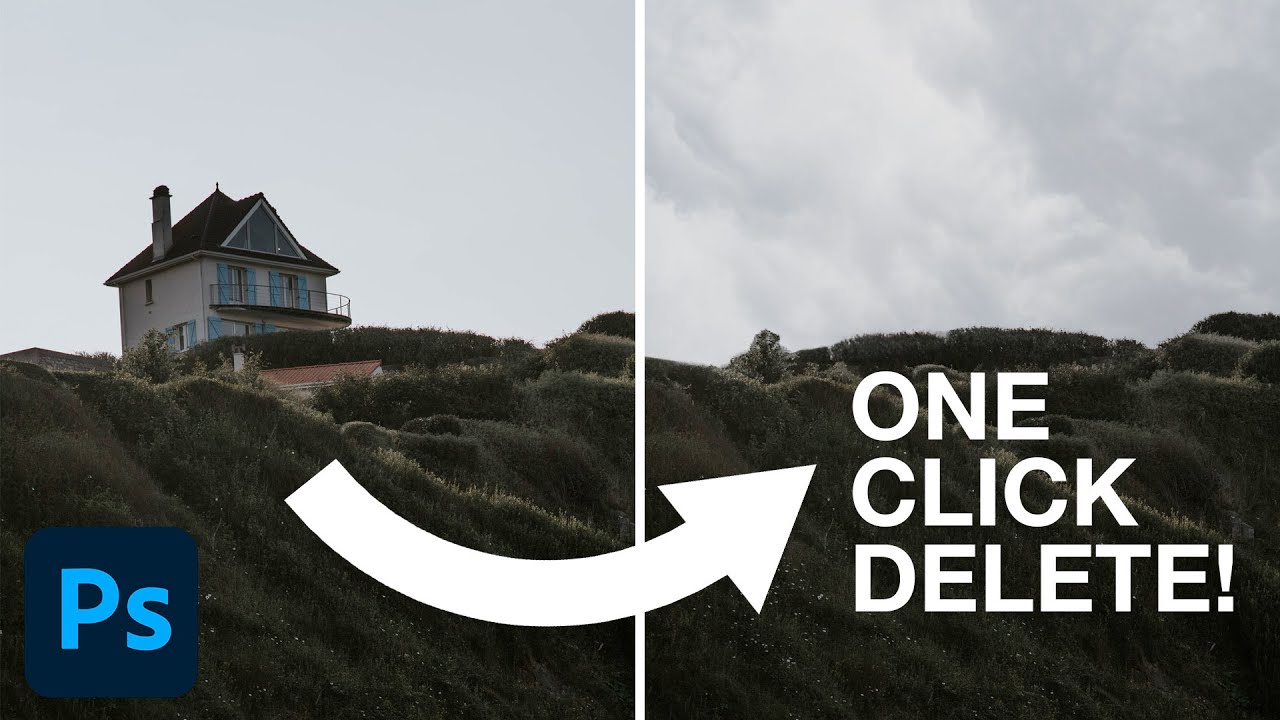
One Click and It's Gone: Photoshop 2023's Delete & Fill Feature Is Kind of Ridiculous

One Click and It's Gone: Photoshop 2023's Delete & Fill Feature Is Kind of Ridiculous

I’ve spent an embarrassing amount of time manually patching out unwanted objects in photos. We’re talking tedious clone stamp work, content-aware fill with mixed results, patching layer by layer while drinking my third coffee of the morning. It’s the kind of task that makes you question your life choices right around the 45-minute mark. So when I stumbled onto this PHLEARN tutorial from Aaron Nace showing off a legitimately new one-click removal tool baked into Photoshop 2023, I had to stop what I was doing and watch the whole thing.

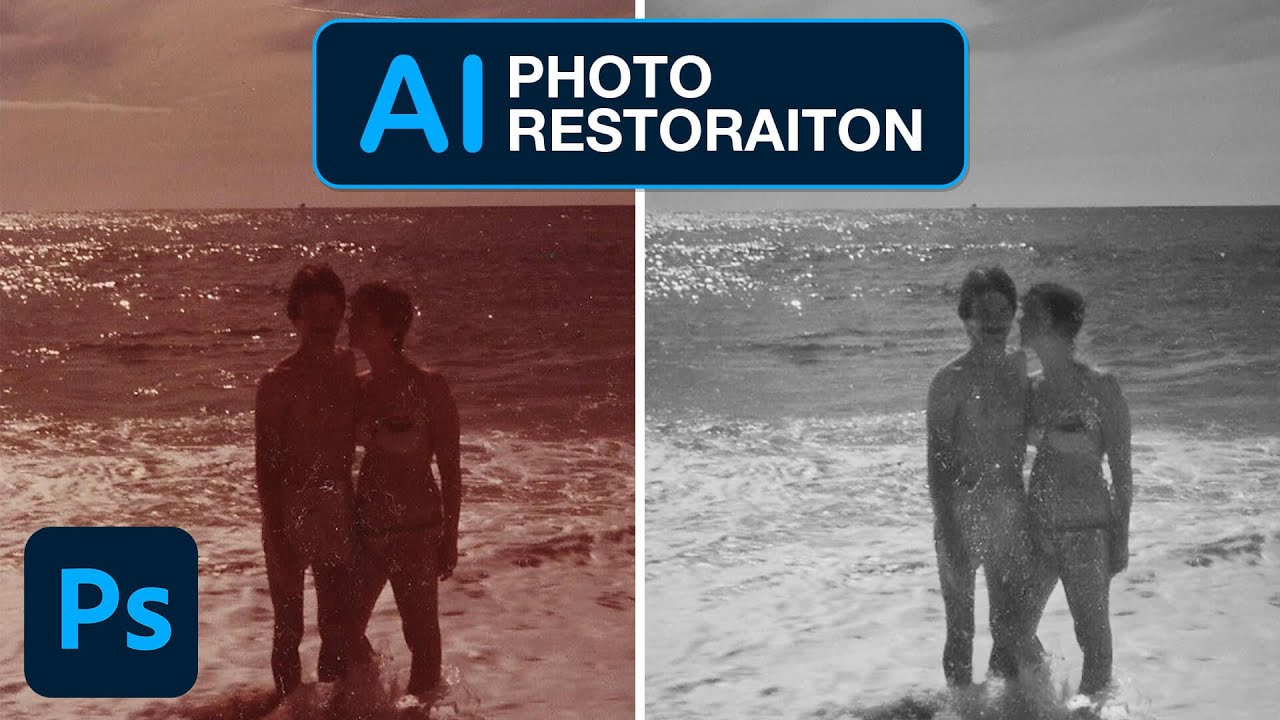
One Click Photo Restoration: Photoshop's AI Neural Filters Actually Deliver

One Click Photo Restoration: Photoshop's AI Neural Filters Actually Deliver

I have a folder on my hard drive called “someday” and it is exactly what it sounds like. Old scanned photos, damaged client images, faded family snapshots that someone emailed me hoping I’d “fix them up real quick.” I’ve been putting them off for years because the traditional route, clone stamp, healing brush, frequency separation, manual scratch removal, takes forever and never looks quite right on genuinely aged photographs. So when I came across this Aaron Nace (PHLEARN) tutorial on Photoshop’s new AI-powered Photo Restoration neural filter, I sat up a little straighter in my coffee shop chair.