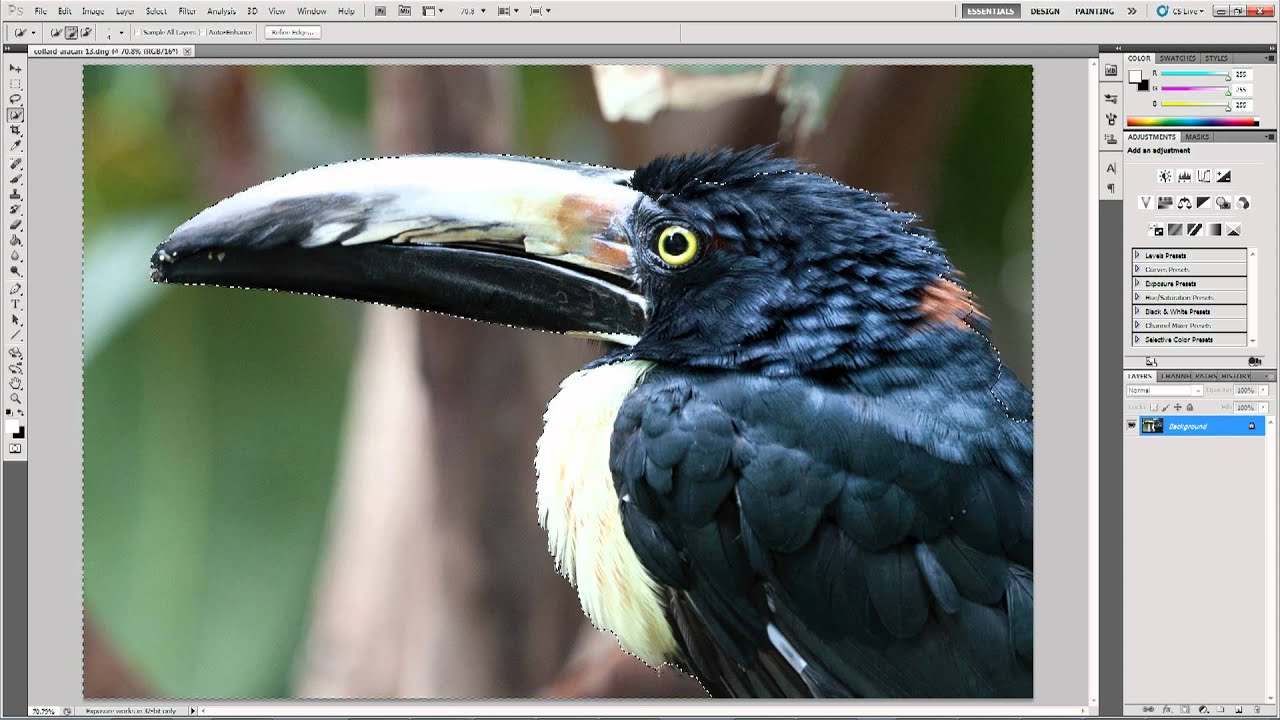
Noise Reduction Showdown: Lightroom vs. Photoshop vs. Noise Ninja (And When to Use Each)

Noise Reduction Showdown: Lightroom vs. Photoshop vs. Noise Ninja (And When to Use Each)

If you shoot in anything resembling real-world conditions — low light, fast-moving subjects, indoor venues where flash is banned by someone wearing a lanyard — you know the specific dread of zooming into a shot and seeing that grain. Not film grain, which at least has a certain romantic quality. Digital noise. The gritty, color-splotchy kind that makes a microstock agency reject your photo faster than you can say “ISO 1600.
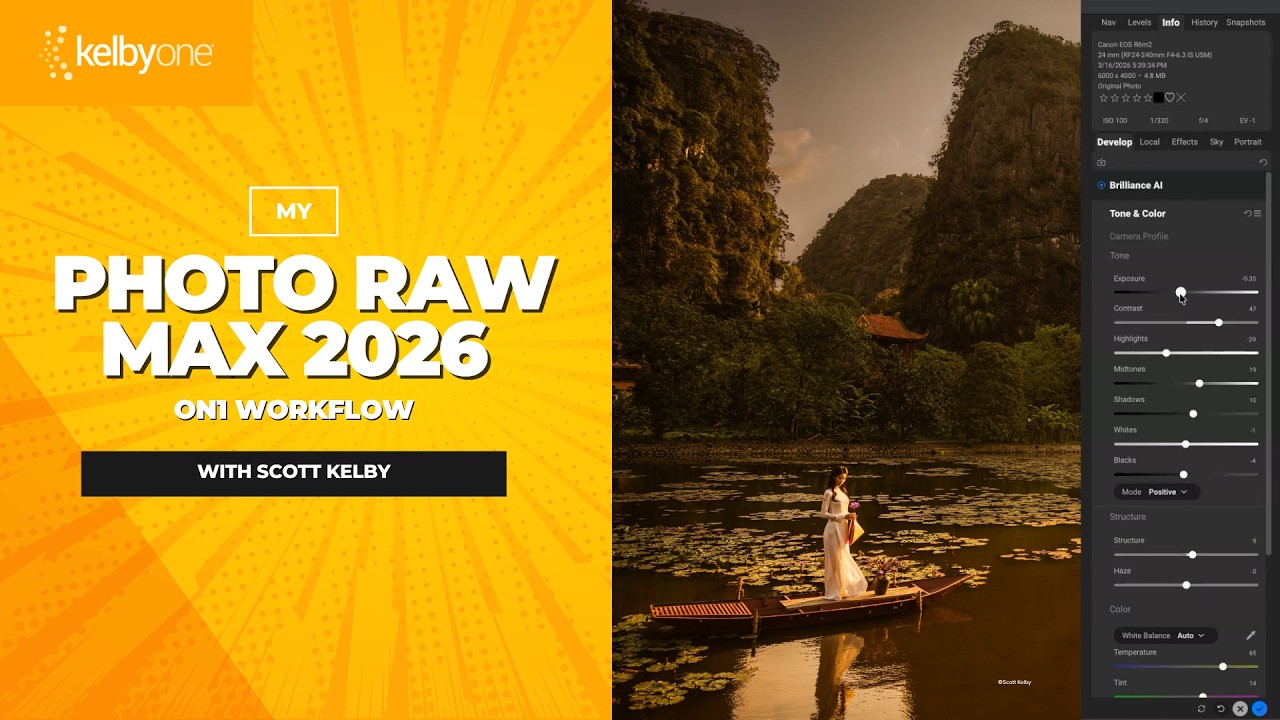
Scott Kelby's ON1 Photo RAW Max Workflow: The Order That Actually Makes Sense

Scott Kelby's ON1 Photo RAW Max Workflow: The Order That Actually Makes Sense

There’s a particular kind of creative paralysis that hits when you open a new piece of software and stare at seventeen panels you don’t understand. I’ve been there with ON1 Photo RAW more than once. I knew it could do impressive things. I’d seen the demo videos. But every time I launched it alongside my usual Lightroom and Photoshop setup, I’d poke around for twenty minutes, feel mildly confused, and go back to what I knew.

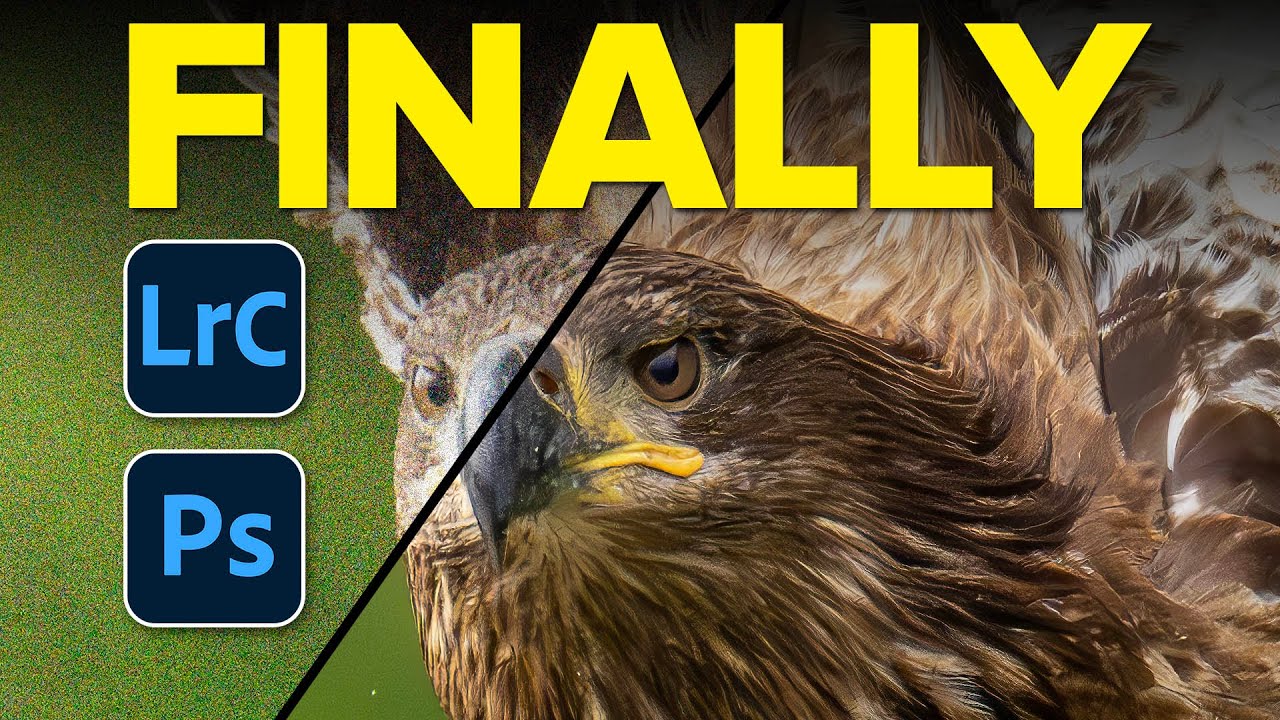
Adobe's AI Noise Reduction is Here and It's Kind of a Big Deal

Adobe's AI Noise Reduction is Here and It's Kind of a Big Deal

I shoot a lot of work late in coffee shops. Bad lighting, available light, high ISO, the whole disaster. So noise has always been my nemesis, sitting there in my shadows like an uninvited guest who refuses to leave. For years I dealt with it through a mix of manual sliders in Lightroom and a third-party plugin that worked well but added time to every job. Then Adobe dropped their AI-powered Denoise feature in Lightroom Classic and Adobe Camera Raw, and suddenly a lot of photographers started asking whether the plugin era is over.