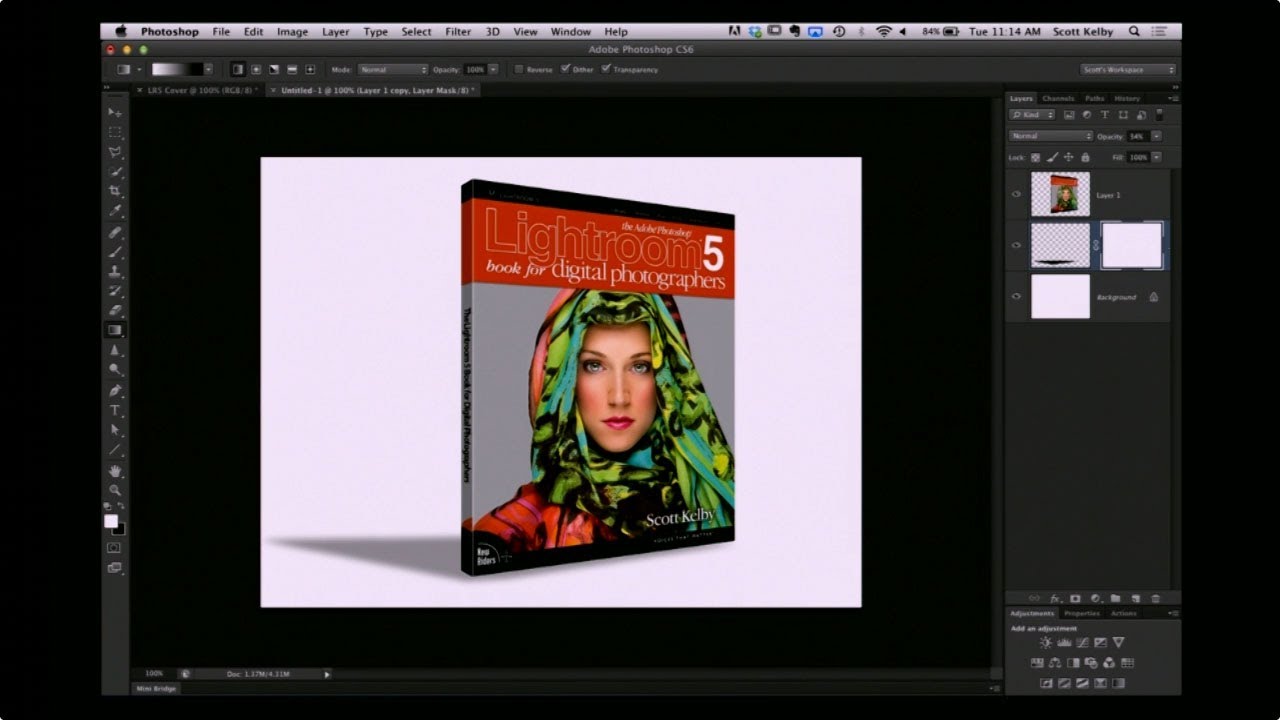
How to Fake a 3D Book Cover in Photoshop (No 3D Tools Required)

How to Fake a 3D Book Cover in Photoshop (No 3D Tools Required)

Every freelancer hits the moment where a client asks for a mockup and you have exactly one flat image, zero budget for a dedicated mockup tool, and a deadline measured in hours rather than days. That’s the situation I kept running into when clients wanted to see their book covers, product boxes, or packaging “in context” before going to print. I’d either be hunting through free mockup sites hoping something roughly matched the dimensions, or worse, trying to wrangle Photoshop’s actual 3D workspace, which – for a task this simple – is like renting a forklift to move a couch.
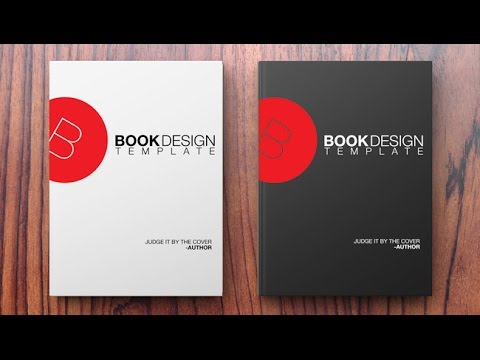
Build a Book Cover Template That Updates Across Every Mockup Automatically

Build a Book Cover Template That Updates Across Every Mockup Automatically

Here’s a workflow problem I used to solve the dumbest way possible. Client wants to see their book cover design on three different book mockups. Old me would place the design manually on each mockup, flatten everything, then realize I wanted to tweak the title font, and start the whole process over from scratch. Three times. I did this for longer than I’m willing to admit before someone pointed me toward smart objects and linked files.

How to Turn Flat Website Screenshots into Slick 3D Mockups with Photoshop CS4 Extended

How to Turn Flat Website Screenshots into Slick 3D Mockups with Photoshop CS4 Extended

There’s a specific flavor of design panic that hits when a client asks for a “visually interesting” website presentation and all you’ve got is a flat screenshot and a deadline. I’ve been there more times than I’d like to admit, usually on my third coffee in whatever shop I’ve claimed as my office that morning. The fix, it turns out, doesn’t require you to be a 3D wizard or spend four hours rage-quitting Blender (speaking from vivid personal experience).