How to Fake a 3D Book Cover in Photoshop (No 3D Tools Required)

How to Fake a 3D Book Cover in Photoshop (No 3D Tools Required)

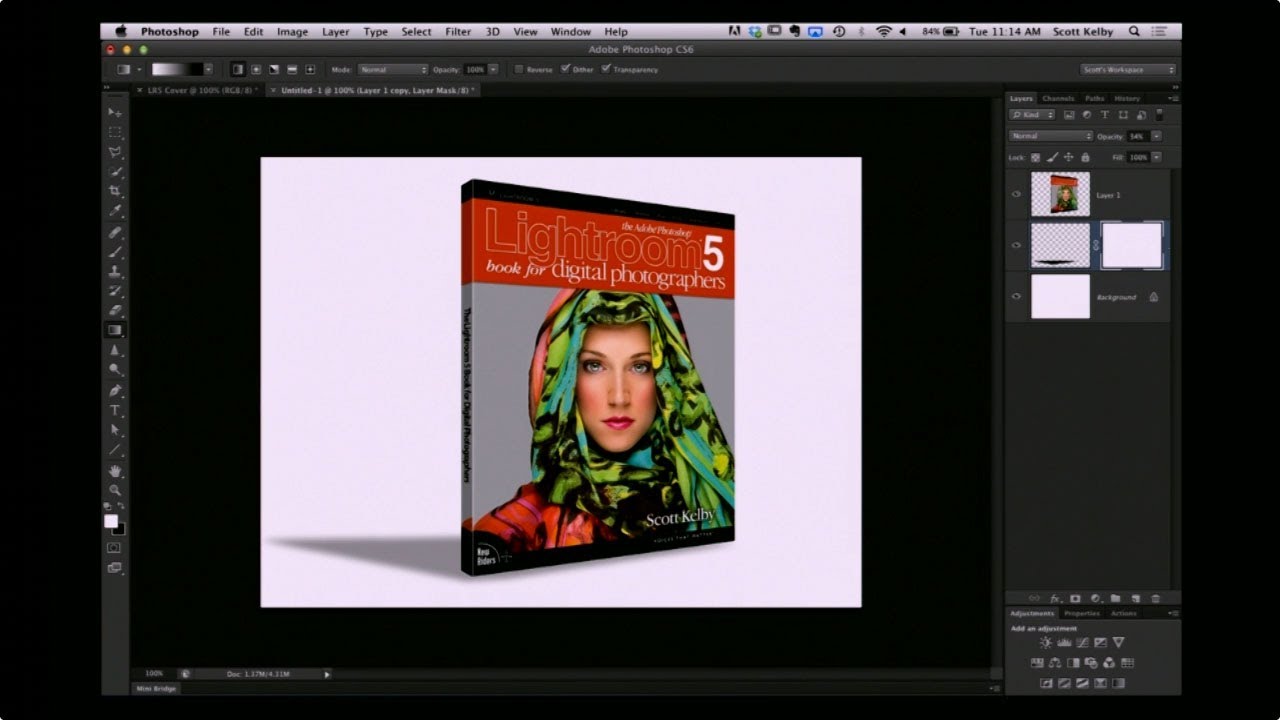
Every freelancer hits the moment where a client asks for a mockup and you have exactly one flat image, zero budget for a dedicated mockup tool, and a deadline measured in hours rather than days. That’s the situation I kept running into when clients wanted to see their book covers, product boxes, or packaging “in context” before going to print. I’d either be hunting through free mockup sites hoping something roughly matched the dimensions, or worse, trying to wrangle Photoshop’s actual 3D workspace, which – for a task this simple – is like renting a forklift to move a couch.

The Shift Key Has Been Lying to You (And Other Photoshop Secrets Worth Knowing)

The Shift Key Has Been Lying to You (And Other Photoshop Secrets Worth Knowing)

I have strong opinions about keyboard shortcuts. Possibly too strong. Ask anyone who’s sat near me at a coffee shop while I’m working and they’ll tell you I mutter at my keyboard like it owes me money. So when I stumbled onto a Matt Kloskowski tutorial about the Shift key in Photoshop, I figured I’d skim it and move on. Instead I learned something that made me question six years of muscle memory, and honestly?

How to Place an Image Inside a Phone, Tablet, or Laptop Screen in Photoshop (The Right Way)

How to Place an Image Inside a Phone, Tablet, or Laptop Screen in Photoshop (The Right Way)

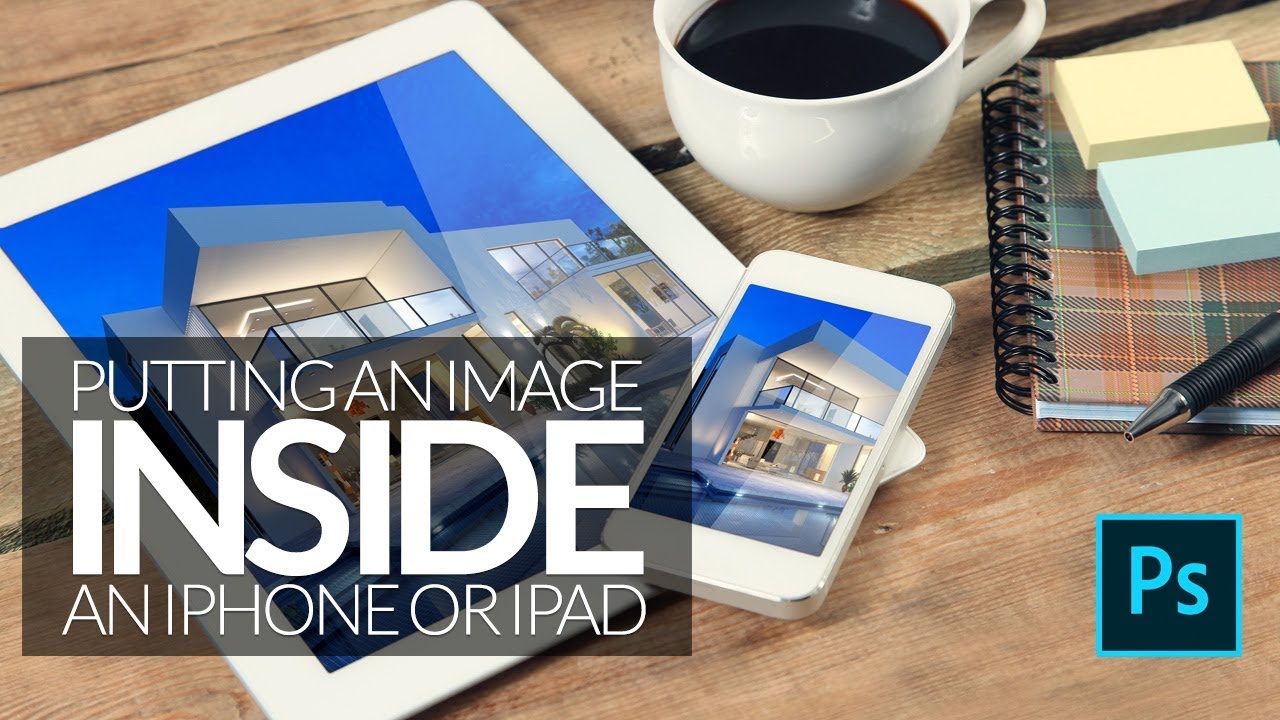
Every few months, a client asks me for a “mockup” – a product screenshot or website preview placed inside a phone or laptop screen for an ad. For a long time I was doing it the slow, painful way: dragging the image in, manually masking it, fighting with perspective until I wanted to throw my laptop across whatever coffee shop I was sitting in. Then I watched Scott Kelby walk through his version of this technique, and I felt that specific kind of embarrassment that comes from realizing a 20-minute problem was actually a 5-minute problem.