Double Exposure in Photoshop: How to Blend a Portrait and a Landscape Into One Striking Image

Double Exposure in Photoshop: How to Blend a Portrait and a Landscape Into One Striking Image

There’s a specific kind of client brief that used to make me freeze up: “Make it look artistic. You know, like a double exposure thing.” Vague enough to mean anything, specific enough that they definitely had a Pinterest reference they weren’t showing me. I’d cobble something together using Screen mode and hope for the best, and it would look… fine. Not great. The kind of result that gets approved but doesn’t end up in anyone’s portfolio.
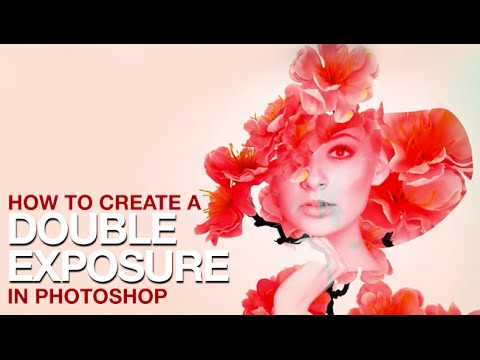
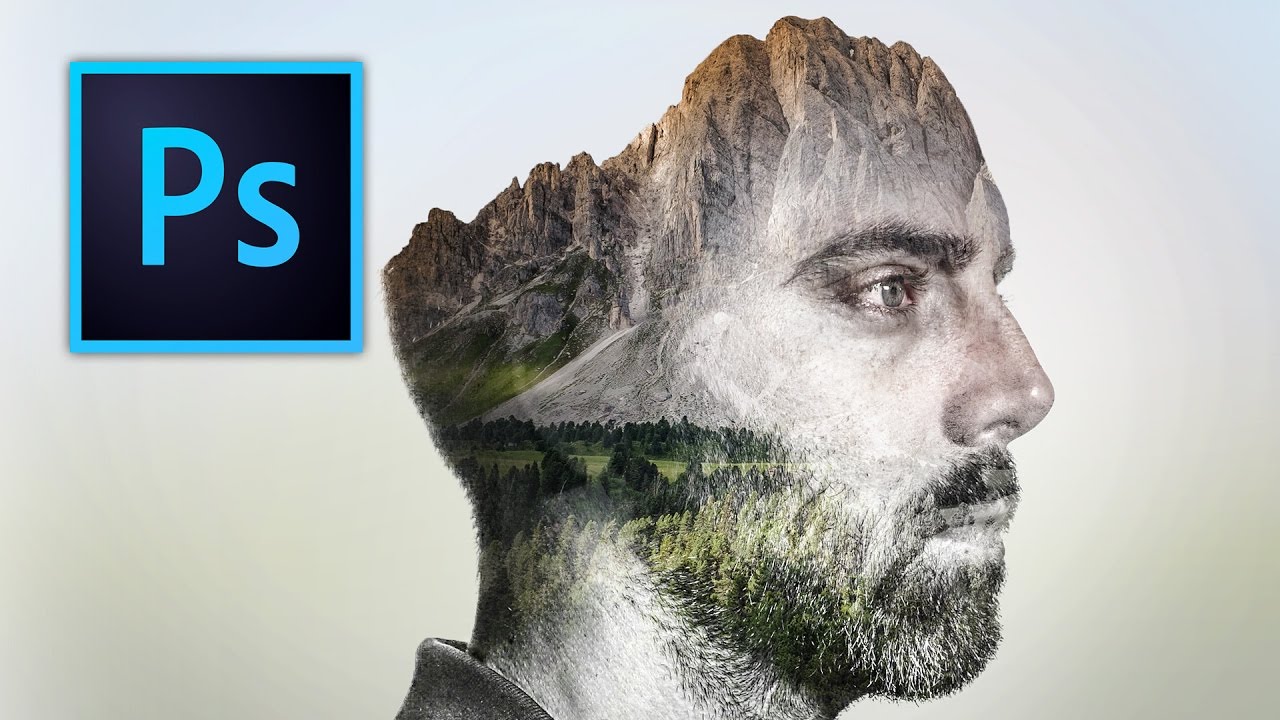
Double Exposure in Photoshop: How to Blend Two Images Into Something That Looks Intentional

Double Exposure in Photoshop: How to Blend Two Images Into Something That Looks Intentional

Client work has a funny way of pushing you toward techniques you’ve been lazily avoiding. For me, double exposures were exactly that. I’d seen them everywhere, assumed they were either done in-camera or required some wizardly process I hadn’t earned the right to know yet, and kept putting off learning them properly. Then a branding client asked for a portrait-meets-nature composite for a wellness campaign, and suddenly my procrastination had a deadline.

How to Blend Two Photos into a Double Exposure Effect (Without It Looking Like a Mess)

How to Blend Two Photos into a Double Exposure Effect (Without It Looking Like a Mess)

There’s a specific kind of design request that used to make me sweat a little. Client sends over a headshot and a mood board full of those dreamy portrait-meets-landscape composites, and suddenly you’re either the person who knows how to do that, or you’re about to spend three hours on YouTube pretending you did all along. Double exposure is one of those effects that looks complicated and mysterious until someone actually walks you through it, and then you feel mildly embarrassed by how simple the core idea is.

How to Create Double Exposure Effects

How to Create Double Exposure Effects

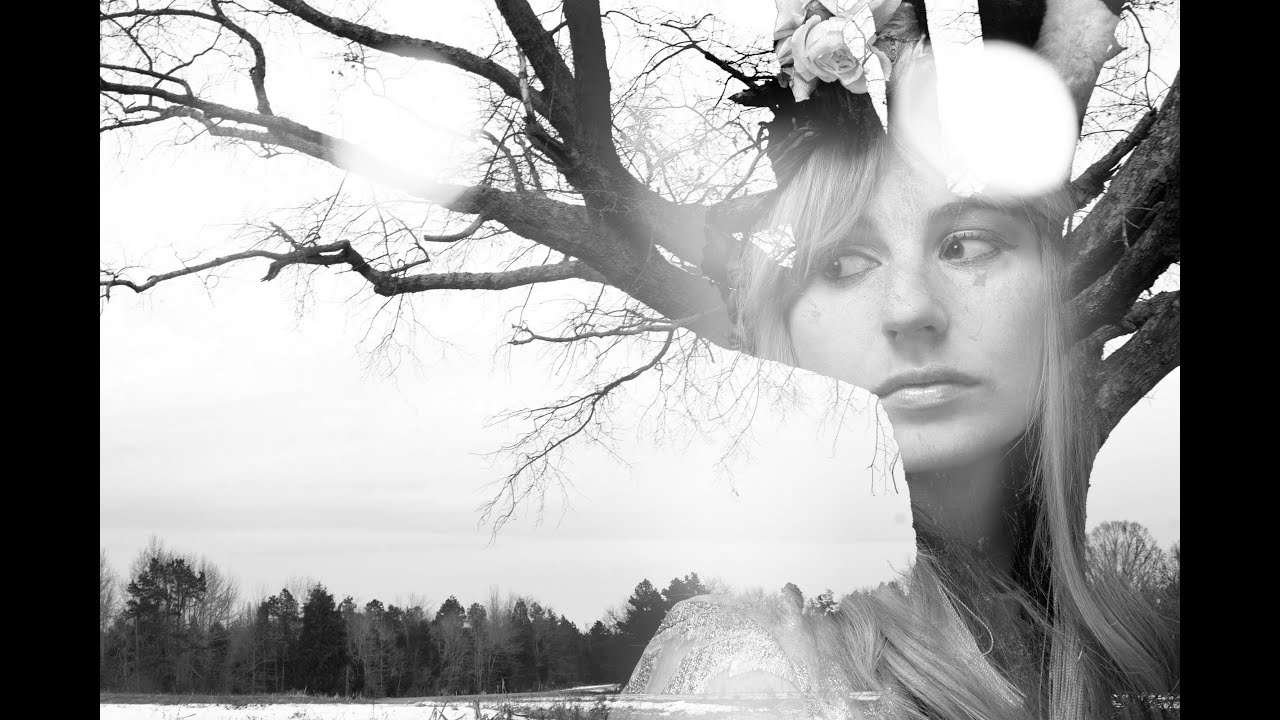
The double exposure effect — two images blended into one — originated as a film camera technique where the same frame was exposed twice. In Photoshop, we can achieve the same look with far more control over the result. Here’s how to create a convincing double exposure from scratch. Choosing Your Images The image pairing makes or breaks this effect. You need: Image A (the base): Usually a portrait or silhouette with strong shape definition.

Double Exposure in Photoshop 2026: The Easy Way to Blend Two Images Like a Pro

Double Exposure in Photoshop 2026: The Easy Way to Blend Two Images Like a Pro

There’s a specific kind of shame that comes from overcomplicating something that turns out to be embarrassingly simple. I spent an entire afternoon once trying to mask out a silhouette for a composite, painstakingly painting around hair strands, when the whole thing could have been handled in about three minutes with the right technique. Double exposure effects had the same reputation in my head: cinematic, editorial, definitely complicated. Turns out I was wrong by a significant margin.