Video Tutorials
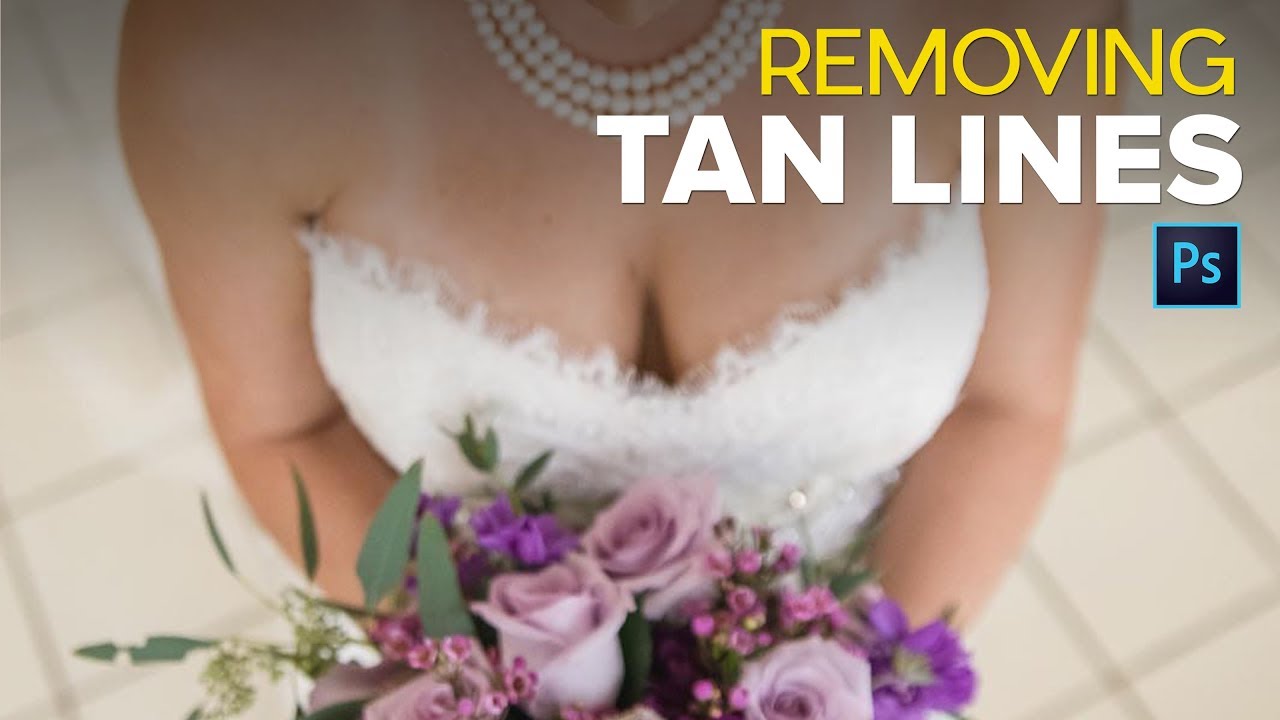
How to Remove Tan Lines in Photoshop (Without Making It Obvious You Did)
Tan lines are one of those problems nobody thinks about until the photos come back and suddenly there’s a perfectly geometric stripe across someone’s shoulder that screams “I wore a tank top to the beach three days before my wedding.” I’ve had clients hand me images from bachelorette weekends, beach vacations, and outdoor engagement shoots where the tanning situation was, let’s say, enthusiastically visible. It’s a more common retouch request than most people realize, and if you don’t have a reliable method, you end up spending way too long pushing pixels around hoping nobody notices the patchy mess you left behind.