
Blend If Is the Sky Replacement Tool You Didn't Know You Already Had

Blend If Is the Sky Replacement Tool You Didn't Know You Already Had

There’s a specific kind of humiliation that comes from spending three days on a composite — cutting, masking, refining, swearing at your pen tool — only to have someone glance over your shoulder and say “why didn’t you just use Blend If?” I’ve been there. I didn’t even know what Blend If was at the time, which made it worse. It lives inside Layer Styles, a panel most people open by accident and immediately close, which means one of Photoshop’s most powerful compositing tools has been quietly sitting there, ignored, while the rest of us wrestled with layer masks like it’s 2009.
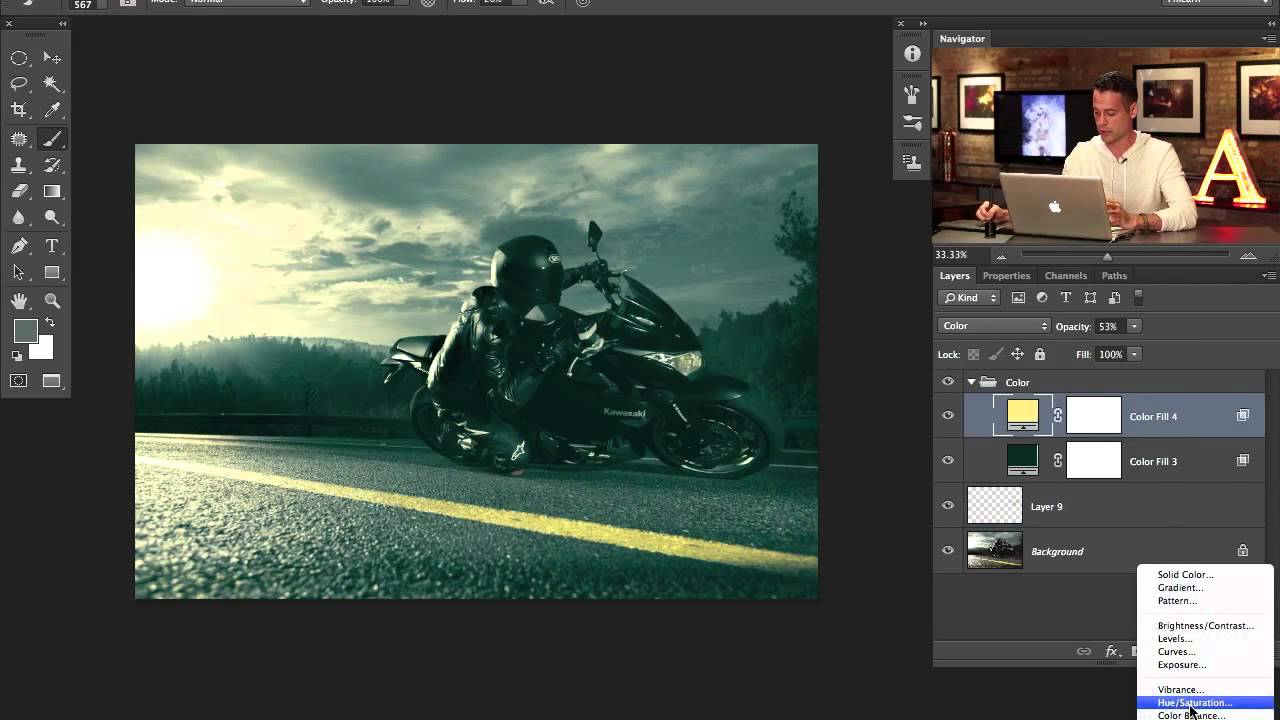
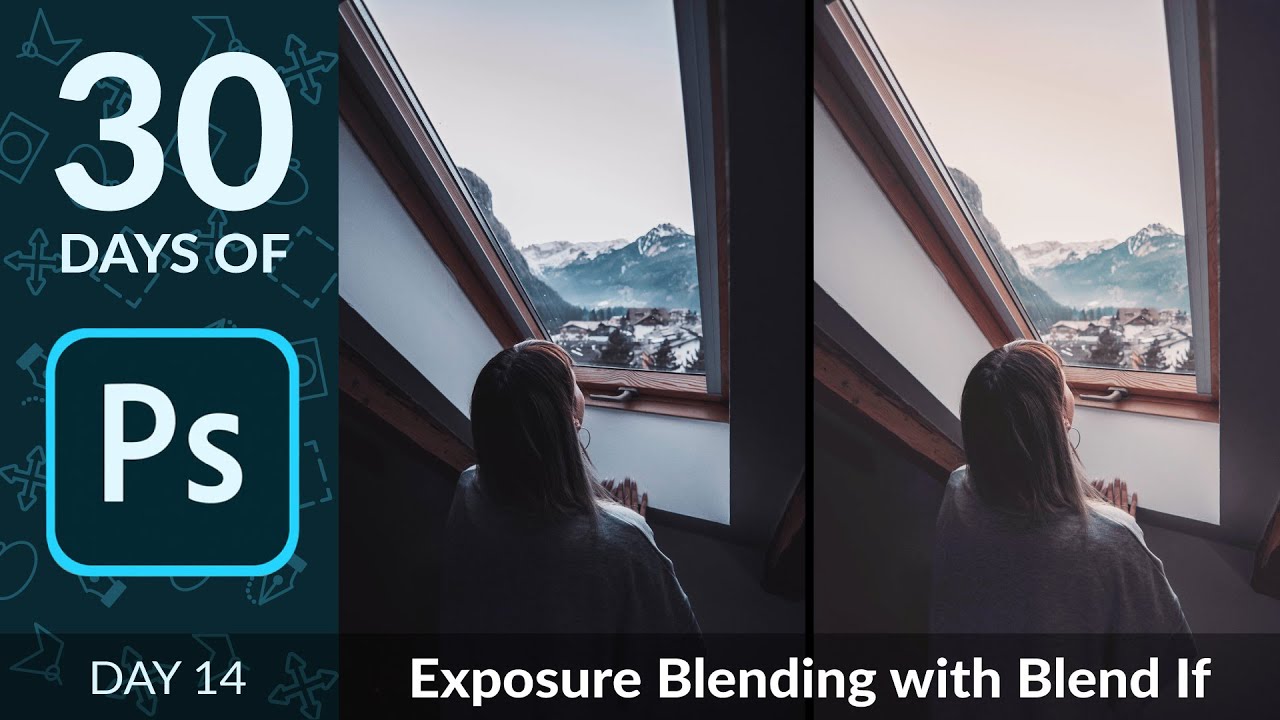
Split Toning, Blend If, and Building a Cinematic Edit from Scratch (PHLEARN Breakdown)

Split Toning, Blend If, and Building a Cinematic Edit from Scratch (PHLEARN Breakdown)

There’s a specific kind of frustration that hits when you finish editing a photo and it just looks… fine. Technically correct. Boring. You added some contrast, maybe bumped the saturation, and the result is an image that could have come out of any free Lightroom preset pack. I spent an embarrassing amount of time in that zone early in my freelance career, convinced I was missing some secret tool. Turns out I wasn’t missing a tool.

Blend If Is the Photoshop Feature I Wish I'd Found Three Years Earlier

Blend If Is the Photoshop Feature I Wish I'd Found Three Years Earlier

There’s a specific kind of frustration I know really well. You shoot a photo, or a client sends you one, and the sky is gorgeous but the foreground looks like it was taken inside a coal mine. Or the opposite: the subject is perfectly lit and the background is a blown-out white void. I spent an embarrassing amount of time masking around these problems by hand, painting on layer masks pixel by pixel like some kind of digital monk.