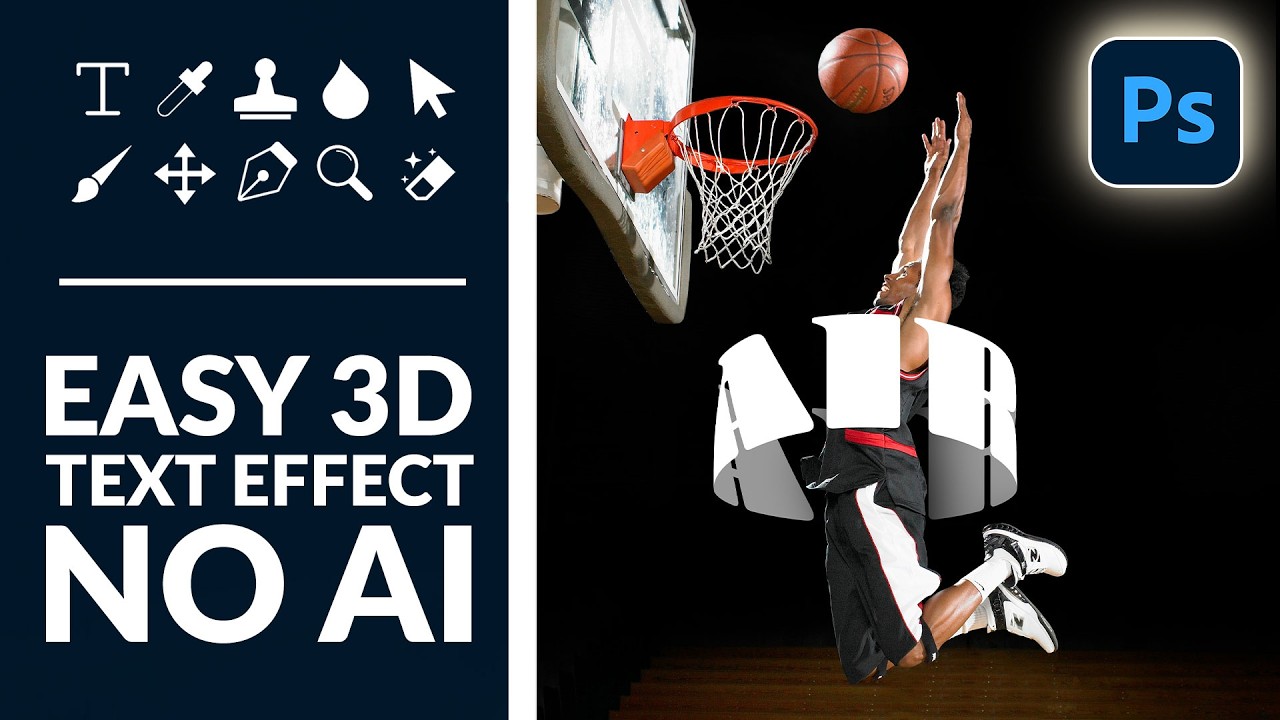
Fake It Till You Make It: How to Wrap 3D Text Around a Subject in Photoshop (No AI Required)

Fake It Till You Make It: How to Wrap 3D Text Around a Subject in Photoshop (No AI Required)

There’s a specific kind of design envy that hits when you see text curving around a subject like it actually exists in the same physical space. Not slapped on top. Not dropped in as an afterthought. Actually wrapping. I’ve faked this effect badly more times than I care to admit, usually by just skewing text and hoping nobody looked too closely. Spoiler: they always look too closely. So when I came across this Aaron Nace (PHLEARN) tutorial on creating a 3D text effect in Photoshop, I sat up a little straighter in my coffee shop booth.
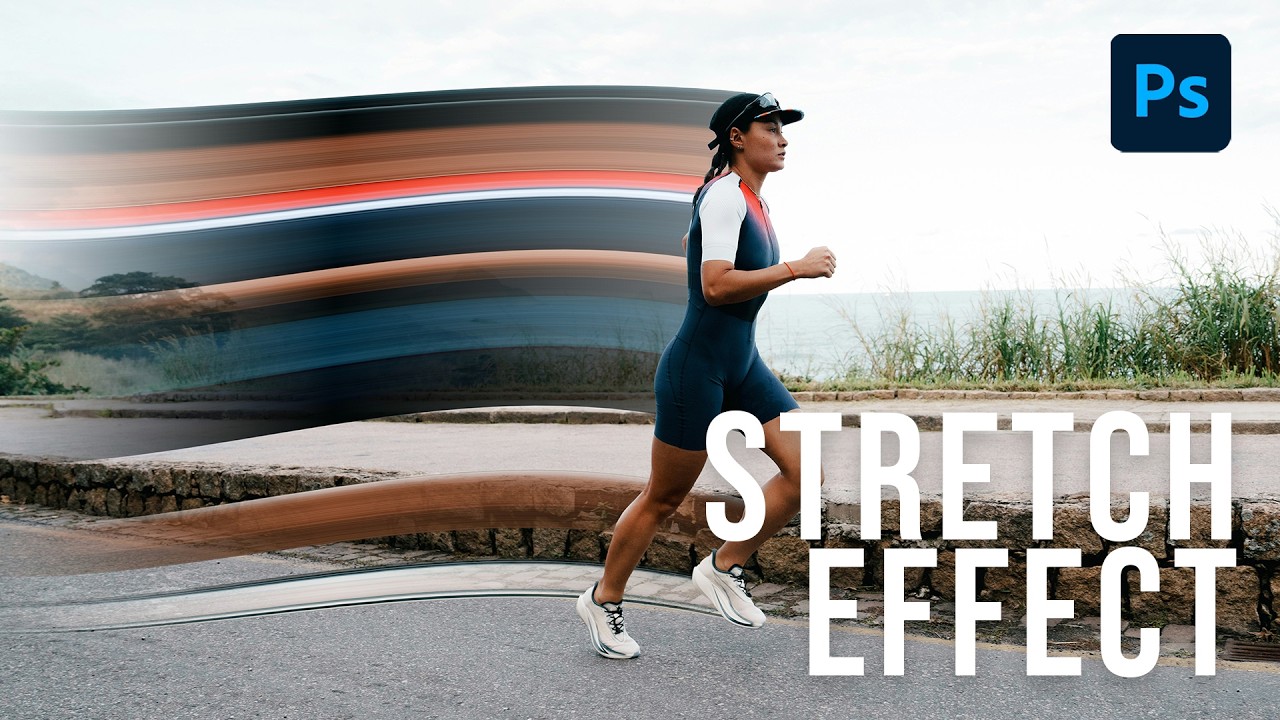
The Pixel Stretch Effect Nobody Taught Me (But Aaron Nace Did)

The Pixel Stretch Effect Nobody Taught Me (But Aaron Nace Did)

I’ve been making graphics professionally long enough that I should be embarrassed by how many Photoshop tools I’ve flat-out ignored. The single-column marquee tool was one of them. I knew it existed the way I know my gym membership exists – technically present, never used. Then I watched Aaron Nace’s pixel stretch tutorial over at PHLEARN and felt that specific flavor of frustration where a technique is so simple and so good that you’re annoyed you didn’t already know it.