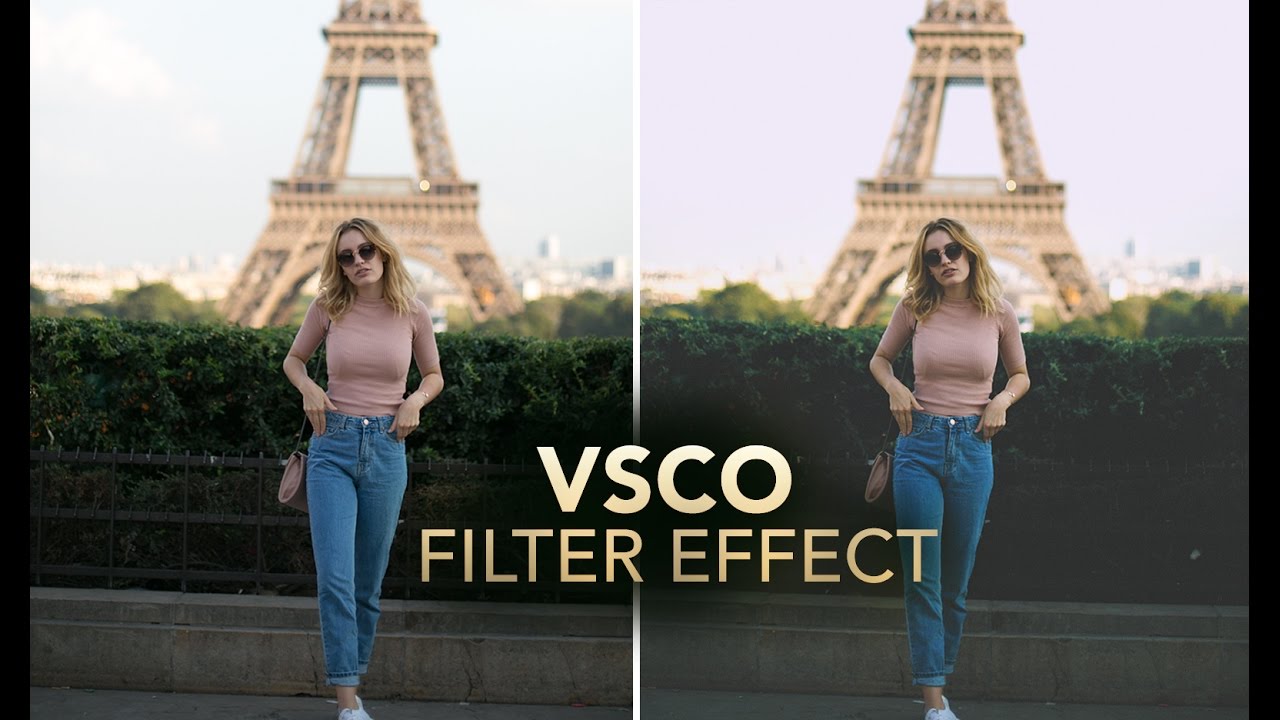
How to Fake a VSCO Film Look in Photoshop Without Actually Using VSCO

How to Fake a VSCO Film Look in Photoshop Without Actually Using VSCO

Client work has a funny way of humbling you. I spent the better part of an afternoon once trying to reverse-engineer that warm, slightly faded, film-ish look that’s all over Instagram and Lightroom preset packs, and I kept overshooting it. Everything either looked like a sepia disaster from a 2008 photo booth or a blown-out mess with a yellow tint that made the subject look unwell. The problem wasn’t my eye for color.
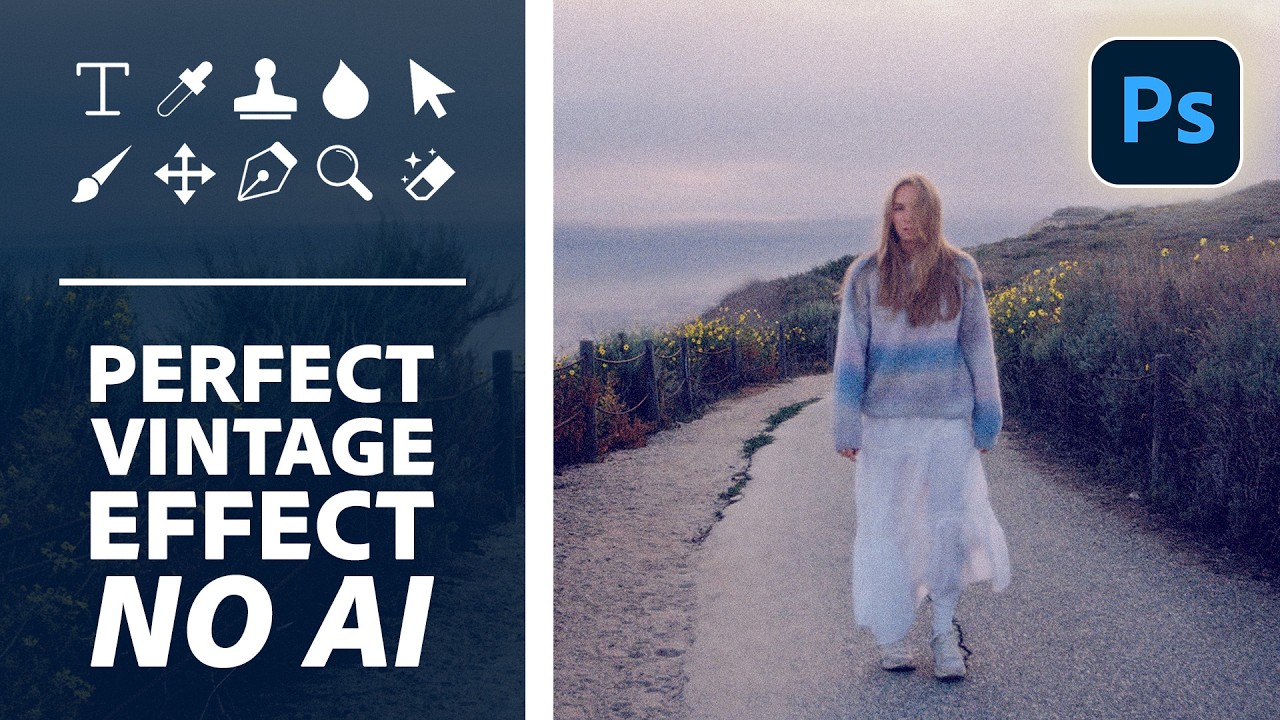
Steal the Highlights: How to Build a Cinematic Vintage Glow in Photoshop From Scratch

Steal the Highlights: How to Build a Cinematic Vintage Glow in Photoshop From Scratch

There’s a particular flavor of client request that shows up in my inbox every few weeks: “Can you make it look more… cinematic? Like old film?” And for a long time, I’d reach for the same handful of tired presets, cross my fingers, and deliver something that looked okay but felt hollow. Presets are fast, sure, but you’re basically just renting someone else’s creative decisions. The moment a client asks you to tweak it, you’re stuck staring at sliders you don’t fully understand.