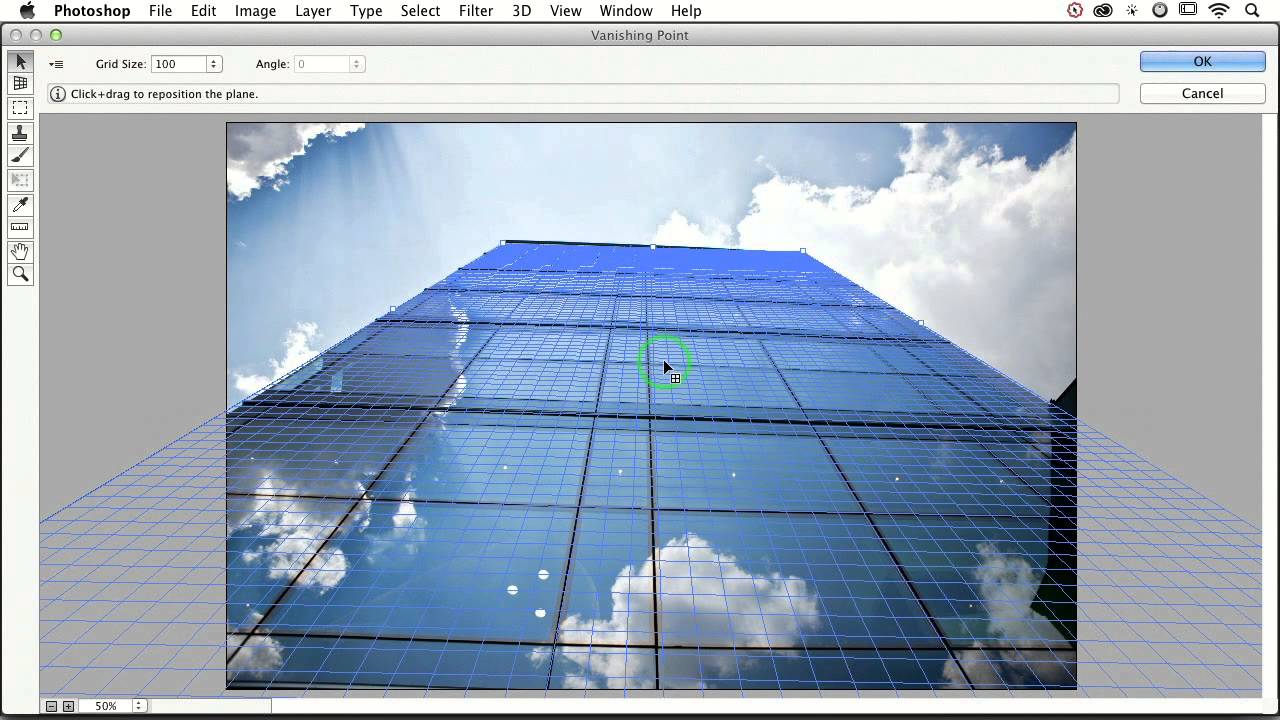
How to Slap Any Image onto a Building (and Actually Make It Look Real) with Photoshop's Vanishing Point

How to Slap Any Image onto a Building (and Actually Make It Look Real) with Photoshop's Vanishing Point

A friend of mine once spent three days building a composite where he placed a graphic onto the side of a building. Manually warped it. Nudged every corner point. Matched the lighting. It looked… fine. Plausible. Then someone in his feedback thread said “couldn’t you just use Vanishing Point for that?” and his soul briefly left his body. I watched this happen in real time. I also had no idea what Vanishing Point was, so I stayed quiet and nodded like I absolutely knew.
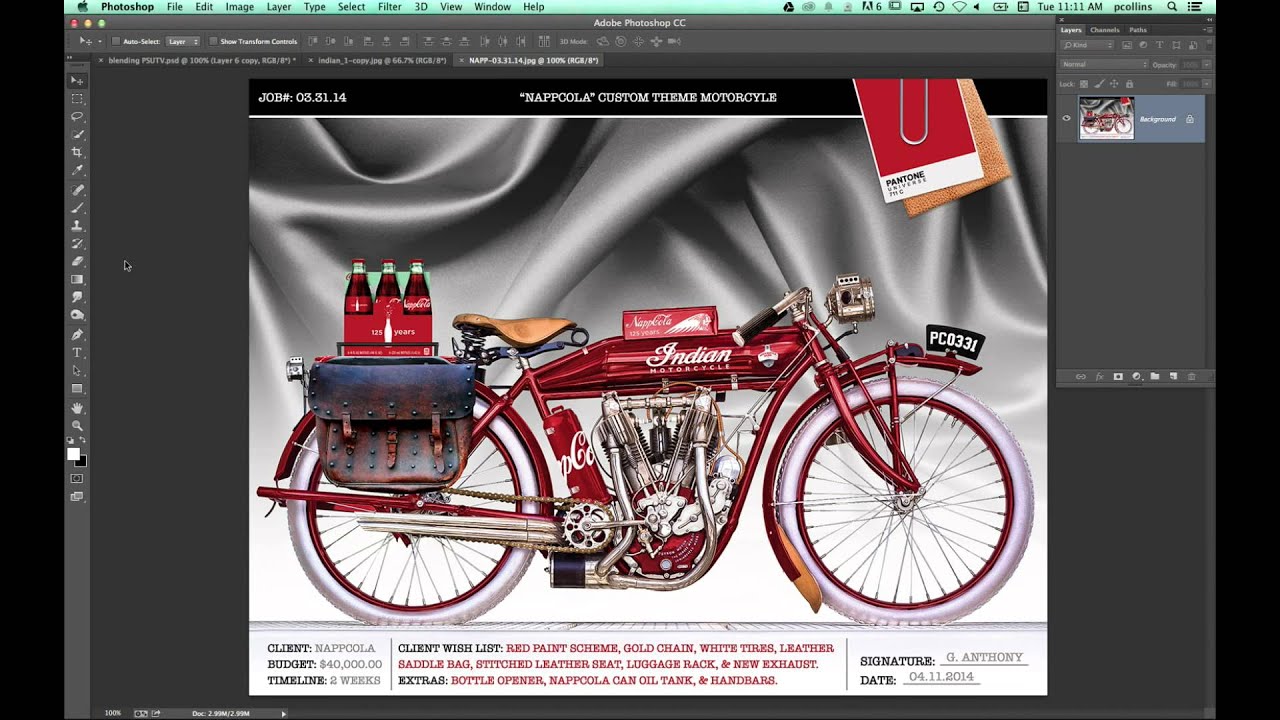
Fake 3D Spaces in Photoshop: How Vanishing Point Turns Flat Images Into Something Wild

Fake 3D Spaces in Photoshop: How Vanishing Point Turns Flat Images Into Something Wild

I used to think Photoshop’s animation features were a niche curiosity for people with too much time and too little After Effects. Then a client asked me for a motion graphic, I quoted them something embarrassingly ambitious, and I spent the next two days rediscovering tools that had been sitting in the Filter menu the whole time. Vanishing Point is one of those tools. On the surface it looks like a perspective correction utility, something you’d use to fix a crooked building facade.