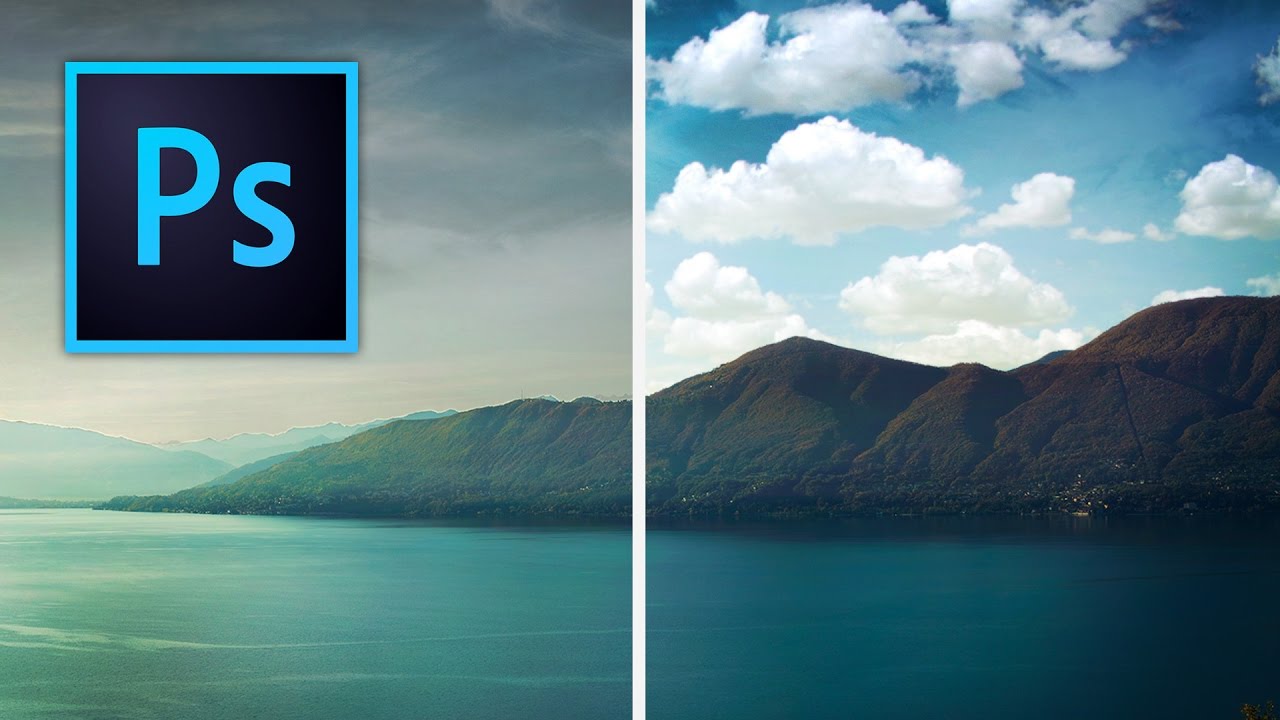
Stop Settling for Boring Skies: A Practical Photoshop Sky Swap Walkthrough

Stop Settling for Boring Skies: A Practical Photoshop Sky Swap Walkthrough

A few years back I spent the better part of a Tuesday stressing over a landscape composite for a client. The photo was solid — good light, interesting subject — but the sky was that flat, washed-out grey that makes everything look like it was shot in a Walmart parking lot. I knew the fix existed somewhere in Photoshop. I just didn’t know the clean way to do it without spending three hours masking individual clouds by hand like some kind of caffeinated monk.

Sky Replacement: Does the AI Actually Work?

Sky Replacement: Does the AI Actually Work?

When Adobe added Sky Replacement to Photoshop, reactions ranged from “this changes everything” to “this is the end of honest photography.” Having used it extensively over two years, my take is more boring: it’s a useful tool that works well about 70% of the time. Let’s look at what it actually does and where it breaks. How It Works Edit > Sky Replacement opens a panel where you select from preset skies or load your own.