How to Fake a Dramatic Water Reflection in Photoshop (And Actually Make It Look Real)

How to Fake a Dramatic Water Reflection in Photoshop (And Actually Make It Look Real)

The Composite That Broke My Confidence A while back I spent the better part of a week on a cityscape composite. Client wanted drama. Moody sky, golden hour, the works. I delivered it, felt good about it, and then saw another designer’s version of basically the same brief pop up on Behance. Their image had a foreground water reflection that made the whole thing sing. Mine looked like a postcard.

Master Dramatic Water Reflections in Photoshop: A Free Lesson From Kelvin Designs

Master Dramatic Water Reflections in Photoshop: A Free Lesson From Kelvin Designs

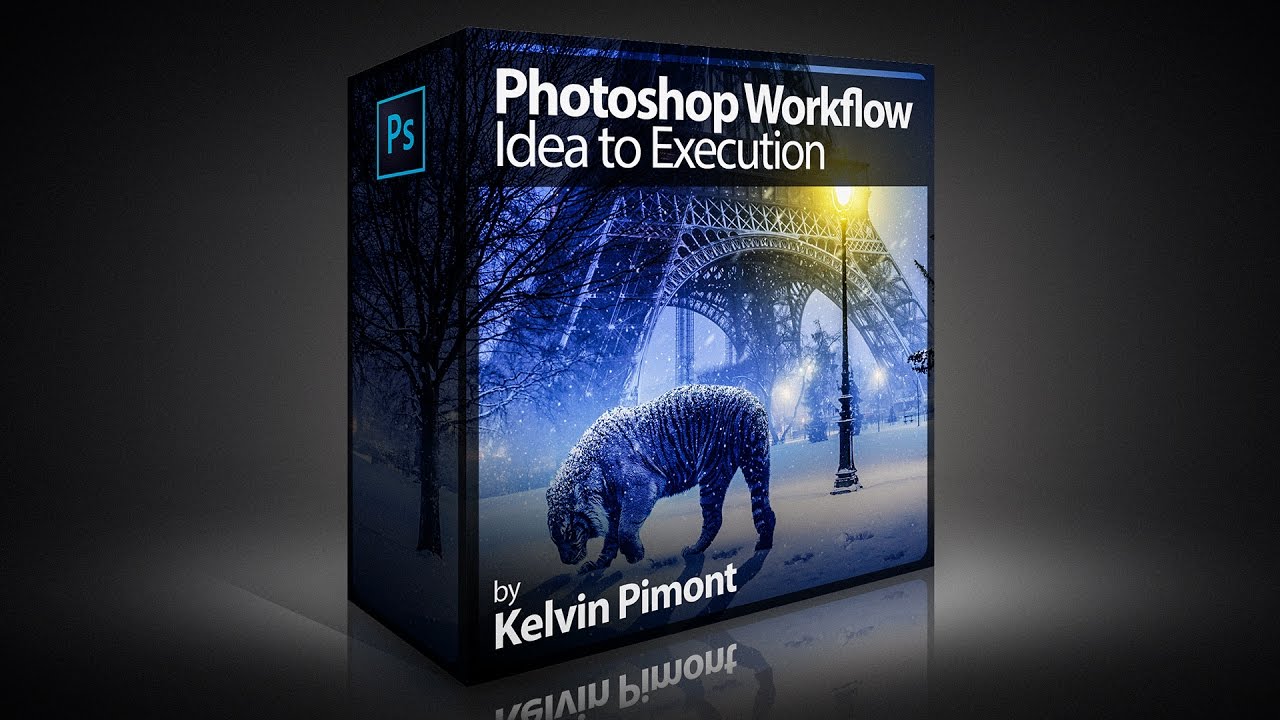
I’ll be honest—when I first heard about creating “dramatic reflections in water,” I expected some convoluted mess involving layer masks, blend modes, and three cups of coffee. Turns out, it’s refreshingly straightforward. In this excellent tutorial, Kelvin Designs shows you a technique that’s so simple you’ll wonder why you didn’t think of it yourself (and then feel slightly annoyed about that fact). This free lesson from Kelvin’s new Photoshop Workflow Course is exactly the kind of practical, no-BS content I love: quick, effective, and actually useful for real-world design work.