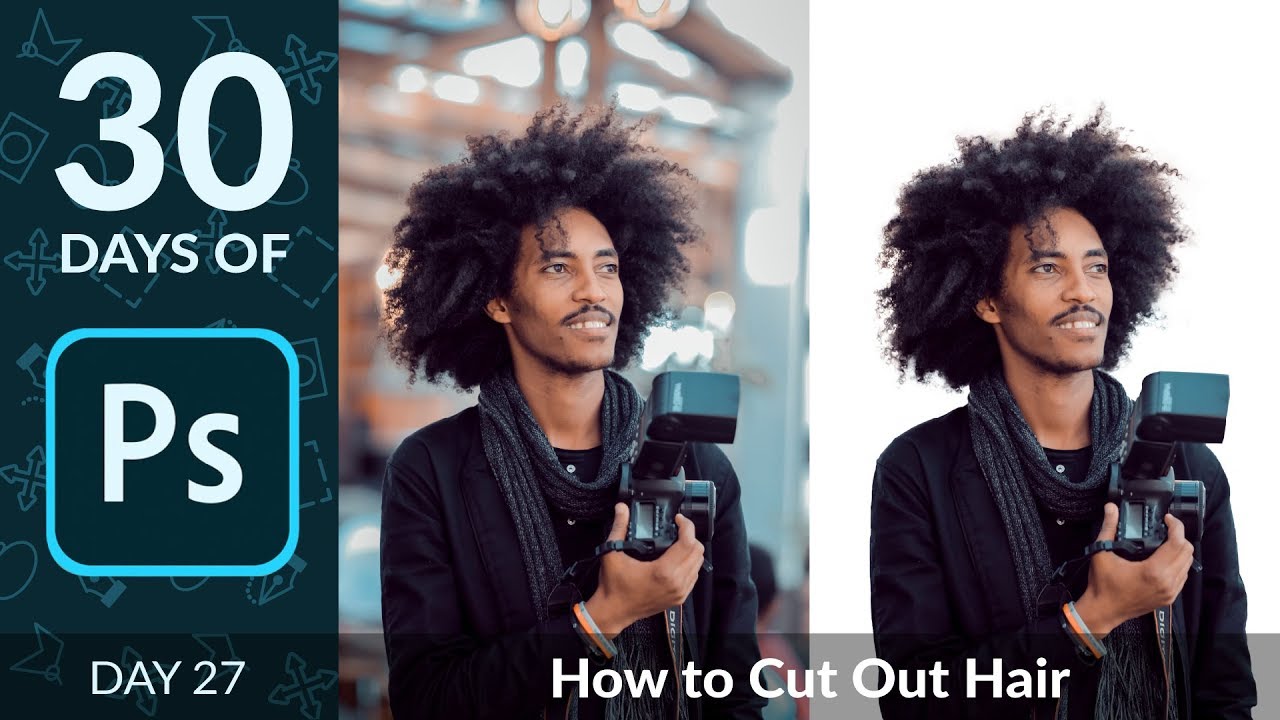
Cutting Out Hair in Photoshop Without Losing Your Mind (or Your Deadline)

Cutting Out Hair in Photoshop Without Losing Your Mind (or Your Deadline)

Hair has humbled me more times than I care to admit. Early in my freelance career I spent the better part of an afternoon trying to manually cut a model’s curly hair from a busy background using the Lasso tool, like some kind of digital caveman chipping away at stone. The result looked like someone had taken hedge clippers to her head. The client was polite about it. I was not polite to myself.
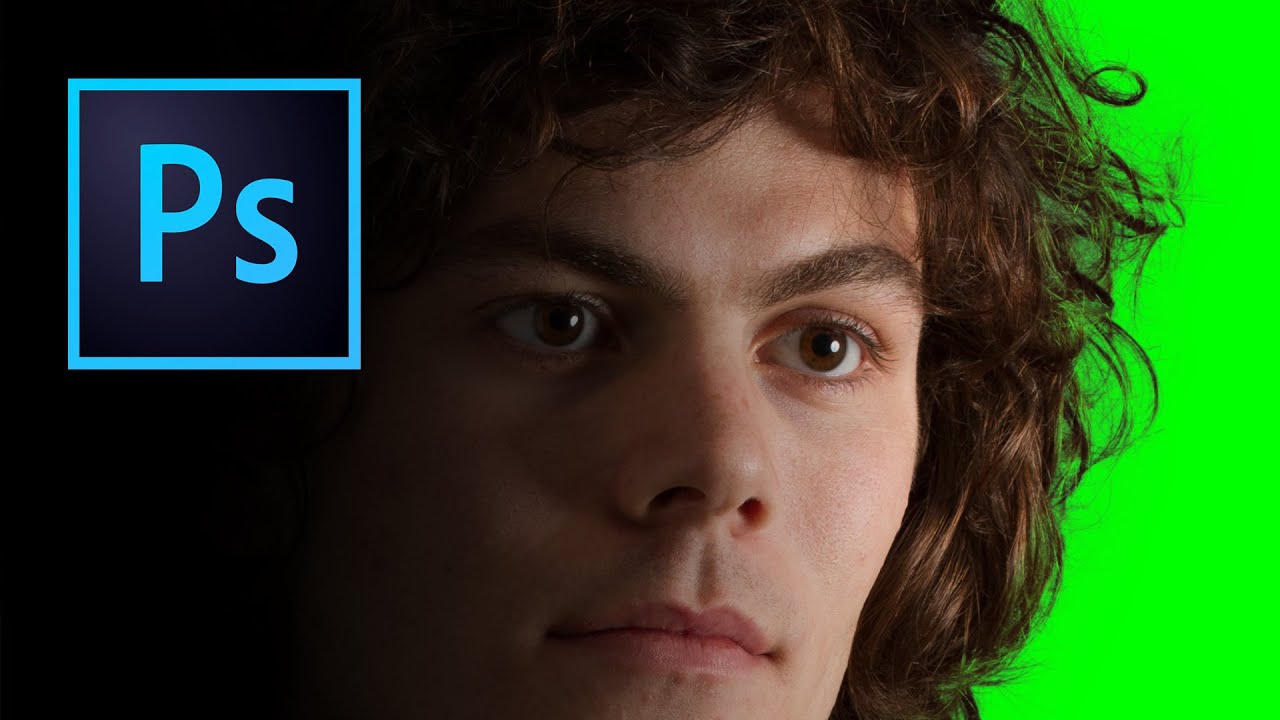
Stop Fighting With Hair Selections — Here's the Photoshop Trick That Actually Works

Stop Fighting With Hair Selections — Here's the Photoshop Trick That Actually Works

There’s a specific kind of frustration that comes from spending an hour manually tracing flyaway hair with the Lasso tool, zoomed in at 400%, one pixel at a time, only to zoom back out and realize it still looks like your subject is wearing a helmet made of jagged edges. I’ve been there more times than I want to admit. Early in my freelance days I’d deliver composites where the hair looked painted on, and I’d just… hope the client didn’t notice.