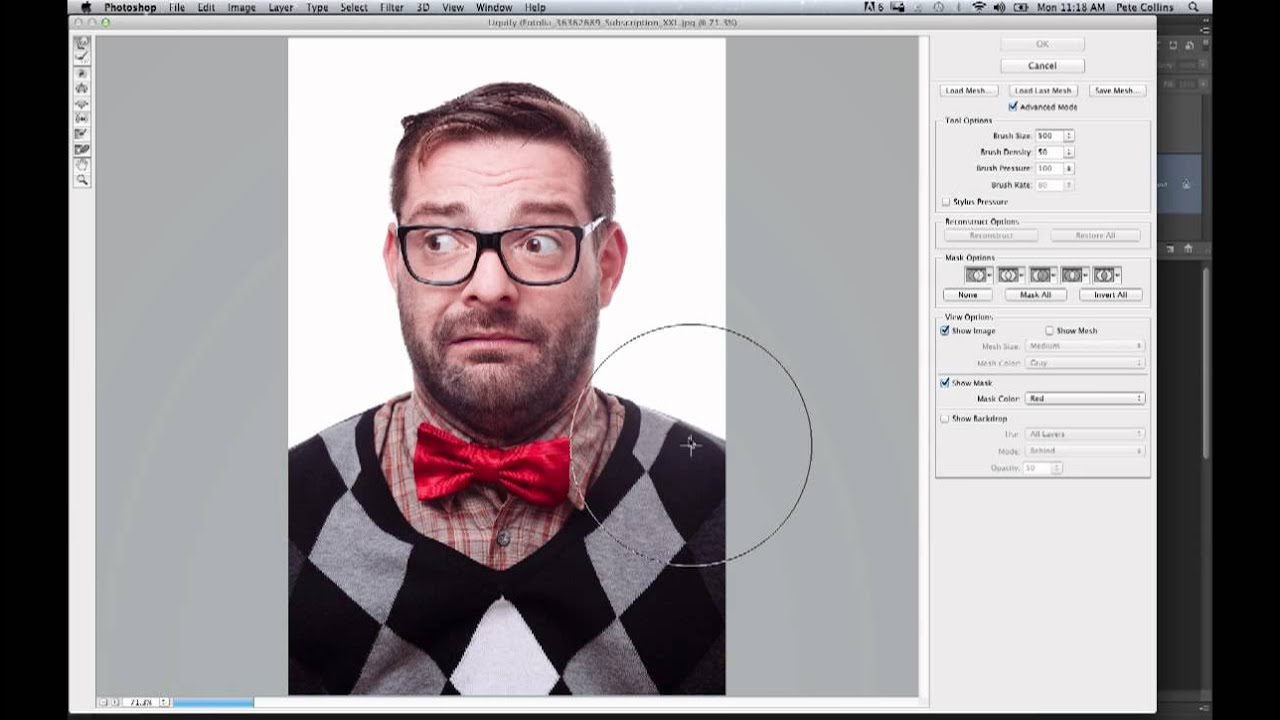
Make Your Subject Pop With a Quick Color Isolation Trick (Times Square Cab Edition)

Make Your Subject Pop With a Quick Color Isolation Trick (Times Square Cab Edition)

There’s a specific kind of photo that lives in everyone’s Lightroom catalog: technically fine, compositionally okay, but somehow flat. The subject is there. The light is decent. But nothing jumps. I’ve wasted more hours than I’d like to admit trying to fix these images with global adjustments, nudging sliders until the whole thing looks like a fake HDR postcard. The real fix is usually more surgical than that – isolate what matters, then amplify it.
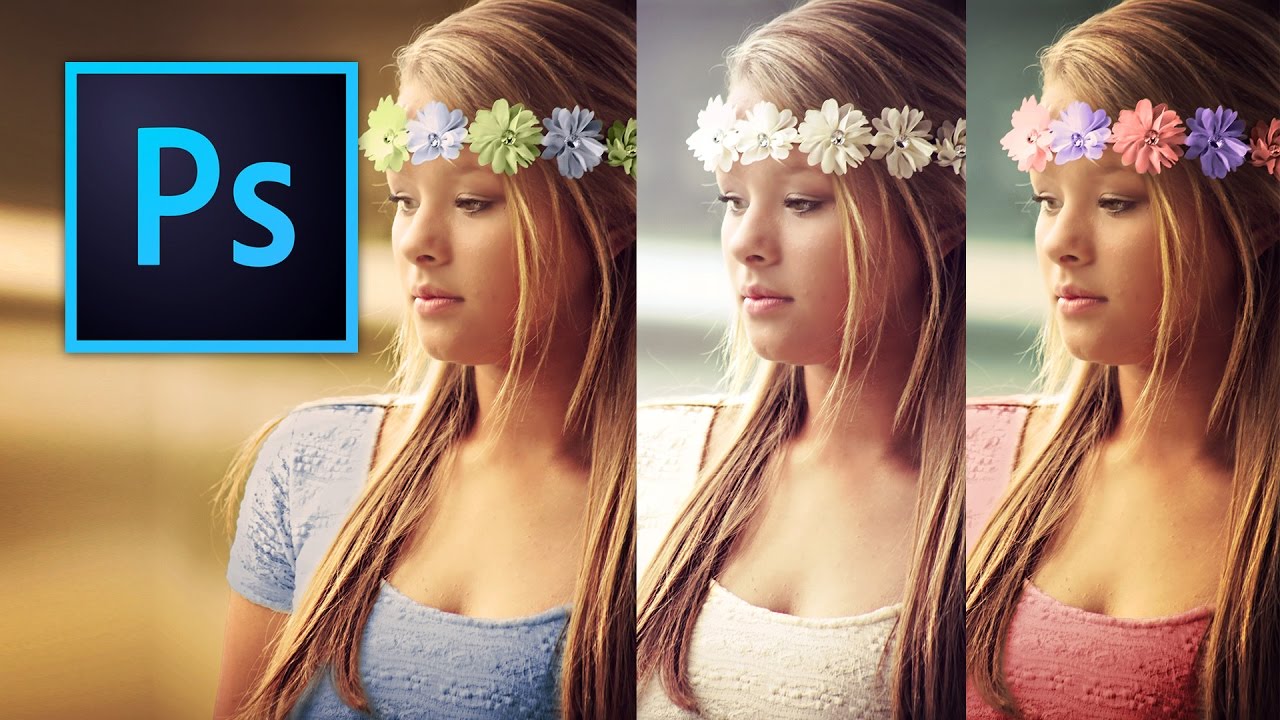
Stop Repainting Layers Like It's 2008 — Here's How to Change Any Color in Photoshop Properly

Stop Repainting Layers Like It's 2008 — Here's How to Change Any Color in Photoshop Properly

I used to handle color changes in Photoshop the embarrassing way. New layer, paintbrush, roughly scribble the new color over the thing, set it to Multiply, squint at it, and convince myself it looked fine. It did not look fine. The first time a client asked me to change the color of a product in a photo, I spent forty minutes doing something that, as I later found out, could have taken four.