Painting With Light and Fog: How Joel Grimes Uses Photoshop Brushes to Make Images Feel Cinematic

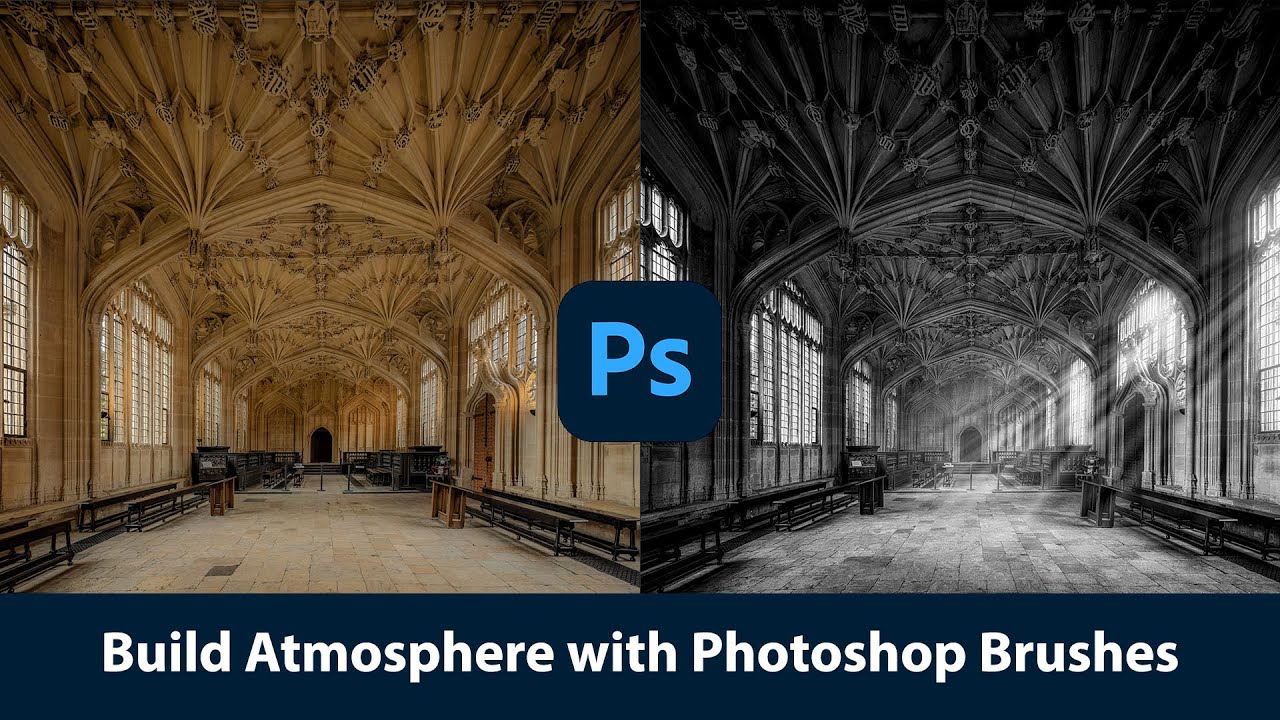
Painting With Light and Fog: How Joel Grimes Uses Photoshop Brushes to Make Images Feel Cinematic

There’s a specific problem I kept running into early in my freelance work: I’d build out a composite, get the subject placed and lit, and then stare at the background feeling like something was missing. The image looked assembled. Competent, maybe, but flat. Like a person standing in front of a green screen even when they weren’t. What I didn’t understand then was that real drama in a photograph isn’t just about contrast or color grading.

RAW Brushes in Photoshop Are Doing Work I Didn't Know I Was Missing

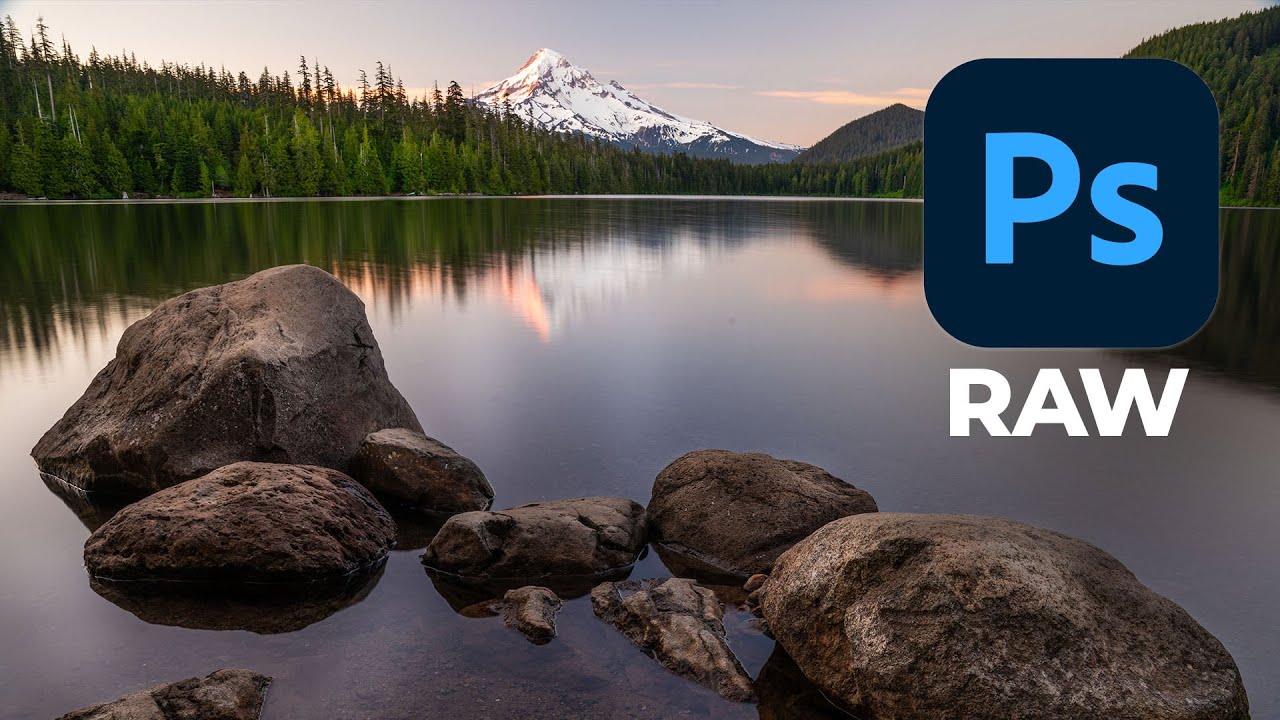
RAW Brushes in Photoshop Are Doing Work I Didn't Know I Was Missing

I’ll be honest: for a long time I treated Adobe Camera Raw like a waiting room. You know, the place you sit in before you get to the “real” work in Photoshop. Open file, nudge exposure, click “Open Image,” never look back. It wasn’t until I watched a friend turn around a badly lit portrait in about eight minutes, entirely inside Camera Raw, that I started paying closer attention to what that workspace could actually do.