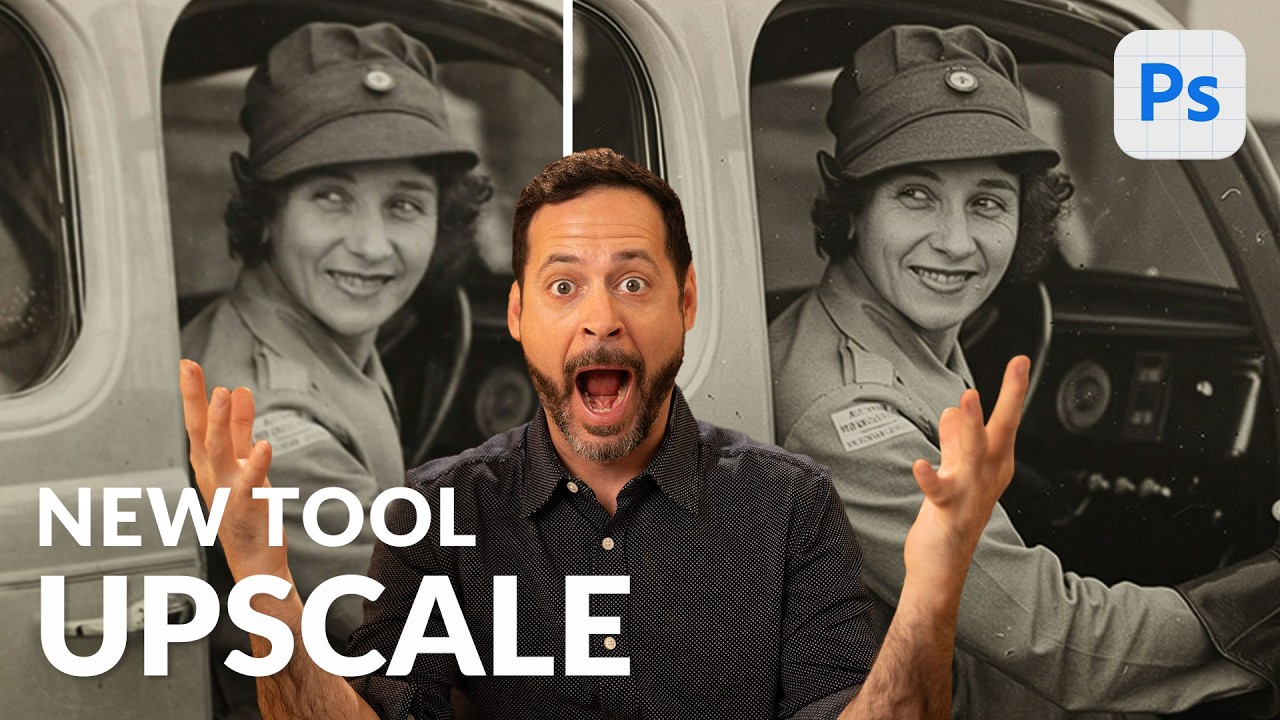
Photoshop's Generative Upscale Tool Might Save Your Old Photos (And Your Print Jobs)

Photoshop's Generative Upscale Tool Might Save Your Old Photos (And Your Print Jobs)

I have a folder on my hard drive called “Client Assets - HANDLE WITH CARE” and it is, genuinely, a disaster. Blurry product shots. Ancient family photos scanned at the wrong resolution. Images that looked fine on a phone screen but would print like a watercolor painting left in the rain. For years, my workaround was a combination of third-party upscaling apps, crossed fingers, and gently managing client expectations. Then Adobe quietly dropped a tool in Photoshop Beta that makes most of that song and dance completely unnecessary.
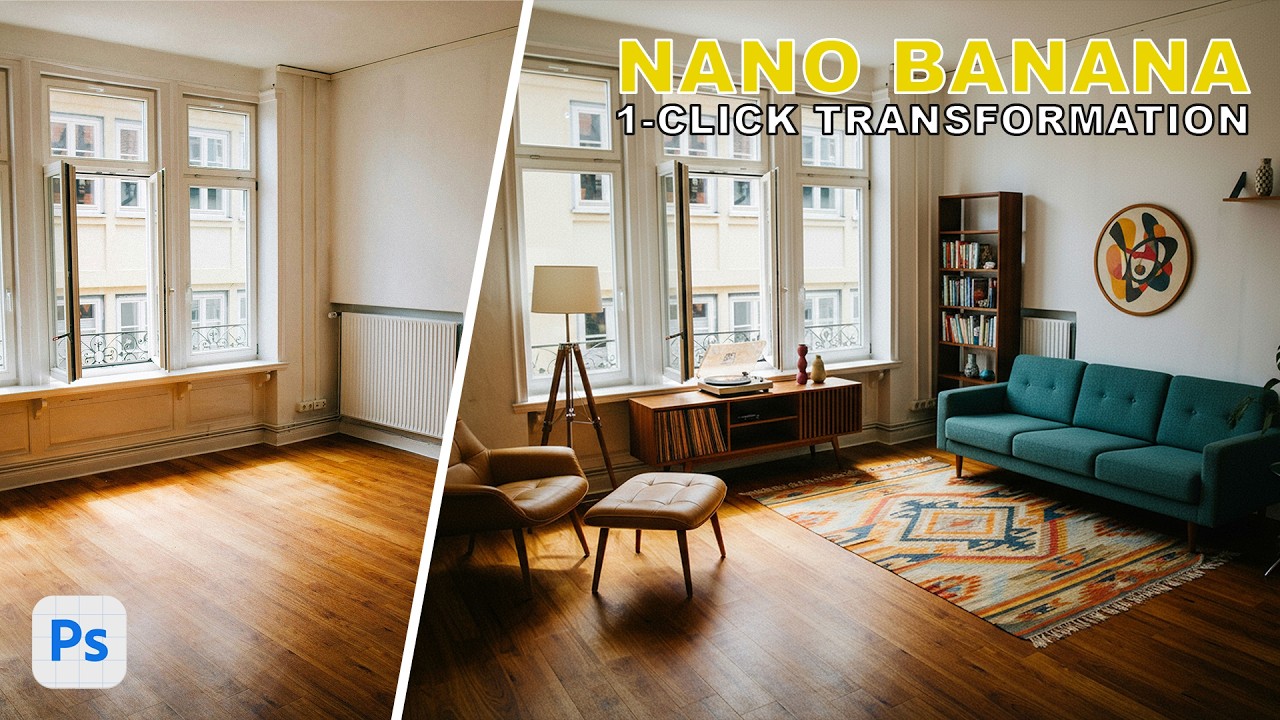
Photoshop Just Got Multiple AI Brains — Here's How to Actually Use Them

Photoshop Just Got Multiple AI Brains — Here's How to Actually Use Them

There’s a specific kind of freelance misery that comes from a client sending you a product photo at 11pm with “can you just clean up the logo on the shirt and make the sky look less depressing?” Like, sure, no problem. I’ll just fire up my selection tools, wrestle with Generative Fill, make a sky that looks vaguely cinematic, and call it a Tuesday. That workflow has been fine. Fine. But fine is not a word I use to describe my coffee, my shortcuts, or ideally my tools.