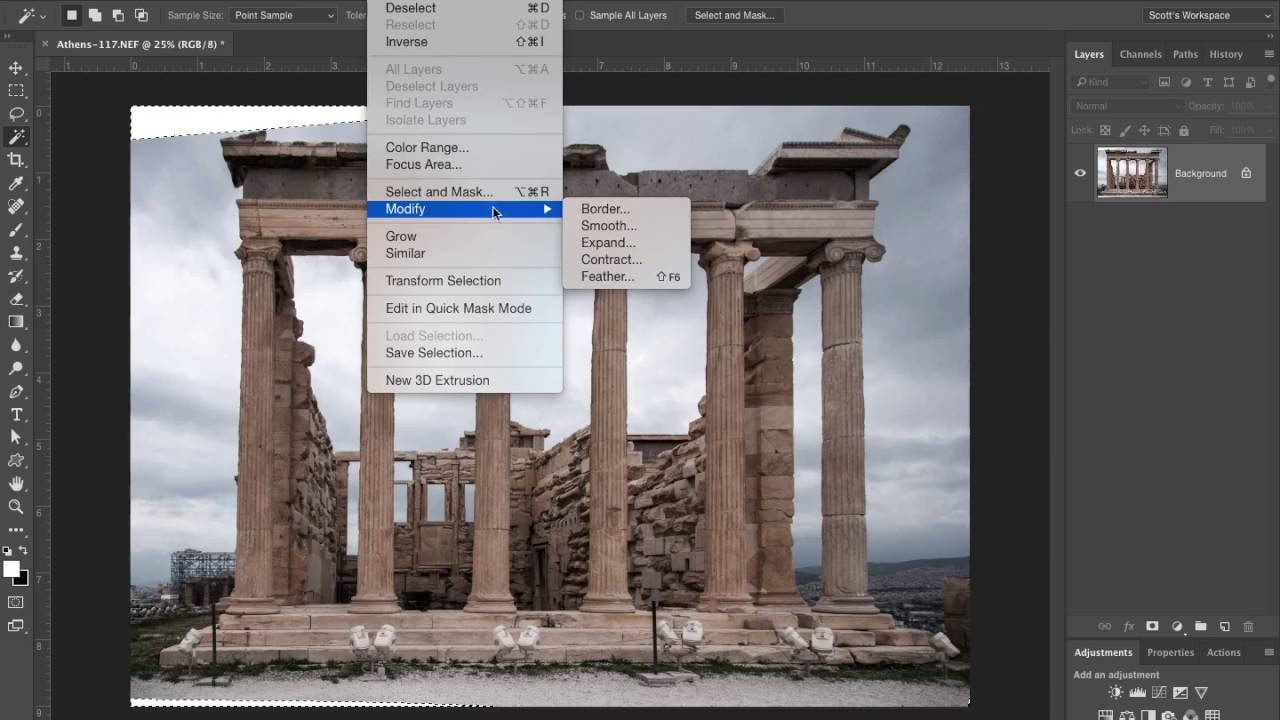
Stop Ignoring Your Lens Distortion: A Flat-to-Fabulous Photoshop Rescue Walkthrough

Stop Ignoring Your Lens Distortion: A Flat-to-Fabulous Photoshop Rescue Walkthrough

I have a folder on my hard drive called “salvage.” It’s full of photos I liked enough to keep but never liked enough to actually edit. Bad perspective, warped buildings, that particular kind of flat, sad look a photo gets when the camera did its best and still kind of failed. For a long time I just accepted that some shots were unfixable without a ton of manual fussing. Then I started paying closer attention to how working photographers actually move through Camera Raw, and a lot of those “salvage” files started looking a lot more promising.
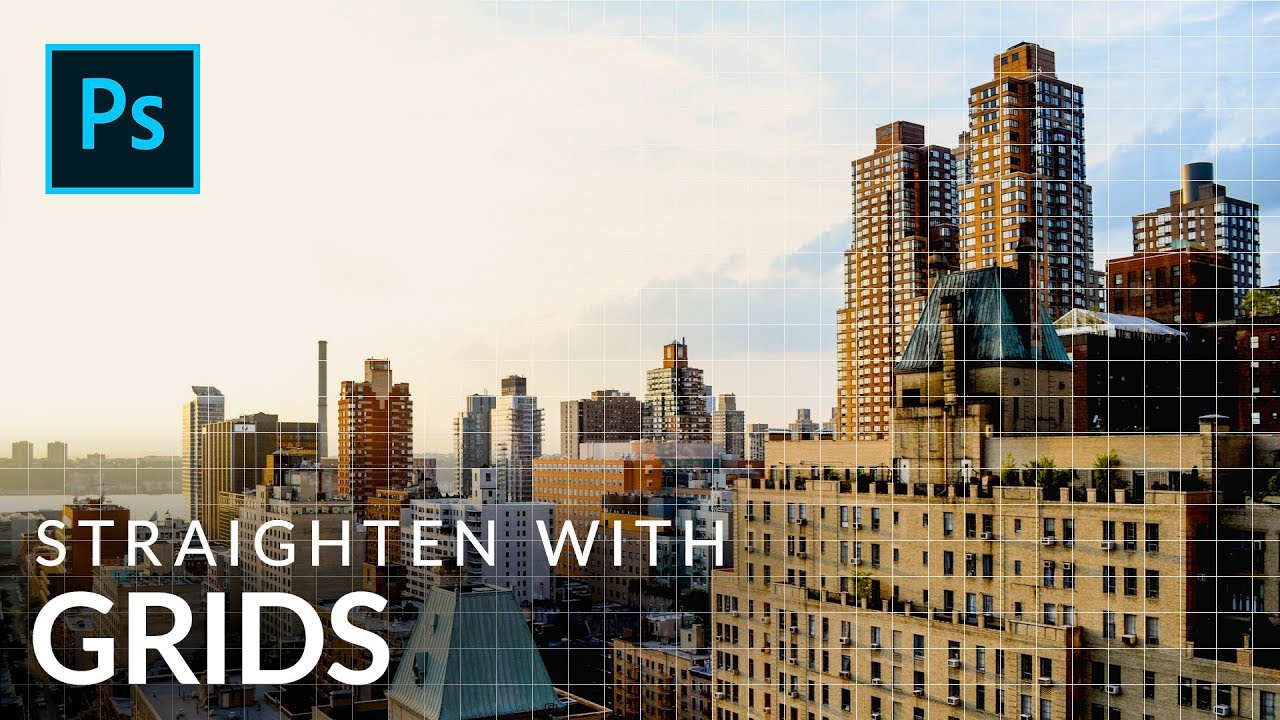
Stop Guessing If Your Buildings Are Straight — Use Photoshop's Grid Like This

Stop Guessing If Your Buildings Are Straight — Use Photoshop's Grid Like This

Architectural photography has this sneaky way of making you feel like everything looks fine until you slap a straight line next to it and realize your building is leaning like it lost a fight. I’ve handed off composites with slightly tilted structures more times than I’d like to admit, usually because I was eyeballing it and convinced myself it was “close enough.” Spoiler: clients notice. So when I came across this Aaron Nace (PHLEARN) tutorial on using Photoshop’s grid system to analyze and correct building lines, I sat up a little straighter in my coffee shop booth and paid attention.