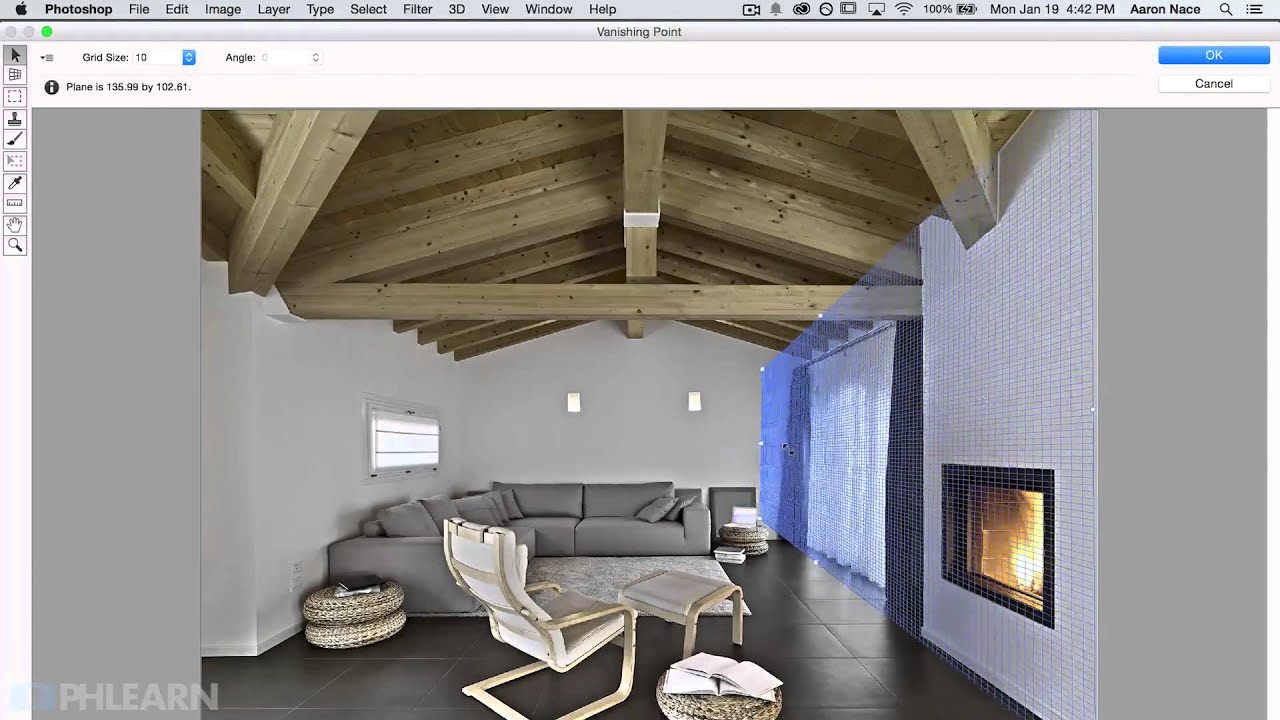
Photoshop's Vanishing Point Filter Is the Cheat Code You Didn't Know You Needed

Photoshop's Vanishing Point Filter Is the Cheat Code You Didn't Know You Needed

There’s a specific kind of frustration that comes from spending an hour manually distorting a layer to match the perspective of a wall, only for it to still look slightly off. I’ve been there more times than I’d like to admit. You nudge a corner handle, zoom out, squint, nudge it again, and eventually you just convince yourself it looks “good enough” and move on. The problem is, good enough in compositing is usually pretty obvious to anyone looking at it.
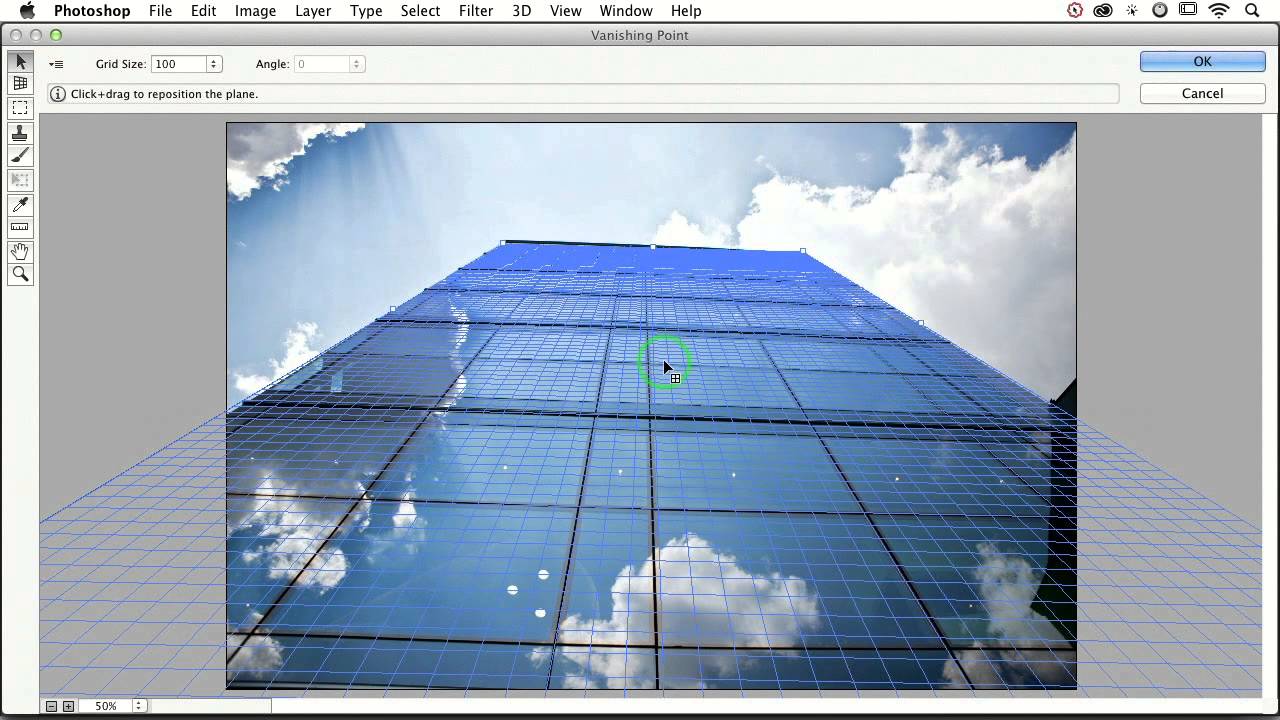
How to Slap Any Image onto a Building (and Actually Make It Look Real) with Photoshop's Vanishing Point

How to Slap Any Image onto a Building (and Actually Make It Look Real) with Photoshop's Vanishing Point

A friend of mine once spent three days building a composite where he placed a graphic onto the side of a building. Manually warped it. Nudged every corner point. Matched the lighting. It looked… fine. Plausible. Then someone in his feedback thread said “couldn’t you just use Vanishing Point for that?” and his soul briefly left his body. I watched this happen in real time. I also had no idea what Vanishing Point was, so I stayed quiet and nodded like I absolutely knew.