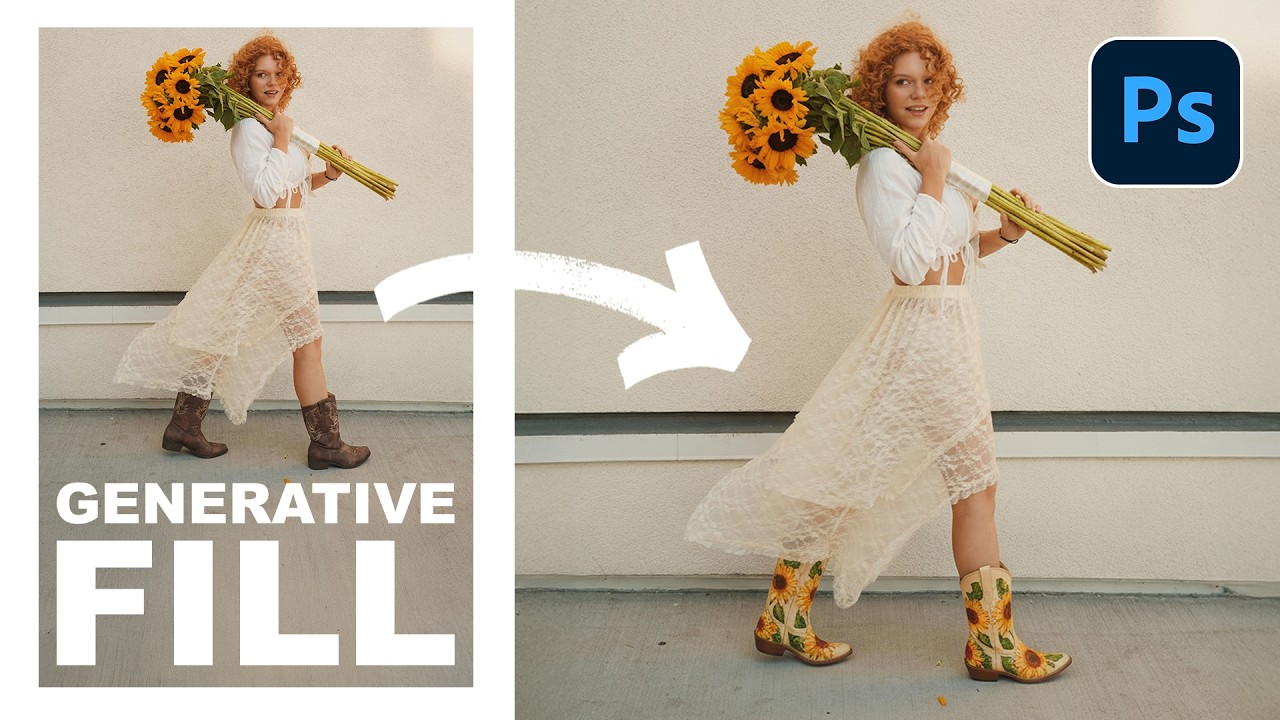
Photoshop's Generative Fill Will Remove Objects So Fast It Feels Like Cheating

Photoshop's Generative Fill Will Remove Objects So Fast It Feels Like Cheating

There’s a specific kind of frustration that comes from spending forty-five minutes carefully cloning out graffiti, power lines, or some random stranger’s elbow from a photo, only to realize the result looks like a smeared fever dream. I’ve been there more times than I’d like to admit. It’s the kind of thing that makes you question your life choices while you’re hunched over a laptop at a coffee shop, desperately trying to make a background look like it was never disturbed.
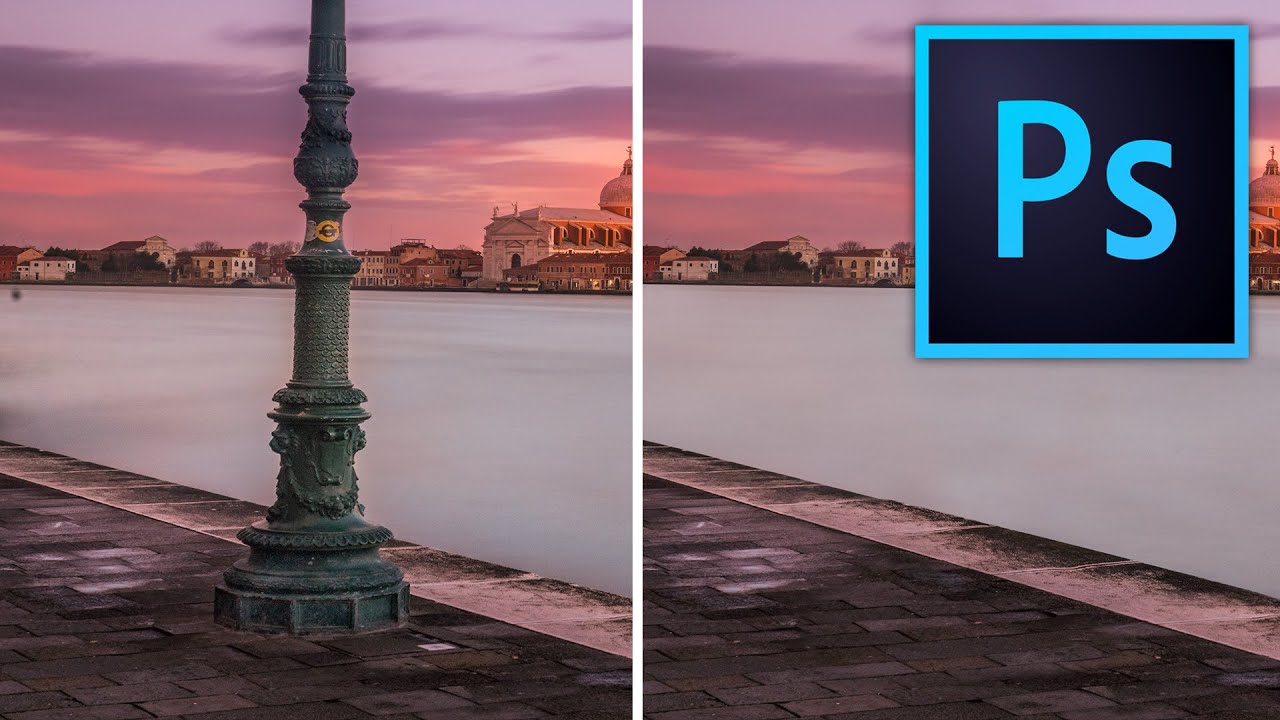
Stop Making Obvious Edits: How to Remove Objects in Photoshop Without the Telltale Clone Stamp Smear

Stop Making Obvious Edits: How to Remove Objects in Photoshop Without the Telltale Clone Stamp Smear

There’s a specific kind of embarrassment that comes from sending a client a retouched photo where you can clearly see where you removed something. The water ripples that suddenly repeat. The brick pattern that tiles like a bad desktop wallpaper from 2003. I know it well. Early in my freelance career I handed off a product shot with a background so obviously cloned that my client asked if the floor was “supposed to look like that.