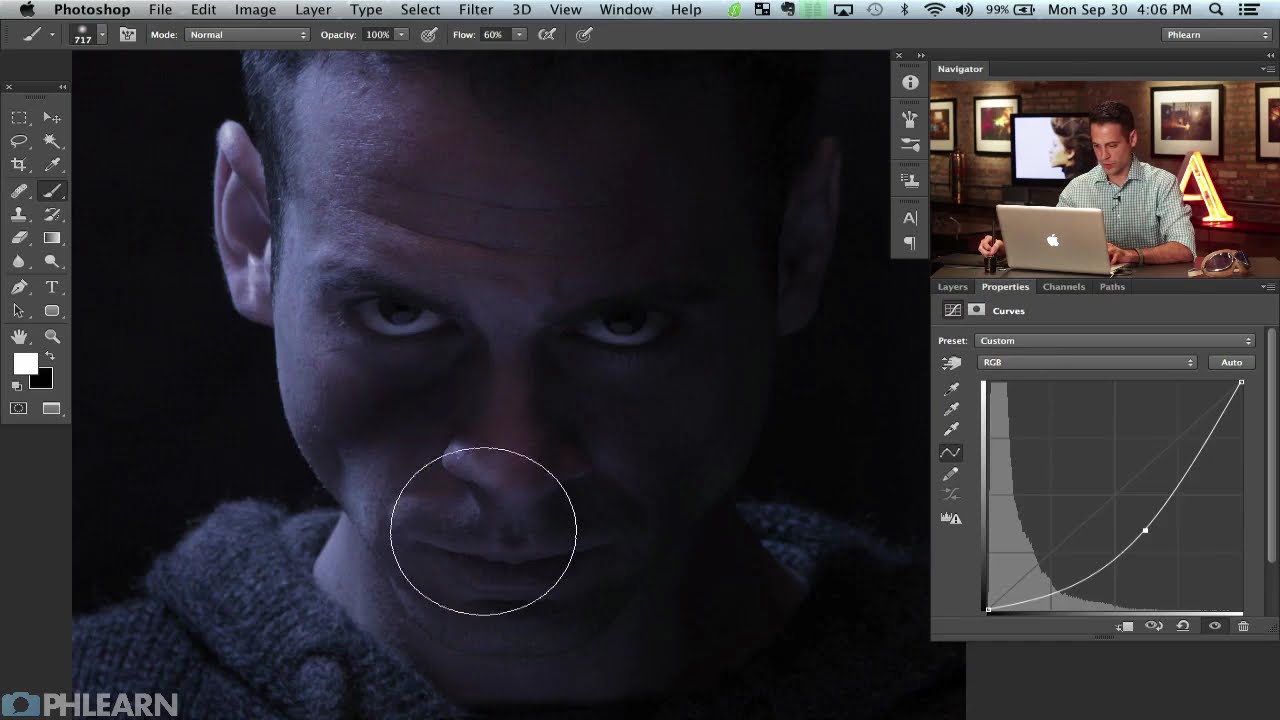
How to Build a Cinematic Movie Poster Look in Photoshop (Riddick Style)

How to Build a Cinematic Movie Poster Look in Photoshop (Riddick Style)

Client work has a funny way of humbling you. I’ve lost count of the number of times someone has handed me a photo and said something like “make it look cinematic” with zero other direction, like I’m supposed to telepathically decode what “cinematic” means to them. After enough of those requests, I started reverse-engineering actual movie posters to build a mental library of techniques I could reach for. That’s what pulled me into this tutorial.
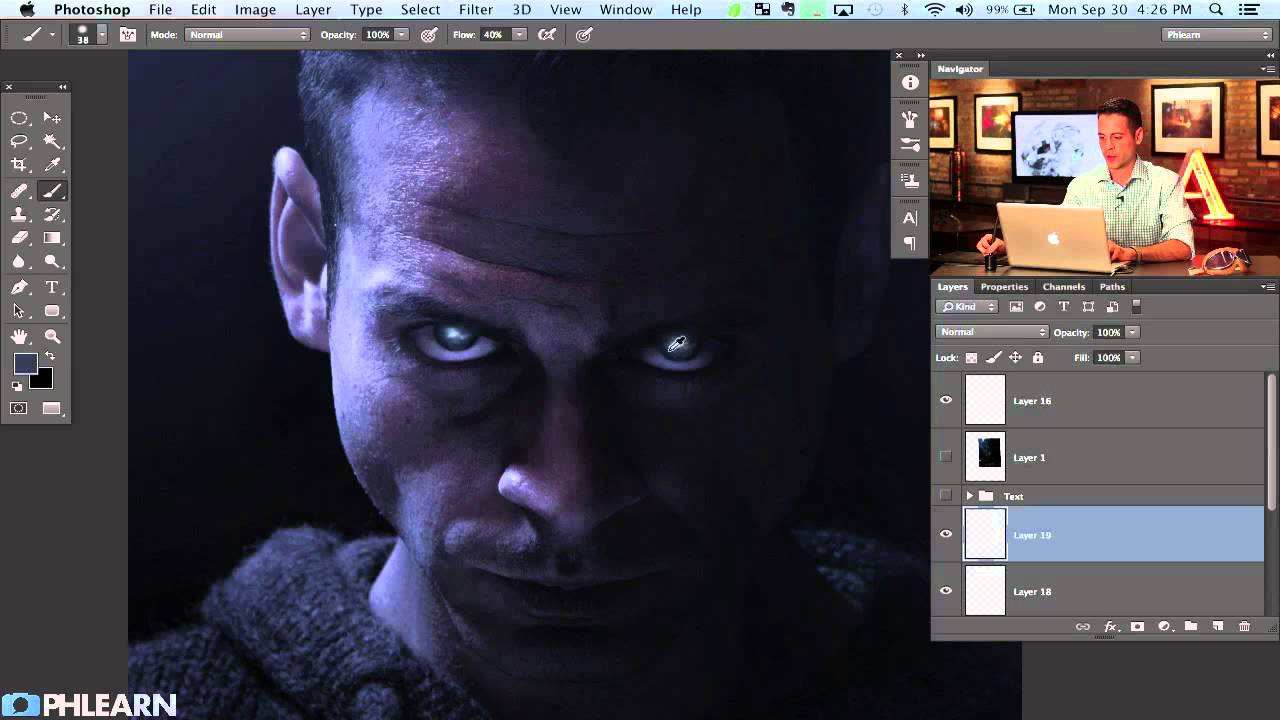
How to Paint Glowing Sci-Fi Eyes and Nail Movie Poster Text in Photoshop

How to Paint Glowing Sci-Fi Eyes and Nail Movie Poster Text in Photoshop

There’s a specific kind of panic that sets in when a client asks you to “make it look cinematic.” They don’t mean anything precise by that. They just mean it should look like it costs more than it does. After years of freelancing, I’ve figured out that about 80% of “cinematic” comes down to two things: eyes that feel alive and type that feels intentional. Get those right and suddenly everything else reads as professional.