Stop Guessing Fonts: How Photoshop's Match Font Feature Does the Detective Work For You

Stop Guessing Fonts: How Photoshop's Match Font Feature Does the Detective Work For You

You know that moment. A client sends over a logo or a sign mockup and says “can you just add some text to this?” And you stare at the file trying to figure out which of the 47,000 fonts installed on your system comes close to what’s already there. I’ve burned embarrassing amounts of time on that problem. Cross-referencing WhatTheFont with hand-typed samples, scrolling through font menus squinting at my screen in a coffee shop like some kind of sad typography detective.
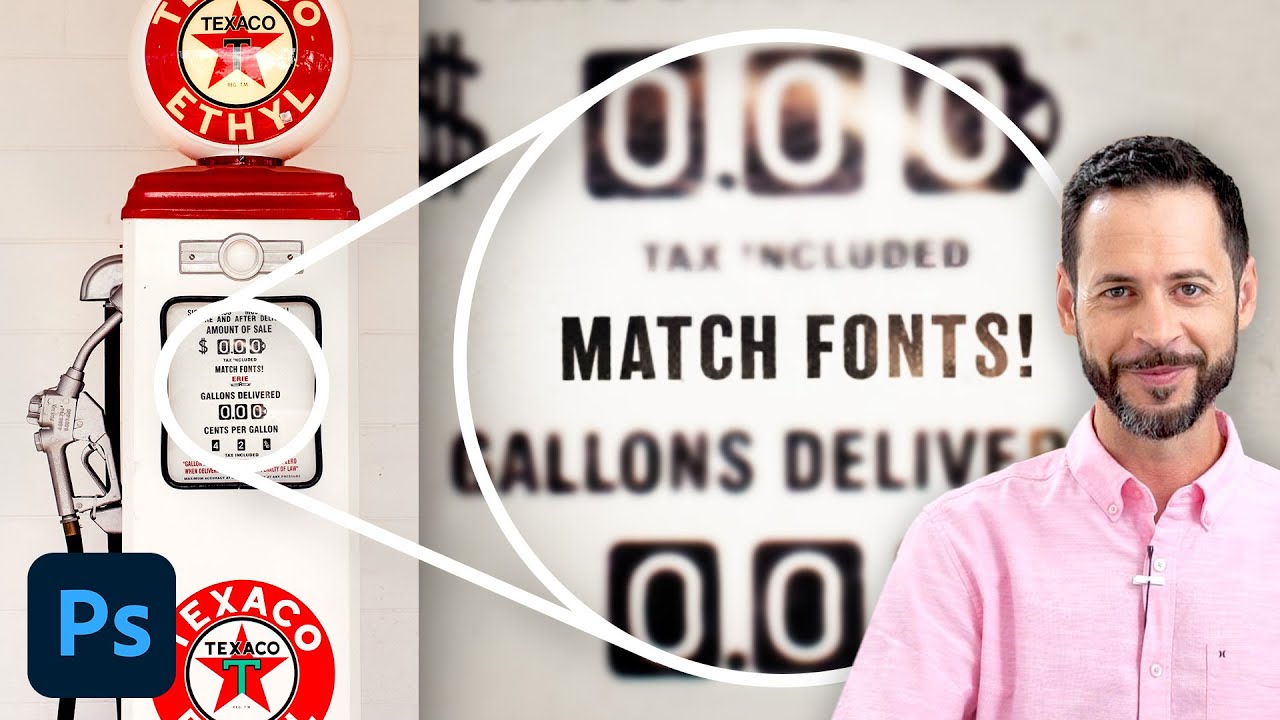
Stop Guessing Fonts: How Photoshop's Match Font Tool Does the Detective Work for You

Stop Guessing Fonts: How Photoshop's Match Font Tool Does the Detective Work for You

There’s a specific flavor of frustration that comes from staring at a photo and knowing you need to match the font in it. Maybe it’s a client’s old logo, a vintage poster, a product label. You squint at it. You scroll through font menus like a maniac. You Google “retro bold serif with rounded corners” and get approximately nothing useful. I’ve burned embarrassing amounts of time on this exact problem, and for a while my solution was just guessing until something looked close enough to pass.