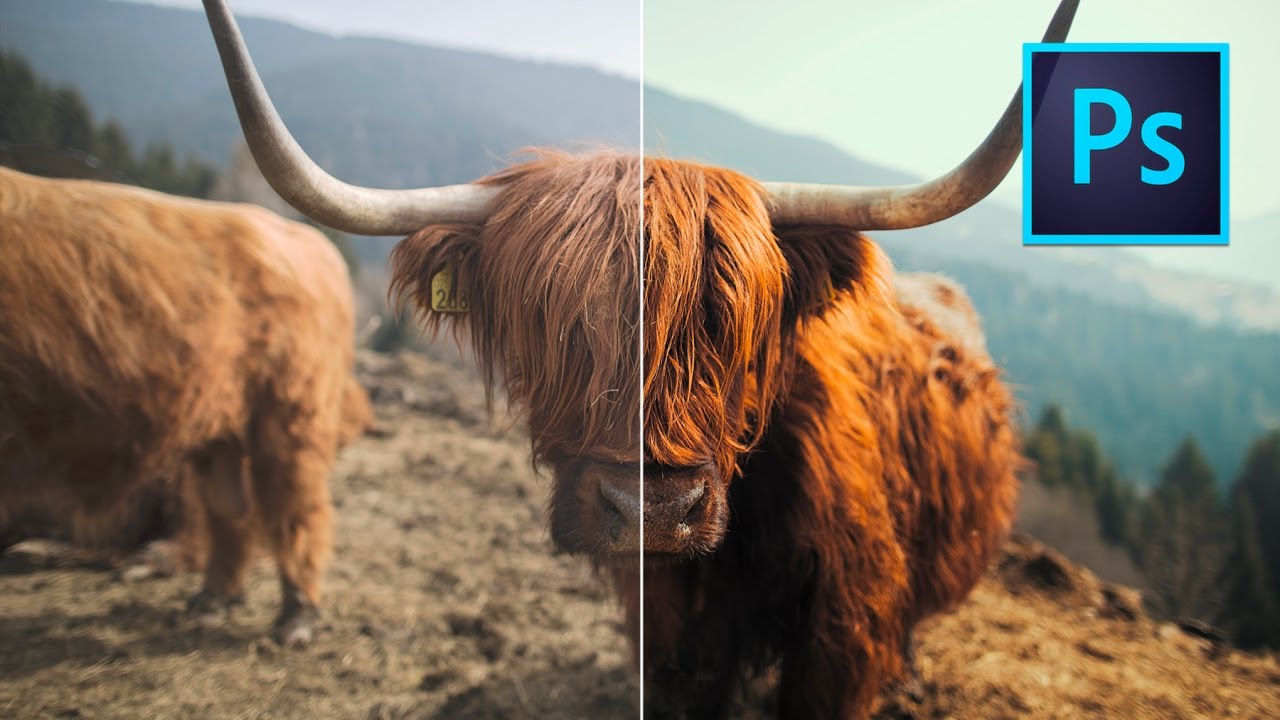
LUTs in Photoshop: The Fastest Way to Give Your Photos a Cinematic Look

LUTs in Photoshop: The Fastest Way to Give Your Photos a Cinematic Look

Here’s a problem I run into constantly: a client wants their photos to have that moody, film-like quality you see in high-end editorial work, and they want it yesterday. I can spend an hour manually pulling curves, tweaking hue/saturation layers, and nudging color balance until my eyes cross — or I can use a LUT and be done in about 90 seconds. For a long time I thought LUTs were strictly a video editor’s tool.
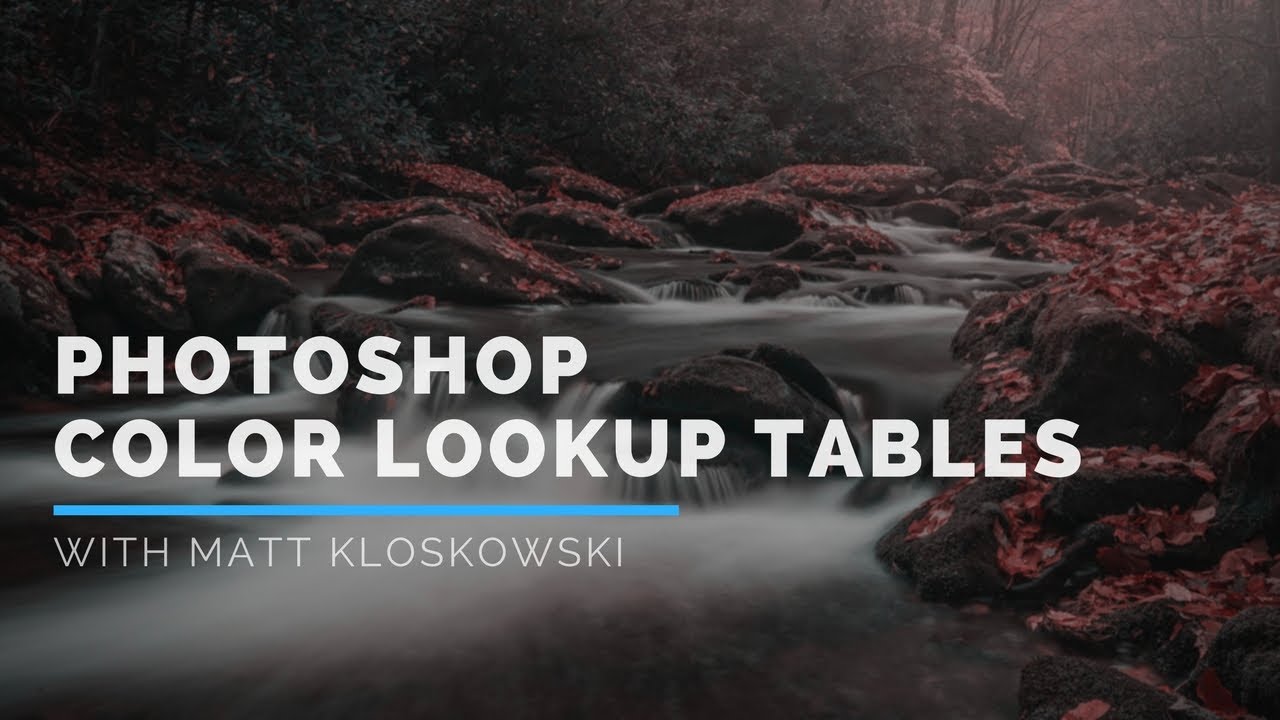
Photoshop Color Lookup Tables Are the Fastest Color Grade You're Not Using

Photoshop Color Lookup Tables Are the Fastest Color Grade You're Not Using

I have spent embarrassing amounts of time manually dragging Curves, nudging Hue/Saturation sliders, and stacking three or four adjustment layers just to get a color grade that feels intentional. Then a client asks for a revision and I get to do it all over again. The whole process is fine, but it’s slow, and it compounds every time you’re working with a batch of images that need a consistent look.