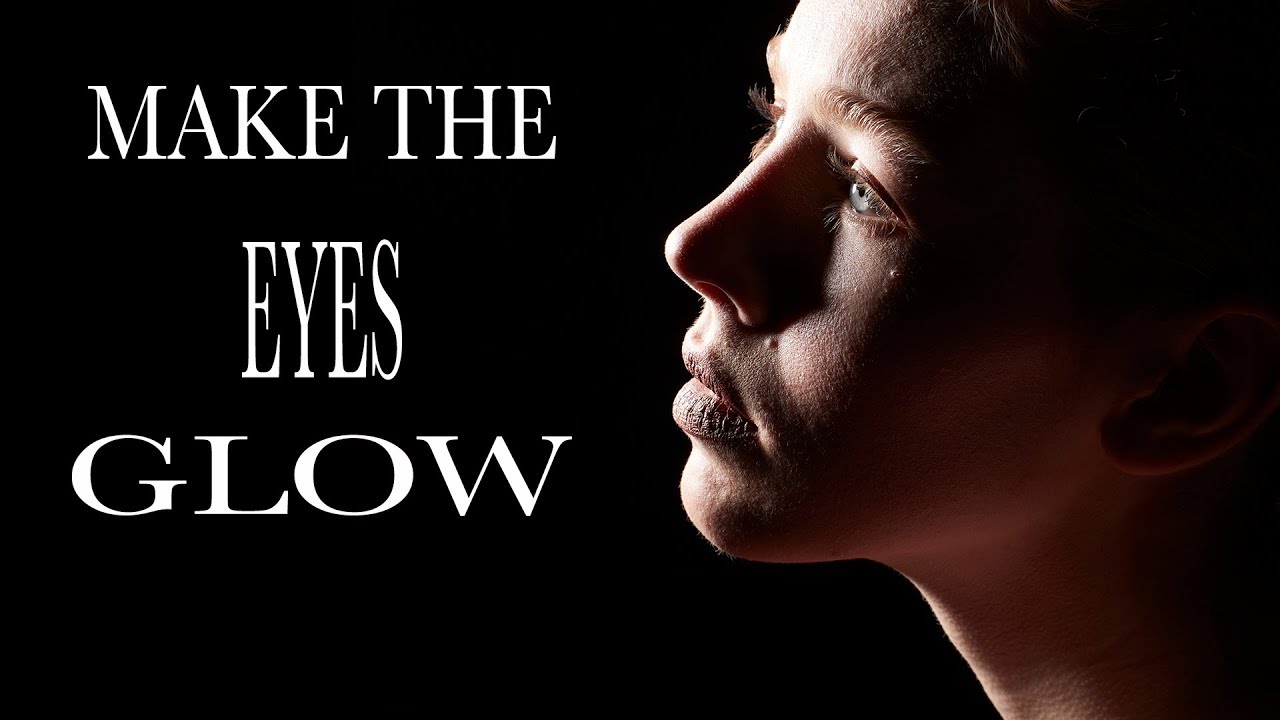
The Glowing Eye Effect You Can't Fake in Post (So Stop Trying)

The Glowing Eye Effect You Can't Fake in Post (So Stop Trying)

There’s a specific flavor of frustration I know well: spending twenty minutes in Photoshop pushing the iris brightness slider on a portrait, adding fake catchlights, maybe throwing a curves adjustment on a layer mask - and still ending up with eyes that look like they were lit by a refrigerator. The result is always a little off. A little dead. You can tell it was done in post, and so can your client.
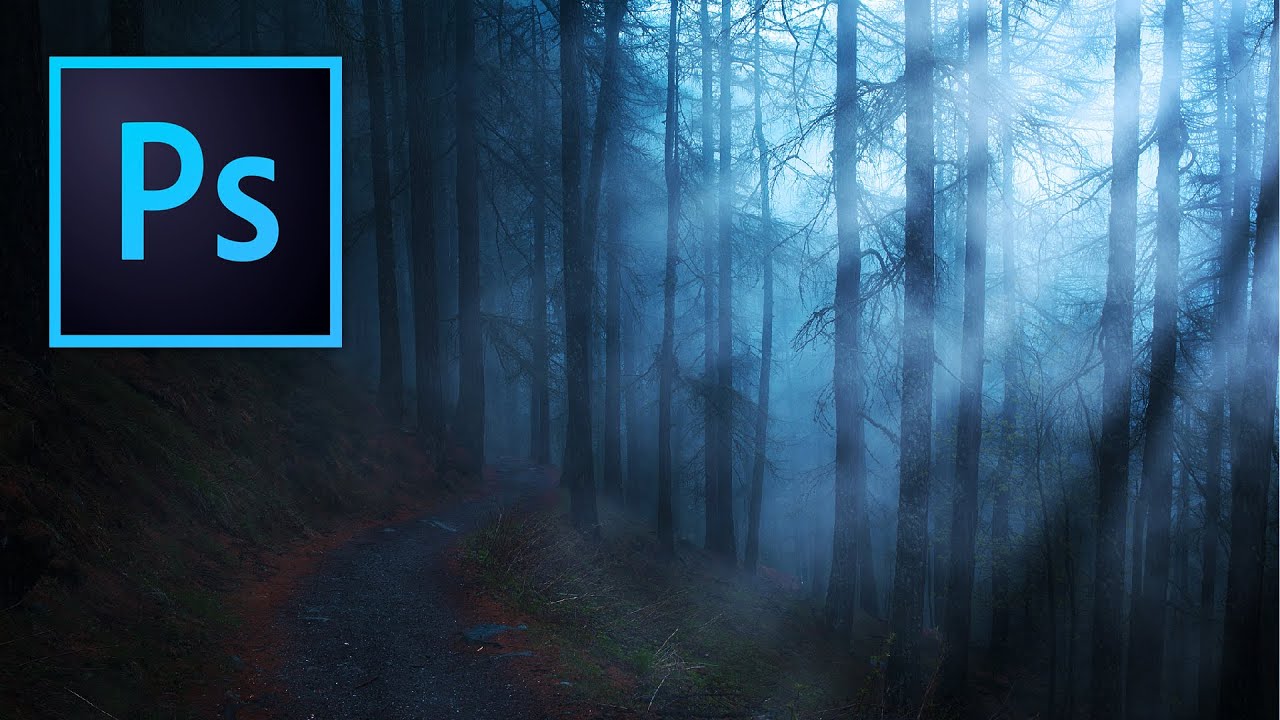
Fake Light Rays That Actually Look Real: A Photoshop Walkthrough

Fake Light Rays That Actually Look Real: A Photoshop Walkthrough

There’s a certain kind of photo that stops people mid-scroll. You know the one: shafts of light breaking through trees, or that golden haze pouring through a window like someone hired a cinematographer. Clients ask me for that look constantly, and for a while I was either hunting for the perfect stock photo or spending way too long faking it badly. Then I stumbled onto a Kelvin Designs tutorial that reframed the whole thing for me.