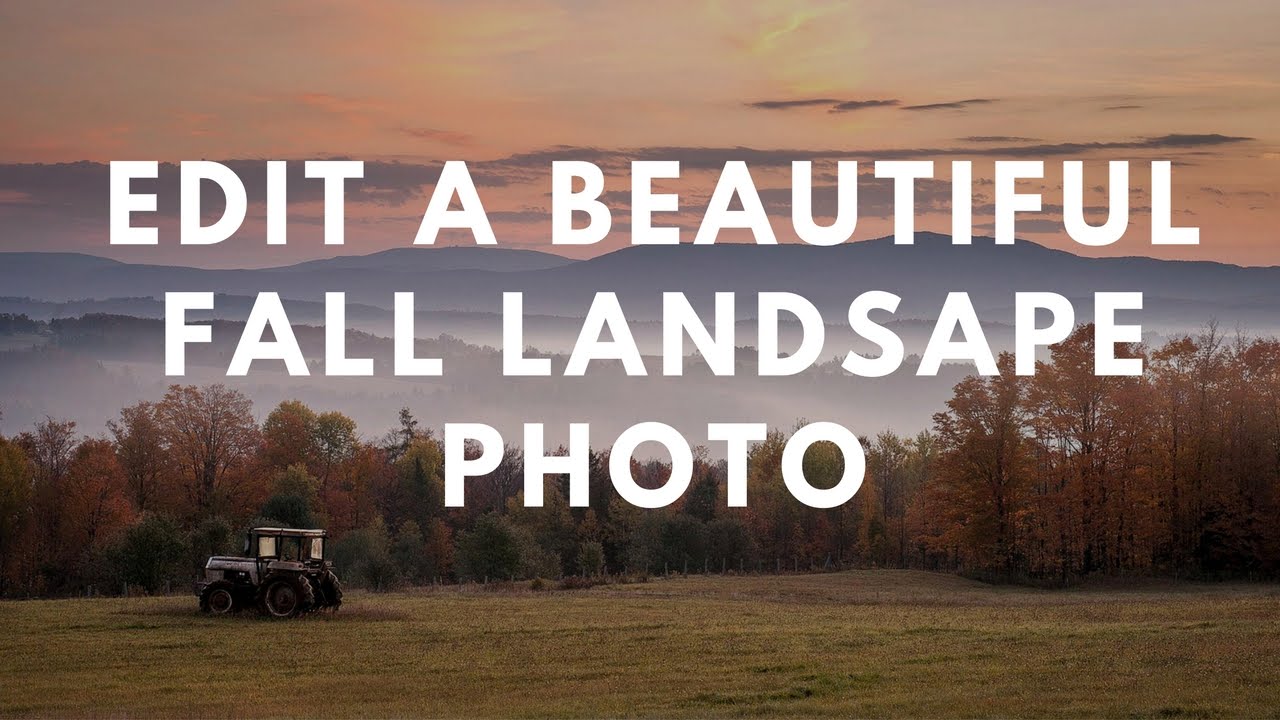
How to Edit a Fall Landscape Like You Actually Know What You're Doing (A Lightroom + Photoshop Breakdown)

How to Edit a Fall Landscape Like You Actually Know What You're Doing (A Lightroom + Photoshop Breakdown)

Fall photos are deceptively tricky. You’d think all that warm color does half the work for you, but if you’ve ever pulled a raw file of autumn foliage into Lightroom and just stared at it like it owes you money, you know exactly what I’m talking about. The sky is blown out, the shadows are muddy, and the colors look more “dying hospital plant” than “peak New England October.” I’ve been there more times than I’d like to admit.
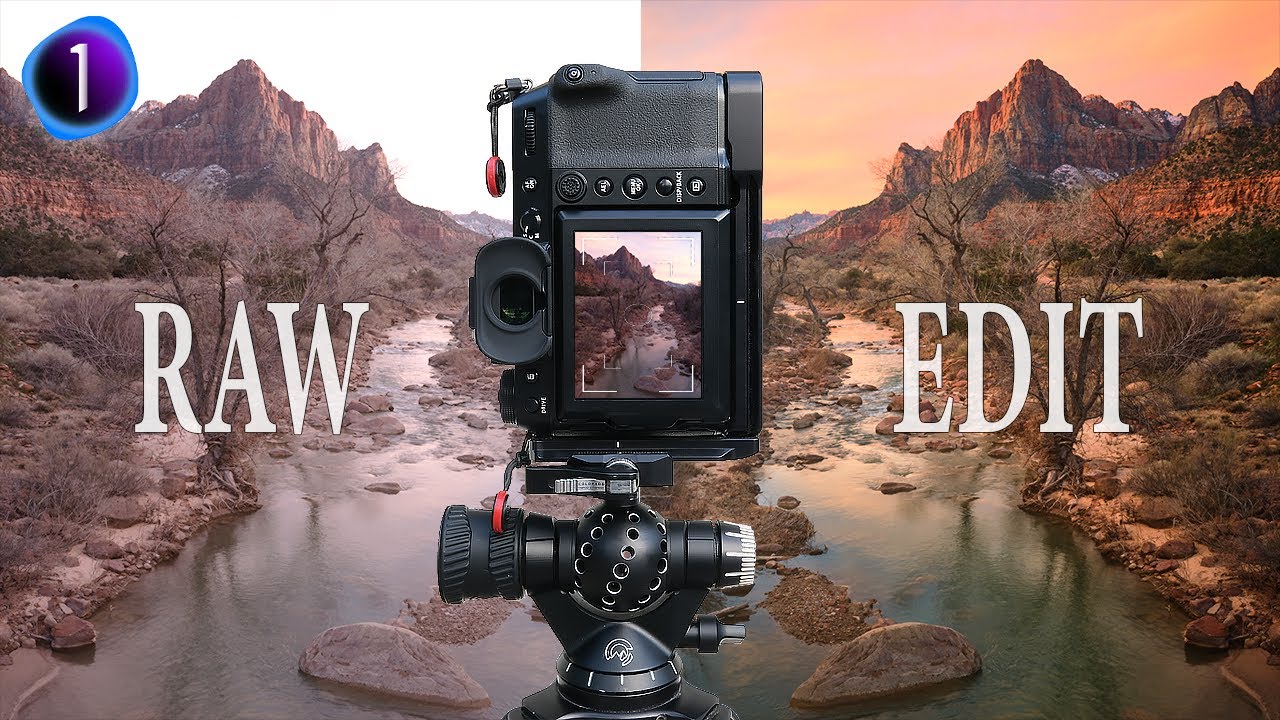
Stop Darkening Your Entire Sky: The Capture One Luma Range Trick That Changed How I Edit

Stop Darkening Your Entire Sky: The Capture One Luma Range Trick That Changed How I Edit

There’s a specific kind of editing frustration I’ve felt more times than I’d like to admit. You pull a radial gradient over a blown-out sky, drop the exposure, and then watch in mild horror as the adjustment also swallows half the mountain range you were trying to protect. You either live with it, or you spend the next 45 minutes painting a mask by hand like it’s 2009. Neither option is great when you’re billing hourly and your coffee is going cold.