Stop Blasting Hue/Saturation on Eyes — Here's What Actually Works

Stop Blasting Hue/Saturation on Eyes — Here's What Actually Works

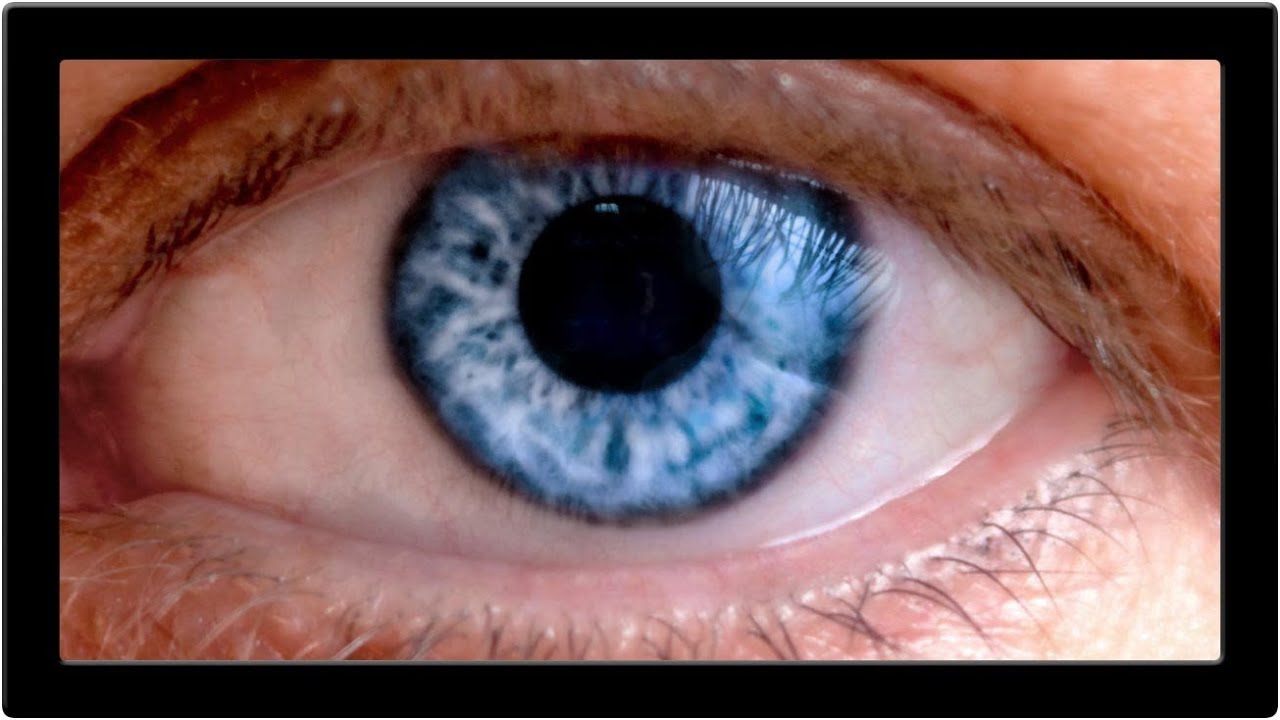
A client asked me last month to swap the eye color on a portrait series. Simple enough, right? I did what I always do when I’m half-paying attention at a coffee shop: slapped on a Hue/Saturation layer, cranked the hue slider, called it done. The eyes looked like someone had poured paint directly into the subject’s skull. Flat, fake, completely lifeless. The client noticed immediately. Of course they did. That embarrassment sent me down a rabbit hole, which is how I landed on this Kelvin Designs tutorial on changing eye color in Photoshop.

Master Color Gradients in Photoshop Without Destroying Your Subject's Skin Tone

Master Color Gradients in Photoshop Without Destroying Your Subject's Skin Tone

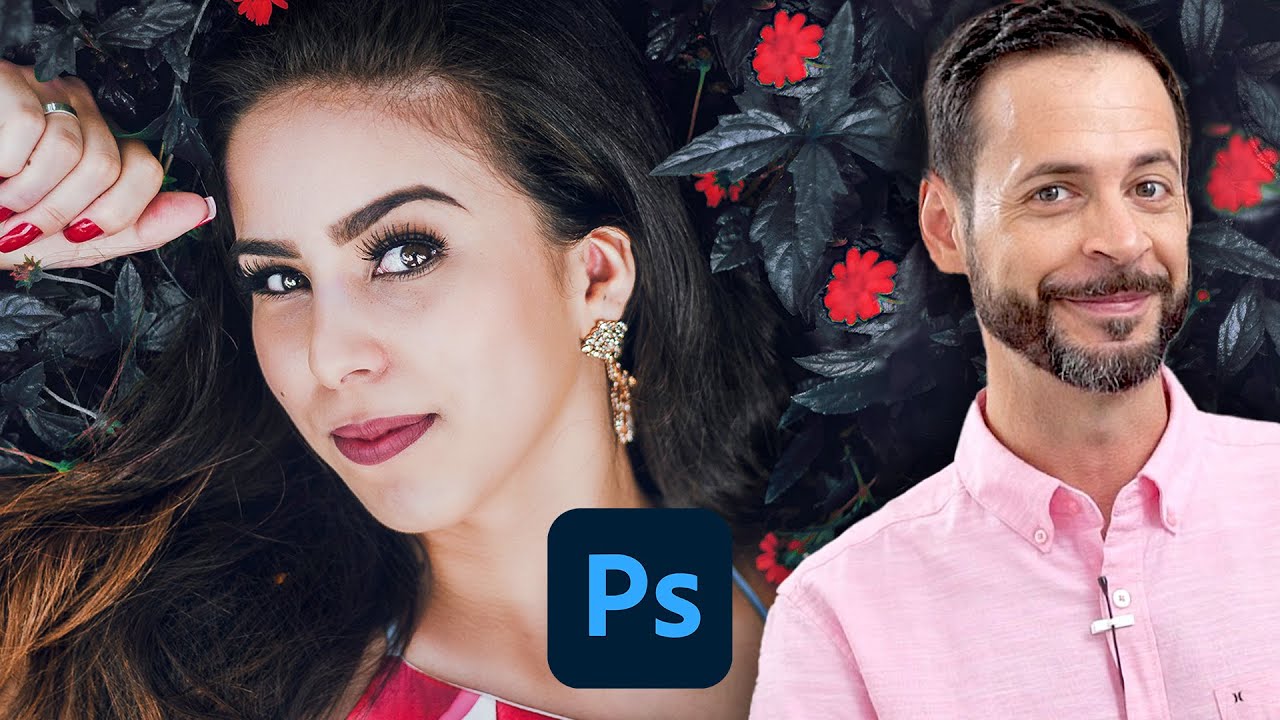
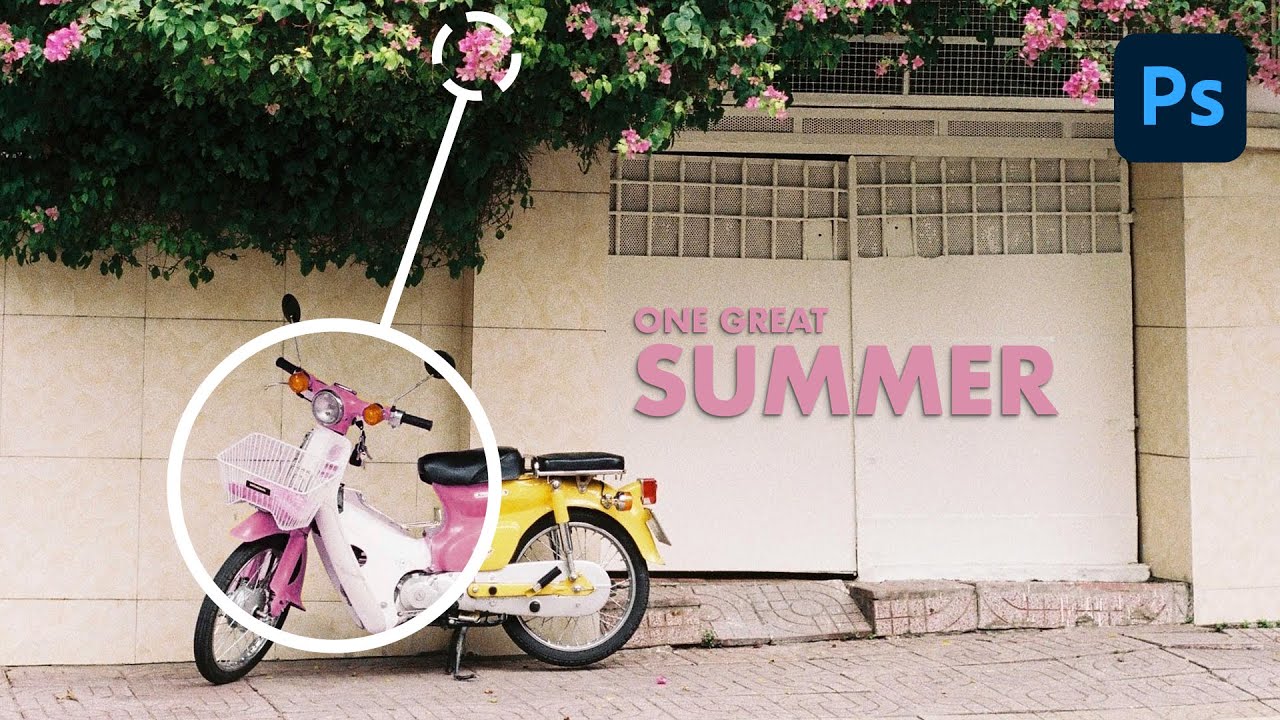
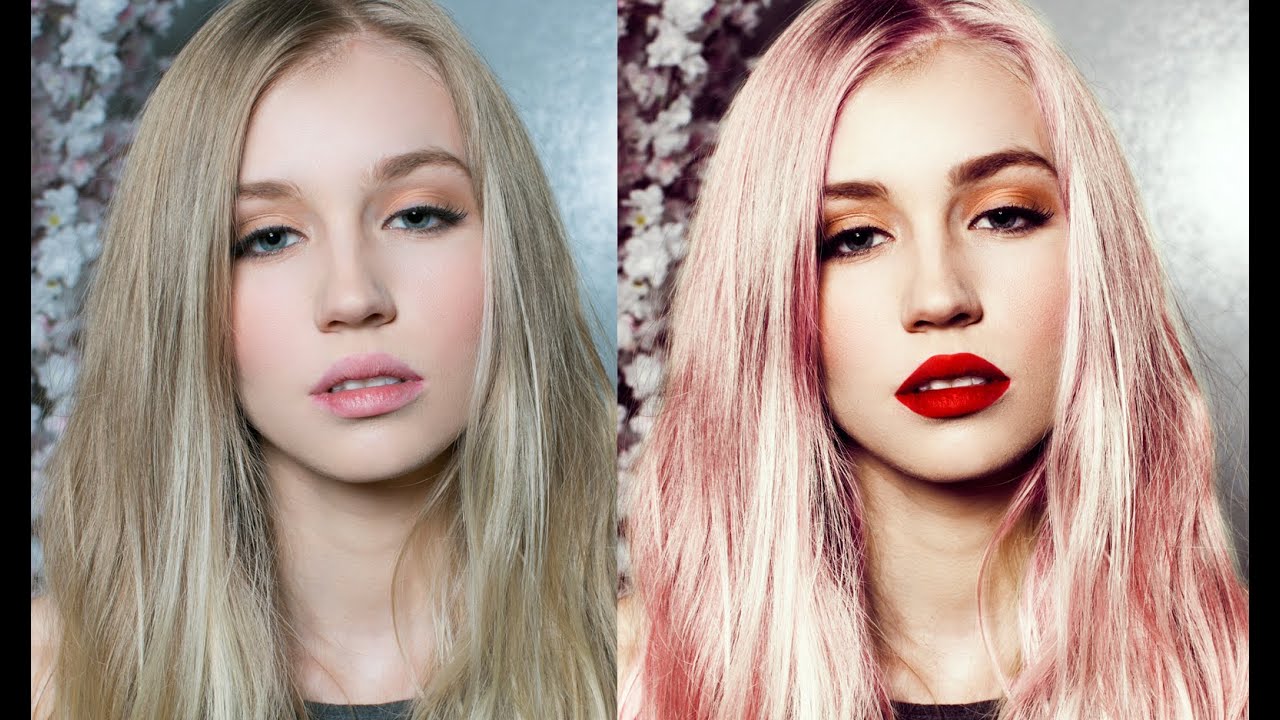
The Problem Nobody Talks About Here’s something that happens to Photoshop users constantly: you try to change the color of someone’s clothing and suddenly their face looks like they’ve been in a tanning booth accident. It’s because Photoshop’s color tools are too good at finding every instance of a color—including the ones you didn’t want to touch. In this excellent tutorial, Aaron Nace (PHLEARN) shows us how to surgically recolor specific objects while keeping skin tones looking natural.