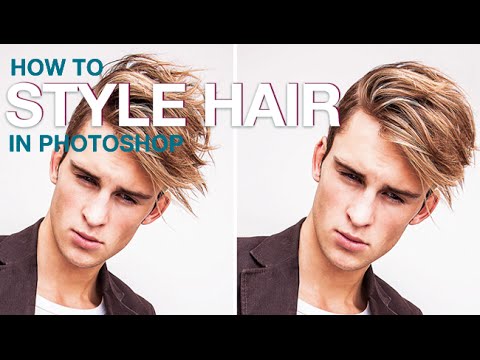
Fix Messy Hair in Photoshop Without Losing Your Mind (or Your Pixels)

Fix Messy Hair in Photoshop Without Losing Your Mind (or Your Pixels)

Hair is the one thing that can make a technically perfect portrait look like a disaster. You nail the lighting, the expression is great, the skin looks clean – and then there’s one rogue strand doing its own thing right across the subject’s face. Or the whole silhouette just looks a little… collapsed. I’ve lost count of how many times I’ve sat at my laptop in a coffee shop, staring at a portrait, wondering whether I should go back and reshoot or just fix it in post.
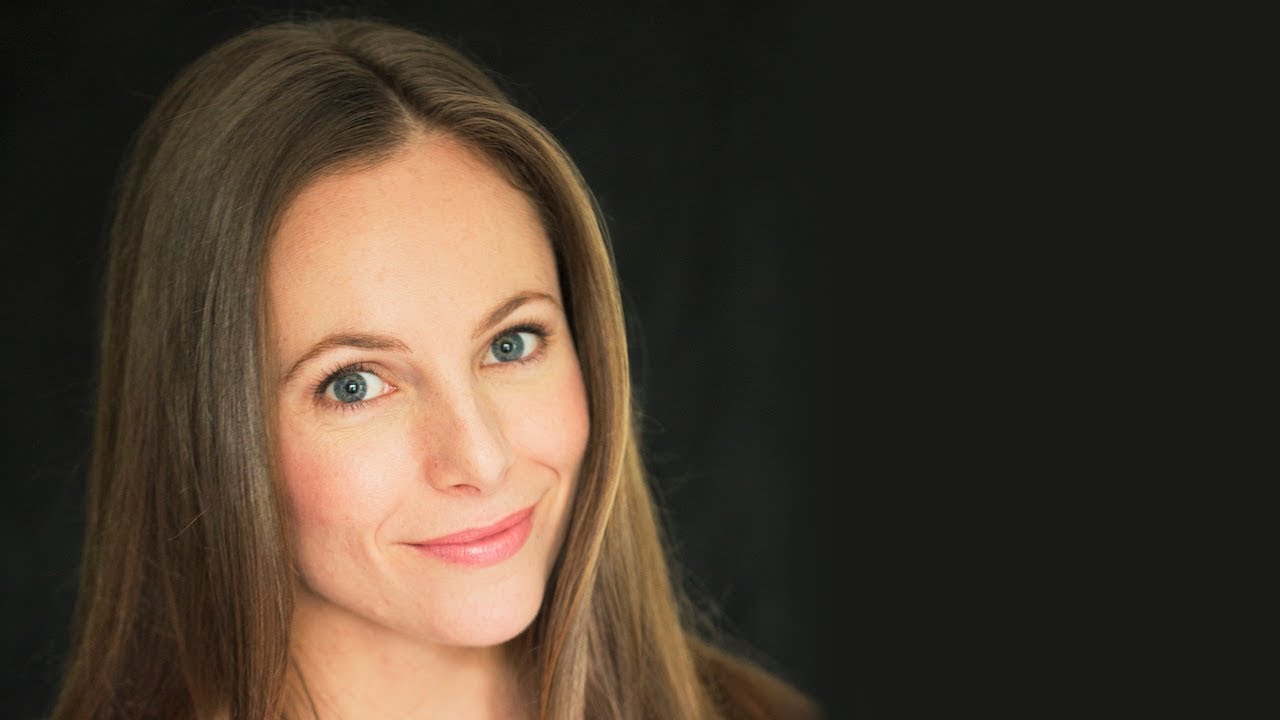
How to Stop Dark Hair from Disappearing Into Dark Backgrounds (A Photoshop Hair Highlighting Trick)

How to Stop Dark Hair from Disappearing Into Dark Backgrounds (A Photoshop Hair Highlighting Trick)

There’s a specific kind of frustration that hits when you’re retouching a portrait and the subject’s dark hair just… melts into a dark background. No separation, no dimension, no life. You’ve done everything right technically, and somehow the image still looks flat and muddy around the edges. I’ve been there more times than I’d like to admit, usually sitting in some coffee shop squinting at my laptop screen trying to figure out why a perfectly good photo looks like the subject is slowly being absorbed into a void.