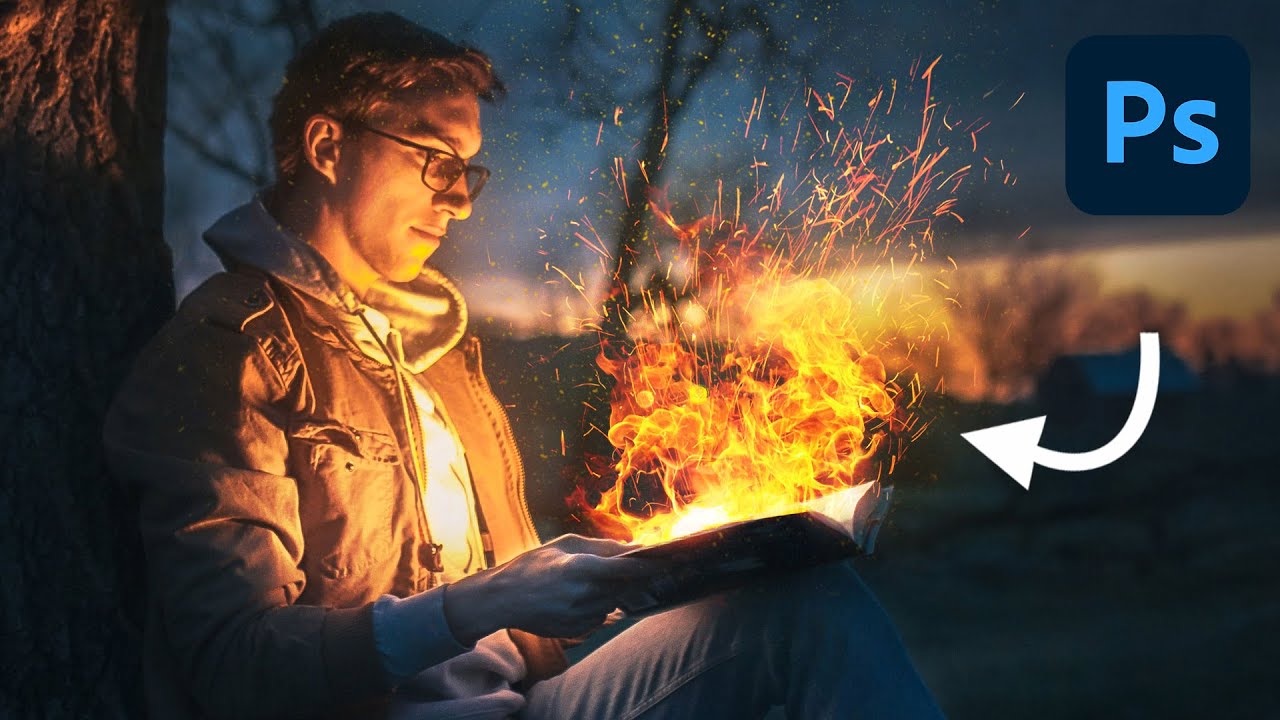
Fake Fire That Actually Looks Real: A Photoshop Compositing Trick Worth Stealing

Fake Fire That Actually Looks Real: A Photoshop Compositing Trick Worth Stealing

I’ve spent embarrassing amounts of time trying to manufacture drama in composite images. Explosions, sparks, light leaks — you name it, I’ve probably botched it. Fire especially has this reputation for being one of those effects that either looks jaw-dropping or immediately screams “I found a free brush pack on DeviantArt.” So when I stumbled on this Aaron Nace (PHLEARN) tutorial on creating realistic fire in Photoshop, I fully expected another overcomplicated mess of filters and adjustment layers.

Photoshop's Hidden Flame Filter Is Doing the Heavy Lifting You Didn't Know You Needed

Photoshop's Hidden Flame Filter Is Doing the Heavy Lifting You Didn't Know You Needed

There’s a specific kind of embarrassment that hits when you’ve spent an hour sourcing fire stock images, masking them, blending them, and fighting with blend modes — only to realize Photoshop had a built-in flame generator the entire time. That happened to me on a concert poster project a while back. I ended up with a passable result, but it was a grind. So when I came across Watch the full tutorial on YouTube from Aaron Nace over at PHLEARN, I sat up a little straighter.