Stop Choking Your Hard Drive: The Lightroom External Drive Workflow That Keeps Your System Fast

Stop Choking Your Hard Drive: The Lightroom External Drive Workflow That Keeps Your System Fast

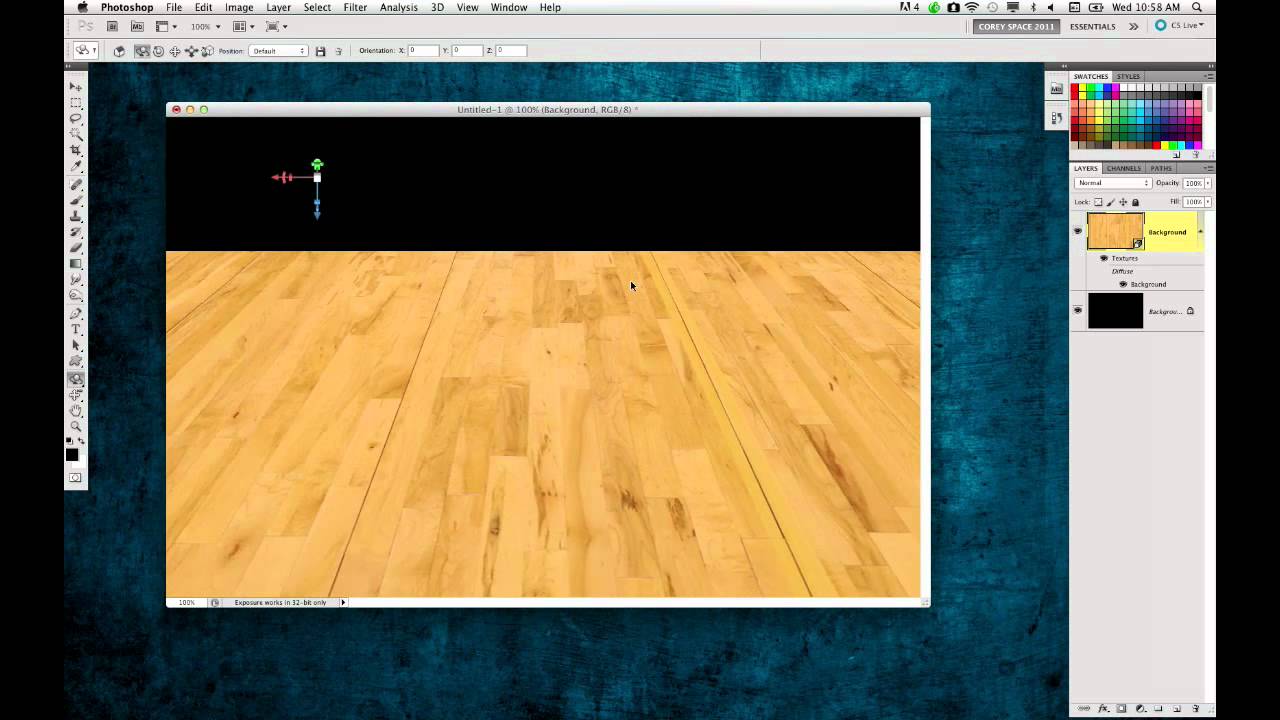
I run Photoshop from a coffee shop table most days, which means my laptop is doing a lot of heavy lifting on not a lot of real estate. For a long time I treated my internal drive like a junk drawer, just dumping everything on it and wondering why things got sluggish around deadline. It wasn’t until I watched this older KelbyOne tutorial, PhotoshopUser TV Episode 293{target="_blank"}, that I realized my file management habits were basically sabotaging my own machine.

Open, Edit, Save: The Photoshop Workflow That Actually Sticks (Day 2 Breakdown)

Open, Edit, Save: The Photoshop Workflow That Actually Sticks (Day 2 Breakdown)

There’s a particular kind of embarrassment that comes from being a working designer and realizing you’ve been opening files the slow way for years. Not wrong, just slow. Inefficient in that quiet, compounding way that costs you ten seconds here, thirty seconds there, until one day you’re watching someone else work and they pull off three steps in the time it took you to reach for your mouse. That was me, earlier in my career, and honestly it still catches me off guard when I stumble onto a faster method.

Create, Size & Share Desktop Wallpapers in Photoshop (The Right Way)

Create, Size & Share Desktop Wallpapers in Photoshop (The Right Way)

If you’ve ever finished a photo composite or a piece of digital art and thought “this would make a sick desktop wallpaper” — and then had absolutely no idea what to do next — you’re not alone. I’ve been there. I’ve exported things at the wrong resolution, uploaded files that looked great on my monitor and blurry on everything else, and once spent an embarrassing amount of time trying to figure out where to even host the thing so other people could grab it.

Best Storage Solutions for Large Photoshop Files in 2026

Best Storage Solutions for Large Photoshop Files in 2026

Best Storage Solutions for Large Photoshop Files in 2026 Look, I’ve been doing this long enough to know that storage conversations aren’t sexy. Nobody gets excited about talking about hard drives at parties. But you know what is exciting? Not having Photoshop choke when you’re working on your 47th layer of a massive print file. Not watching a 4GB export crawl along at dial-up speeds. Not discovering mid-project that your external drive is actually just a very expensive paperweight.