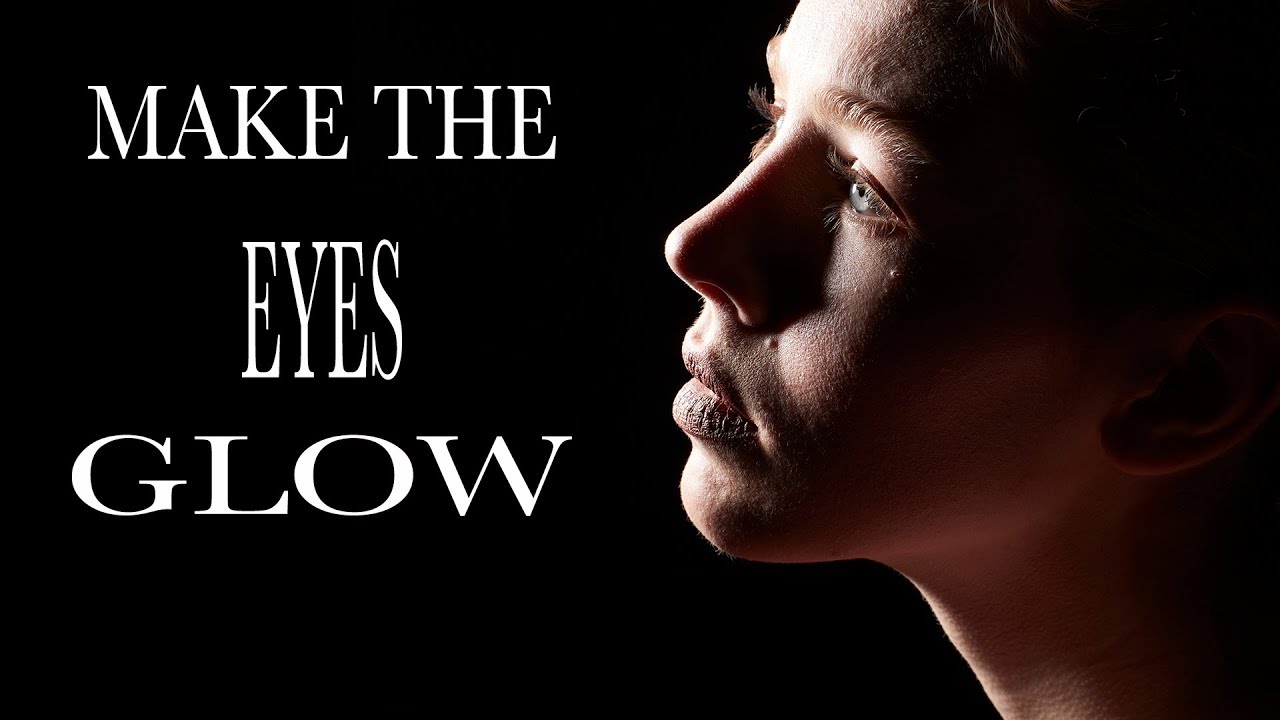
The Glowing Eye Effect You Can't Fake in Post (So Stop Trying)

The Glowing Eye Effect You Can't Fake in Post (So Stop Trying)

There’s a specific flavor of frustration I know well: spending twenty minutes in Photoshop pushing the iris brightness slider on a portrait, adding fake catchlights, maybe throwing a curves adjustment on a layer mask - and still ending up with eyes that look like they were lit by a refrigerator. The result is always a little off. A little dead. You can tell it was done in post, and so can your client.
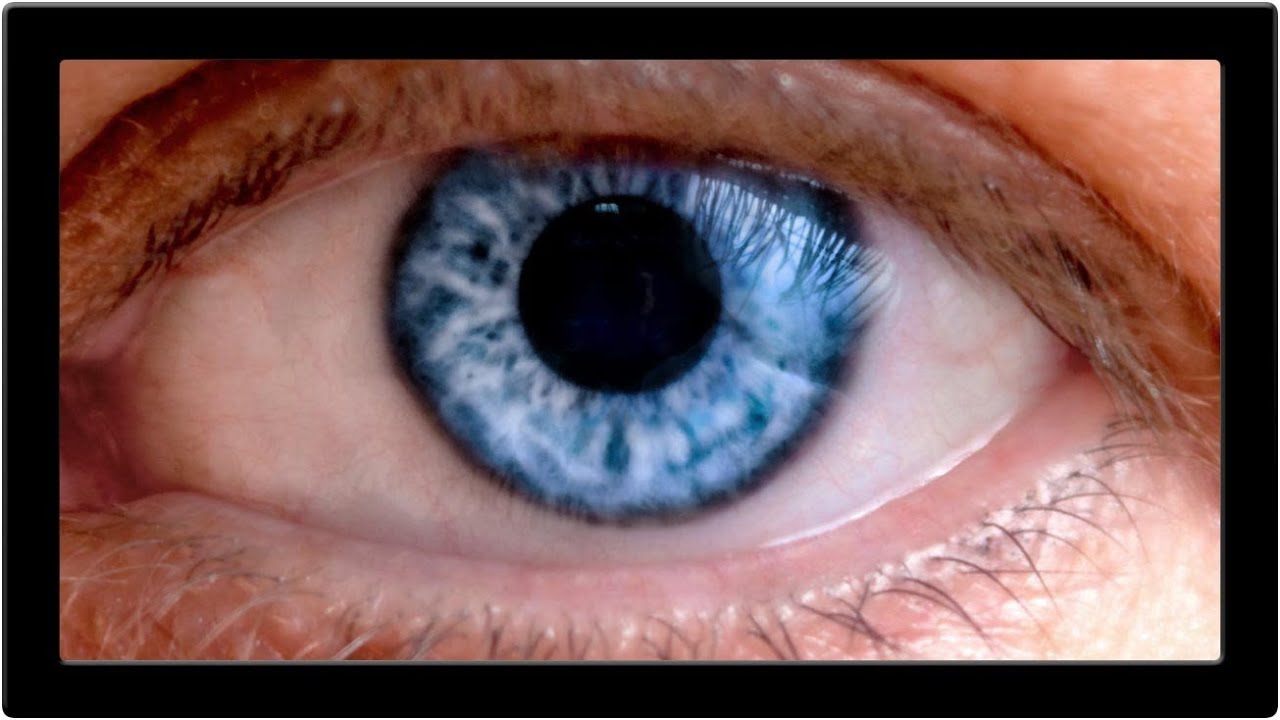
Red Eyes, Distracting Reflections, and How to Fix Both in Photoshop

Red Eyes, Distracting Reflections, and How to Fix Both in Photoshop

Portrait retouching has a way of humbling you fast. You can nail the skin, get the hair looking great, and then zoom into the eyes and realize the whole thing looks like your subject just finished a crying marathon or a very long night. Red veins, weird reflections, flat color in the iris – eyes are small but they carry an enormous amount of visual weight in any portrait, and when they’re off, everyone notices even if they can’t explain why.