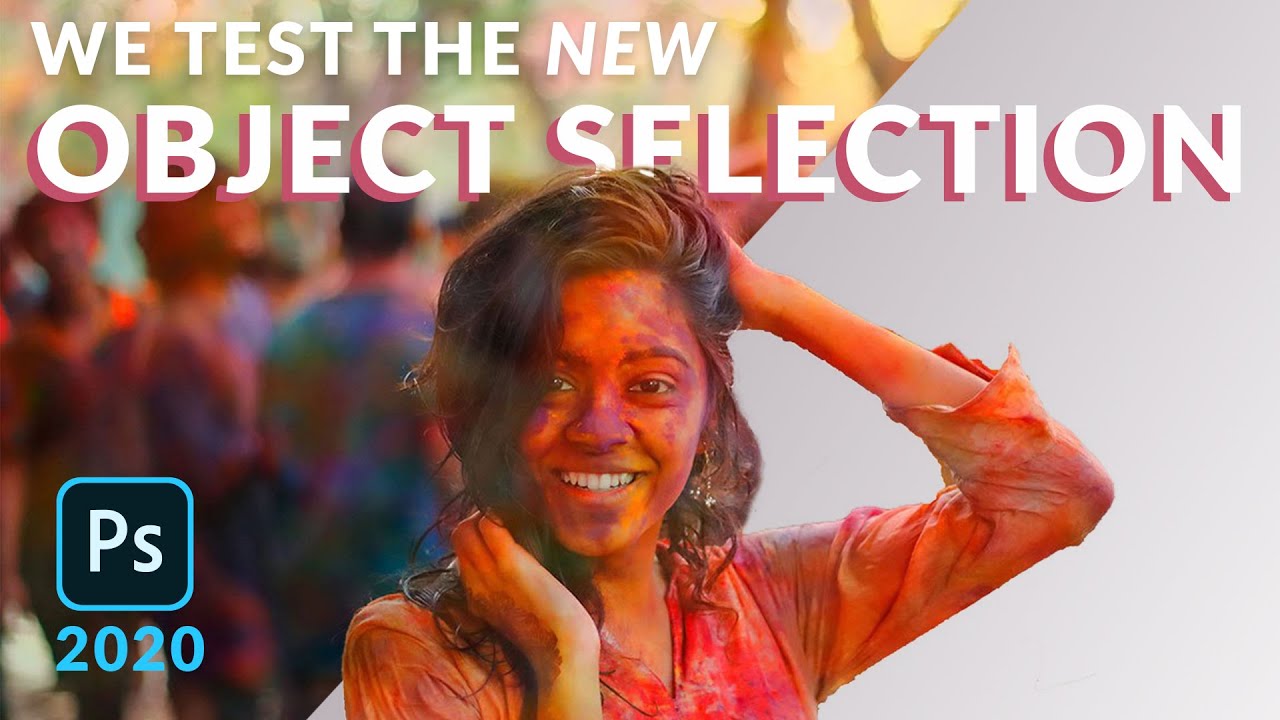
Photoshop's Object Selection Tool Will Make You Feel Like You've Been Working Too Hard

Photoshop's Object Selection Tool Will Make You Feel Like You've Been Working Too Hard

I used to spend an embarrassing amount of time wrestling with the Quick Selection Tool, painting over subjects pixel by pixel like I was defusing a bomb. Zoom in, paint a little, zoom out, swear, undo, repeat. It worked, but “it works” is a pretty low bar when you’re billing a client by the project and not the hour. So when Photoshop 2020 dropped the Object Selection Tool, I genuinely felt a little cheated that I hadn’t had it sooner.

Stop Fighting Fuzzy Edges: The Smarter Cutout Workflow Aaron Nace Taught Me

Stop Fighting Fuzzy Edges: The Smarter Cutout Workflow Aaron Nace Taught Me

There’s a specific kind of defeat that comes from spending forty-five minutes with the Pen tool trying to cut out a fuzzy sweater, only to end up with edges that look like they were drawn by someone using a mouse for the first time. I’ve been there. More than once. The problem isn’t skill, it’s using the wrong tool for the wrong edge, and it took me longer than I’d like to admit to accept that.

Stop Fighting the Magic Wand Tool — It's Actually Good (When You Use It Right)

Stop Fighting the Magic Wand Tool — It's Actually Good (When You Use It Right)

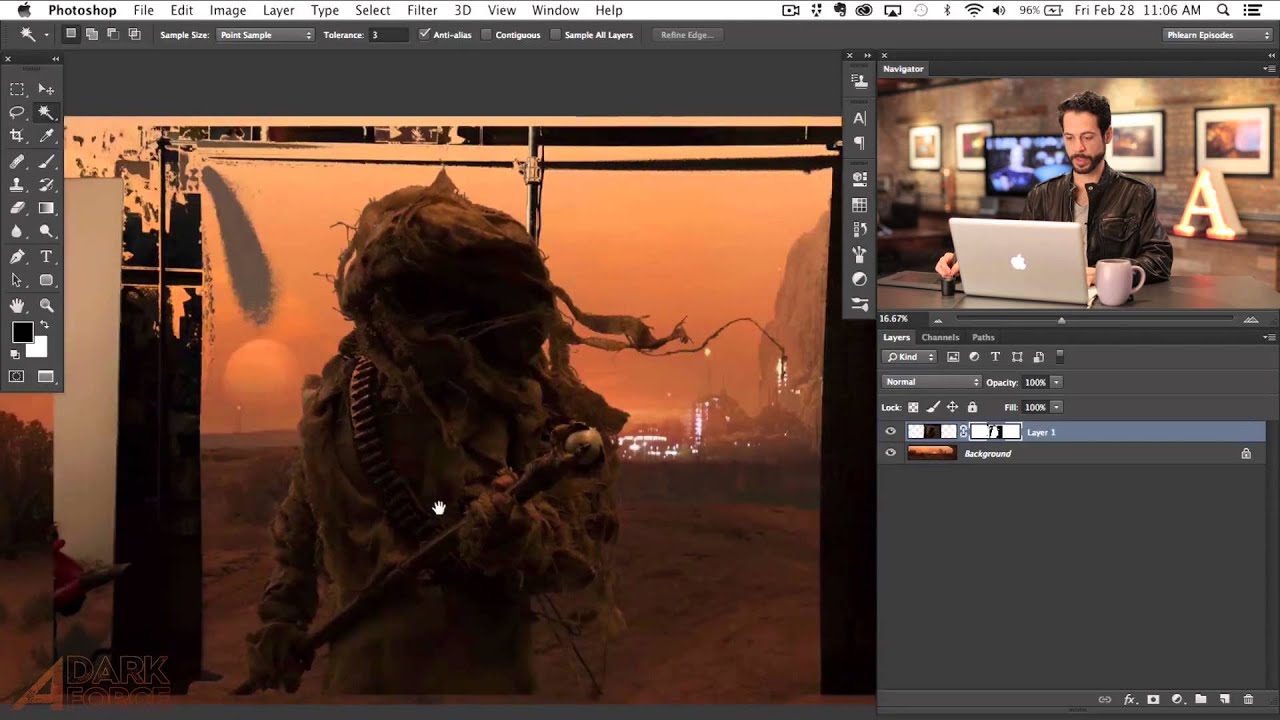
Compositing is where Photoshop either saves your project or humiliates you. I’ve been on both ends of that. There was a period where I spent three full days on a composite, painstakingly painting out a background pixel by pixel, only to have a friend glance at it, ask why I wasn’t using a smarter selection workflow, and then rebuild the whole thing in about twenty minutes while I sat there questioning my life choices.

Stop Fighting the Pen Tool: A Smarter Way to Cut Out Planes, Cars, and Anything With Hard Edges

Stop Fighting the Pen Tool: A Smarter Way to Cut Out Planes, Cars, and Anything With Hard Edges

There’s a specific kind of frustration that comes from spending forty-five minutes on a selection, zooming out, and realizing the edges look like you traced the thing with a bar of soap. Quick Select is great. Magic Wand has its moments. But when you’re cutting out something with hard, defined edges, like a car, a plane, a pair of glasses, a product shot, the fuzzy selection tools will consistently let you down.

Stop Fighting With Hair Selections — Here's the Photoshop Trick That Actually Works

Stop Fighting With Hair Selections — Here's the Photoshop Trick That Actually Works

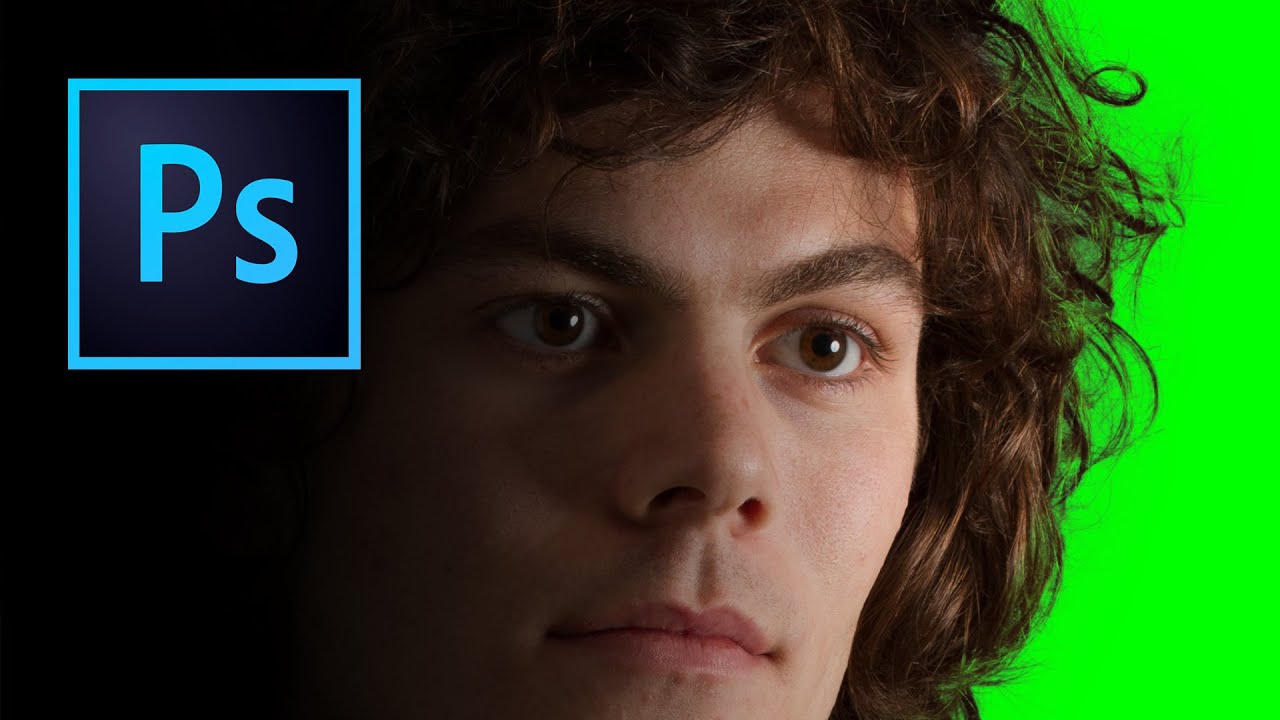
There’s a specific kind of frustration that comes from spending an hour manually tracing flyaway hair with the Lasso tool, zoomed in at 400%, one pixel at a time, only to zoom back out and realize it still looks like your subject is wearing a helmet made of jagged edges. I’ve been there more times than I want to admit. Early in my freelance days I’d deliver composites where the hair looked painted on, and I’d just… hope the client didn’t notice.