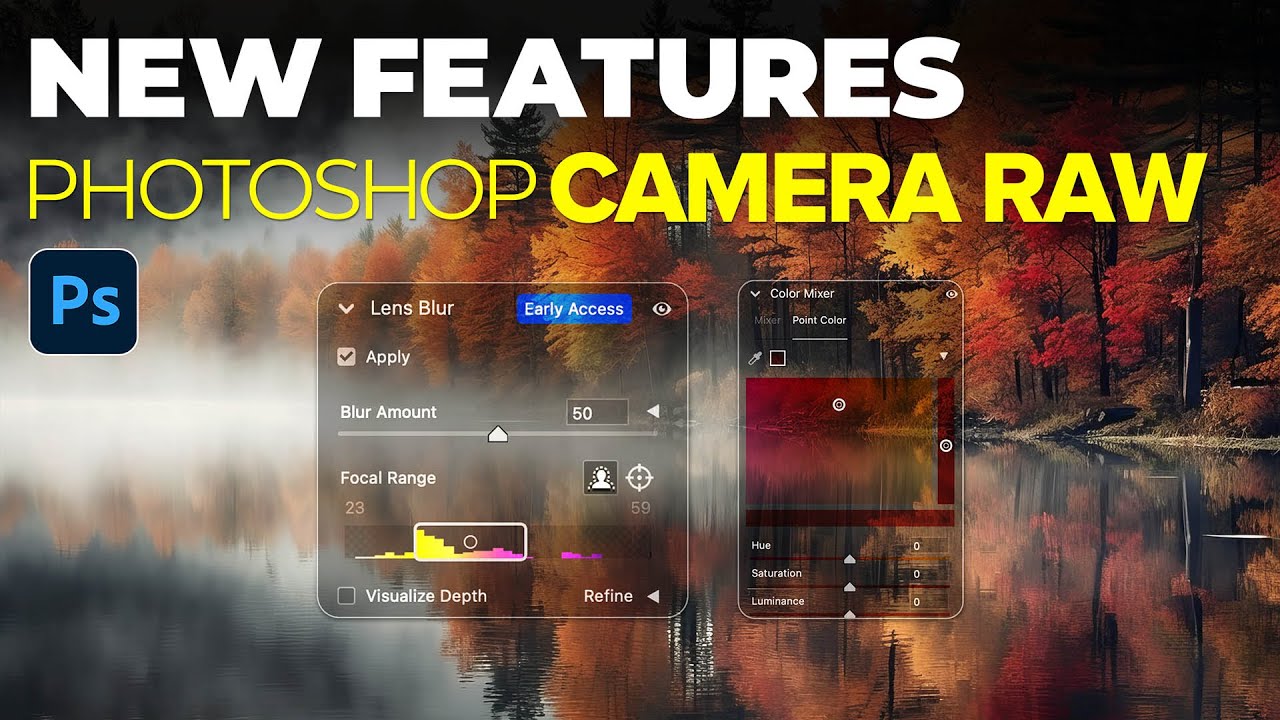
Camera Raw's New Lens Blur Tool: What It Does, What It Can't, and When to Actually Use It

Camera Raw's New Lens Blur Tool: What It Does, What It Can't, and When to Actually Use It

Client work has a way of teaching you lessons you didn’t ask for. I’ve lost count of how many times I’ve delivered a portrait edit only to have someone come back asking why the background “doesn’t look blurry enough” or “looks fake.” Background blur is one of those things that sounds simple until you’re actually trying to pull it off cleanly in post. So when Adobe dropped a Camera Raw update during Adobe Max week in October 2023, and one of the headlining features was a new Lens Blur tool built right into Camera Raw, I paid attention.
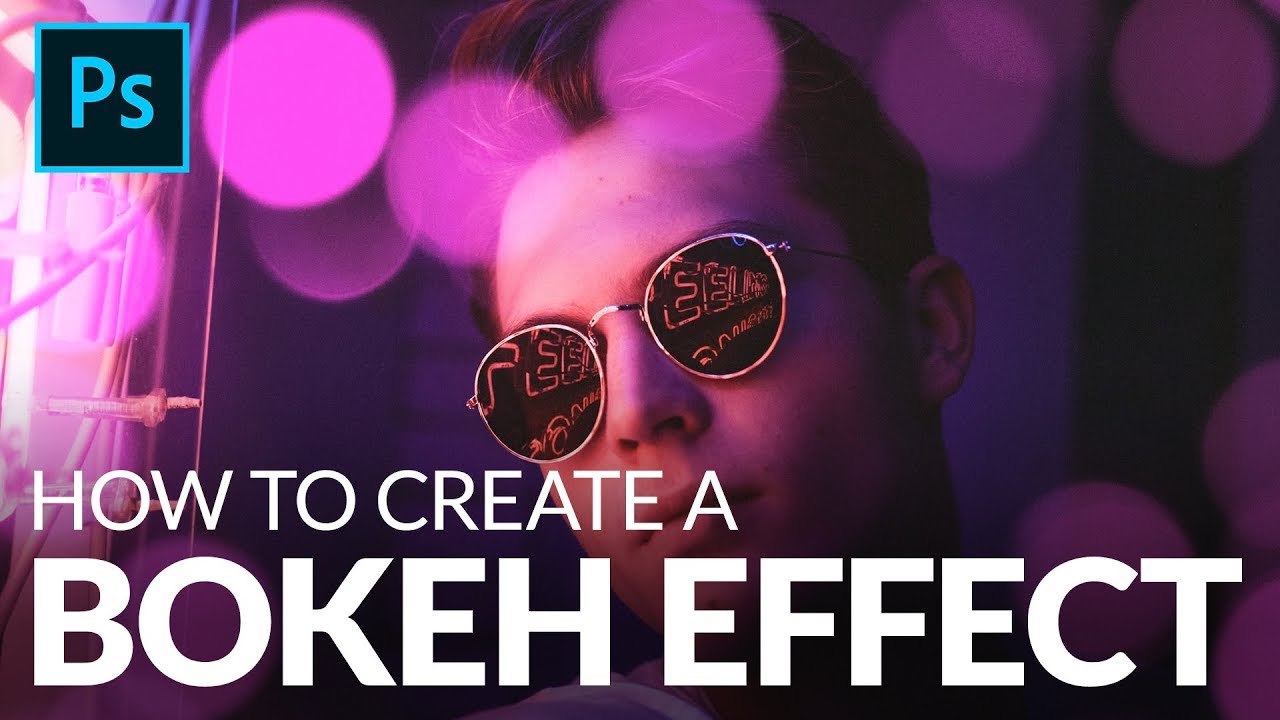
Fake Bokeh That Actually Looks Real: A Photoshop Trick You'll Use On Every Portrait

Fake Bokeh That Actually Looks Real: A Photoshop Trick You'll Use On Every Portrait

There’s a specific kind of client feedback that haunts me. The photo is sharp, the subject is well-lit, the composition is solid, and then: “Can you make it look more… dreamy?” Dreamy. Great. Super specific. What they almost always mean, even if they don’t know the word, is bokeh. Those soft, glowing orbs of out-of-focus light that make a photo feel expensive and editorial. The problem is you can’t go back and reshoot with a wider aperture, and generating fake depth of field that looks convincing is a whole other ordeal.