Fake the Bokeh: How to Use Photoshop's Tilt-Shift Blur to Make Any Photo Look More Cinematic

Fake the Bokeh: How to Use Photoshop's Tilt-Shift Blur to Make Any Photo Look More Cinematic

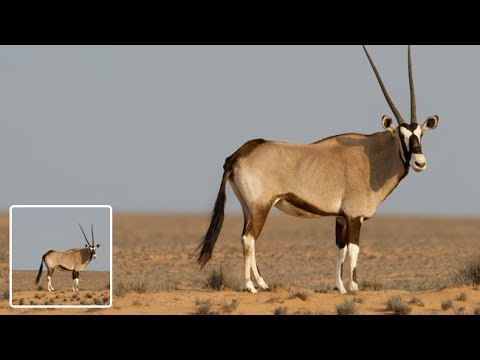
There’s a specific kind of jealousy you feel when you see a photo where the subject just pops off the background. You know the shot. The subject is razor-sharp, the background melts into a creamy blur, and the whole thing looks like it was taken with a lens that costs more than your rent. I’ve been on both ends of that feeling. Some shots I’ve edited genuinely had that optical depth of field baked in.
Fake a Tilt-Shift Lens in Photoshop Without Spending $2,000 on Glass

Fake a Tilt-Shift Lens in Photoshop Without Spending $2,000 on Glass

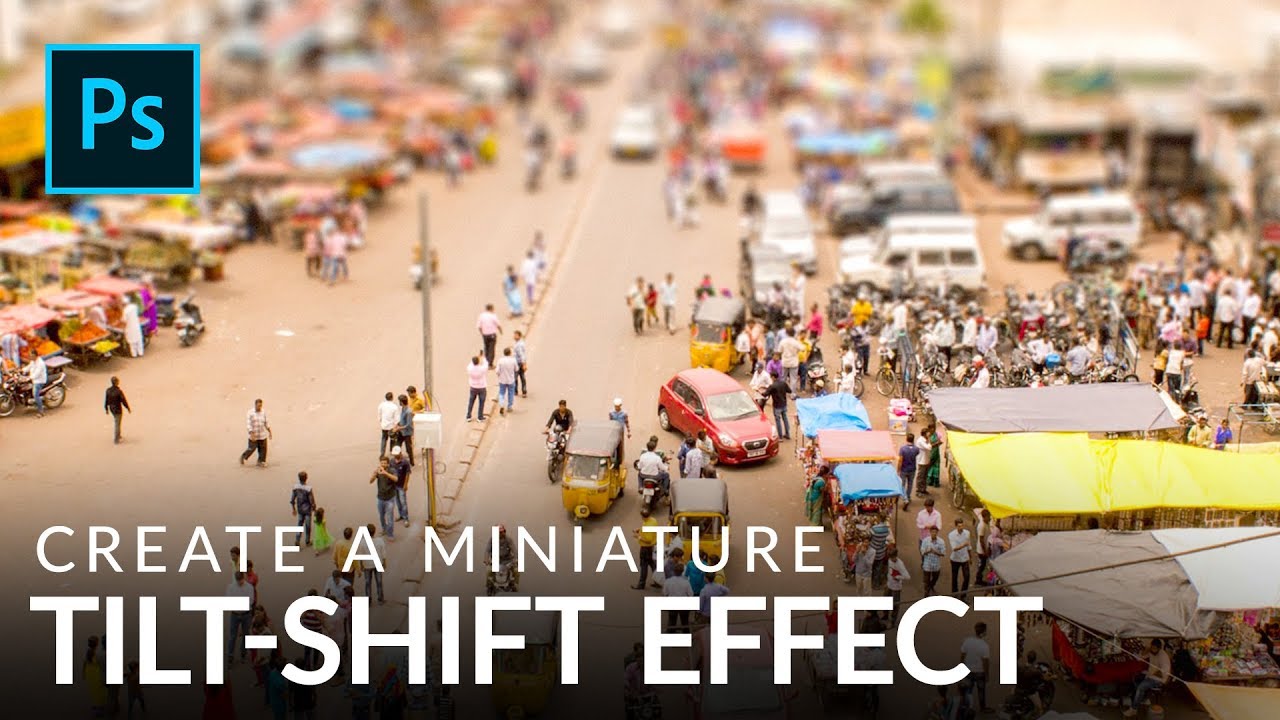
There’s a certain kind of photo that stops people mid-scroll. The city looks like a model train set. The crowd looks like a handful of tiny plastic people. Everything feels weirdly toy-like and satisfying. That’s the tilt-shift effect, and for years I assumed it required either an absurdly expensive specialty lens or some dark Photoshop sorcery I hadn’t been initiated into. Turns out it’s neither. It’s a gradient mask and a blur filter, and you can knock it out in under ten minutes once you know what you’re doing.