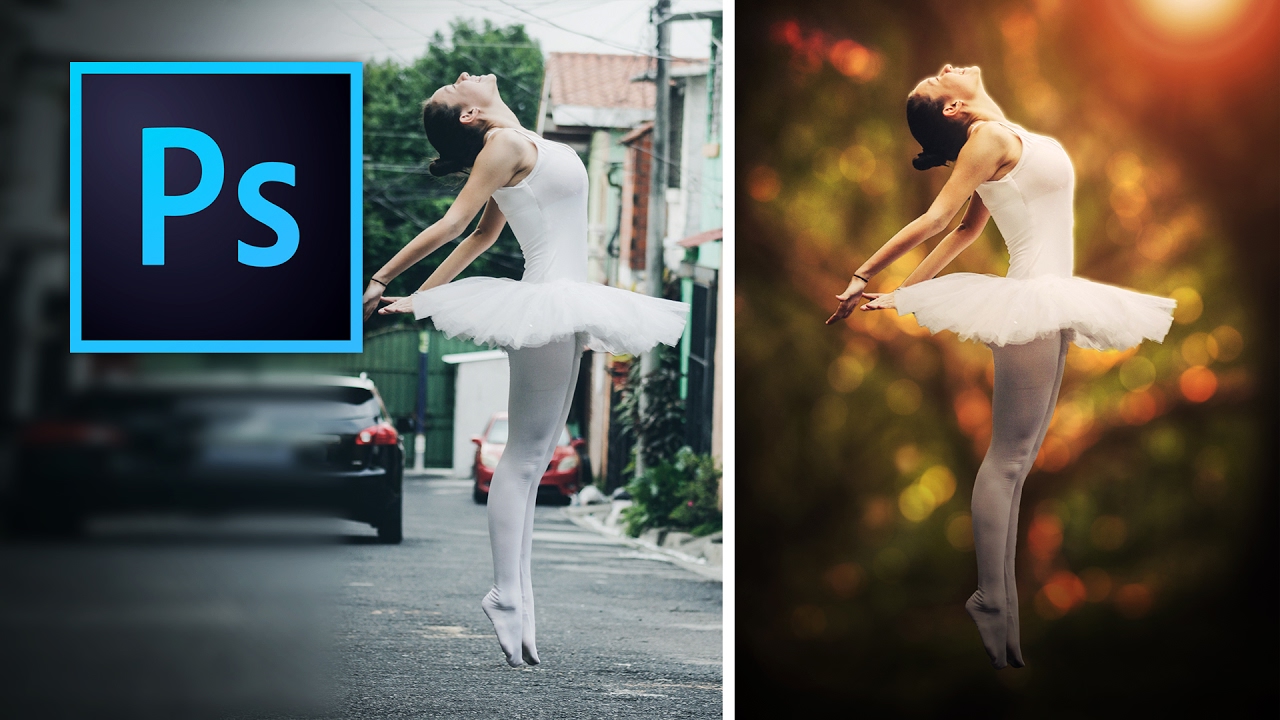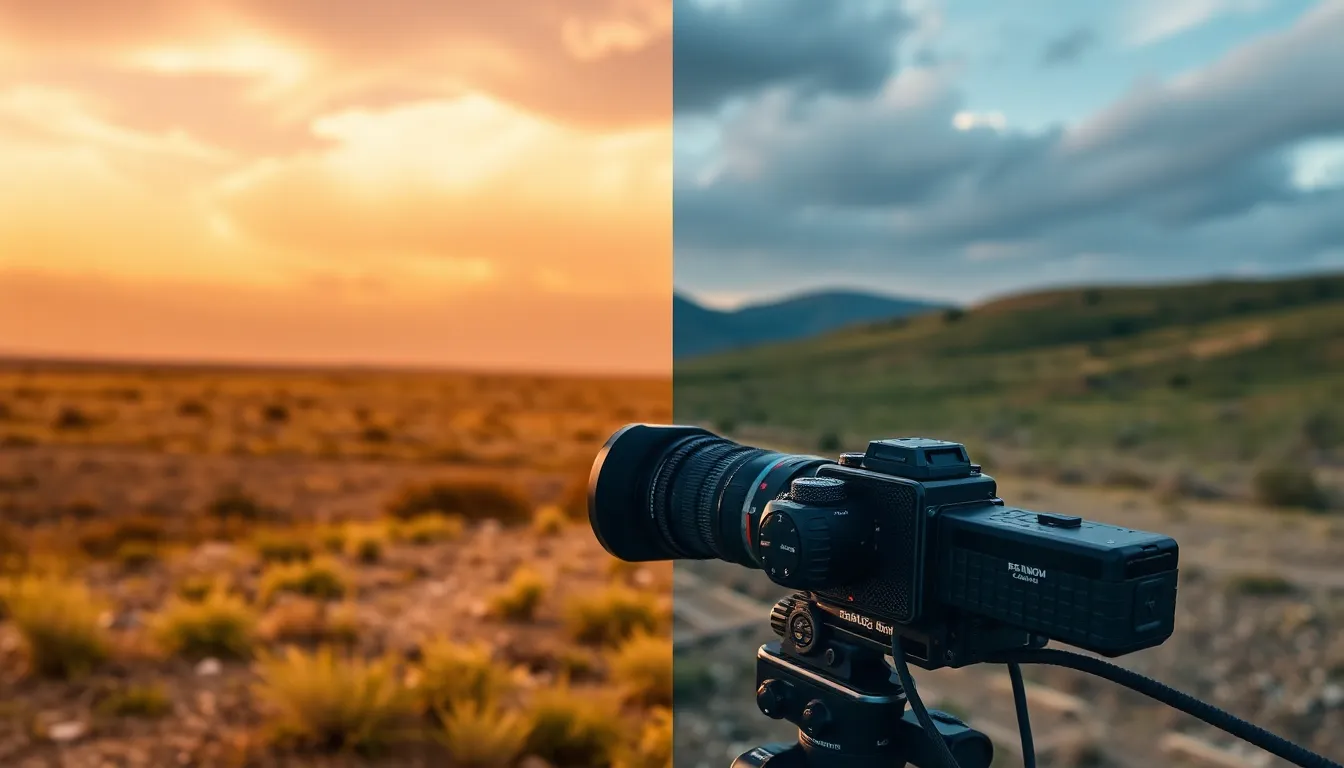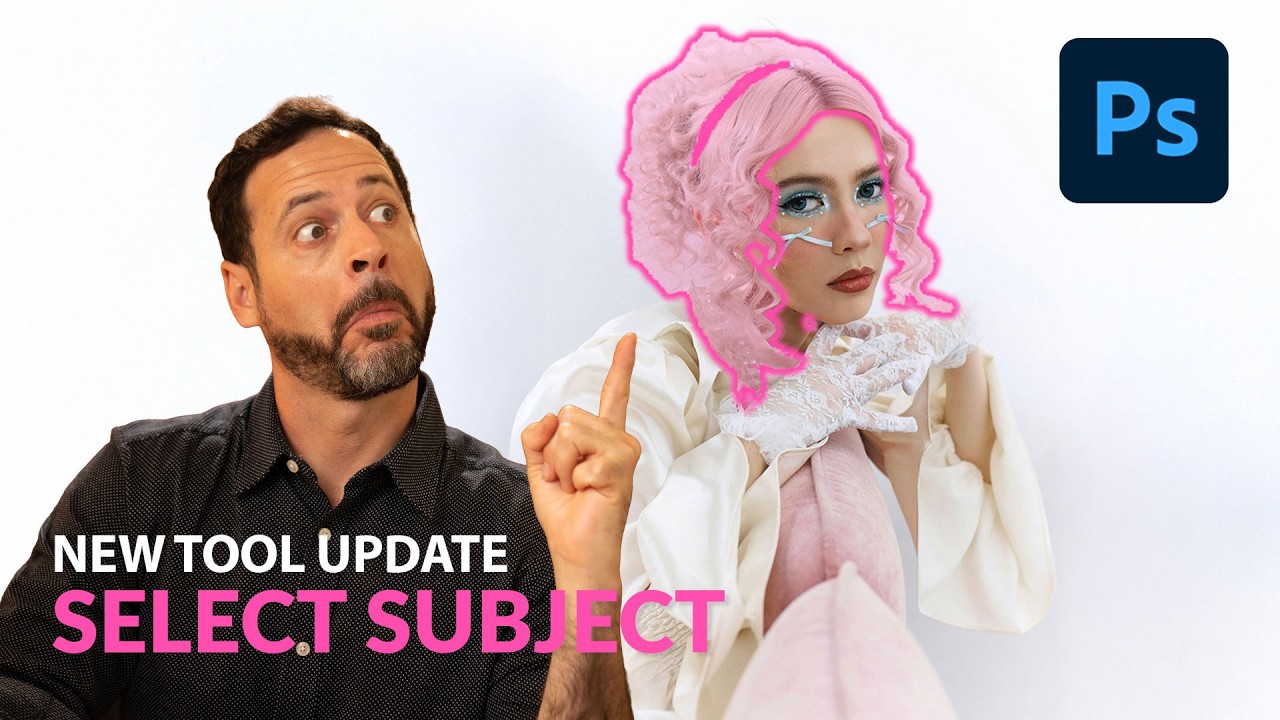
Stop Faking It: How to Actually Change a Background in Photoshop Without It Looking Like a Middle School Collage

Stop Faking It: How to Actually Change a Background in Photoshop Without It Looking Like a Middle School Collage

Client sends you a product shot. Great photo, terrible background. Gray wall, weird shadow, a corner of what might be a laundry basket. They want it looking clean and professional by Thursday. You’ve been here before. I’ve been here before. Approximately forty times this year alone, judging by my invoices. Background replacement sounds simple until you’re staring at flyaway hair against a cluttered backdrop and your selection looks like it was traced by someone wearing oven mitts.

How to Remove Background in Photoshop 2026: The Complete Guide to Every Method

How to Remove Background in Photoshop 2026: The Complete Guide to Every Method

How to Remove Background in Photoshop 2026: The Complete Guide to Every Method Look, I’ve been removing backgrounds in Photoshop for longer than I care to admit, and I’m here to tell you that Adobe has finally made it actually fun. The 2026 version brought some seriously impressive updates that make the old “painstaking selection tools” feel like we were editing with stone tablets. If you’re wondering how to remove background in Photoshop 2026, you’re in luck—because this year’s features are genuinely game-changing.